

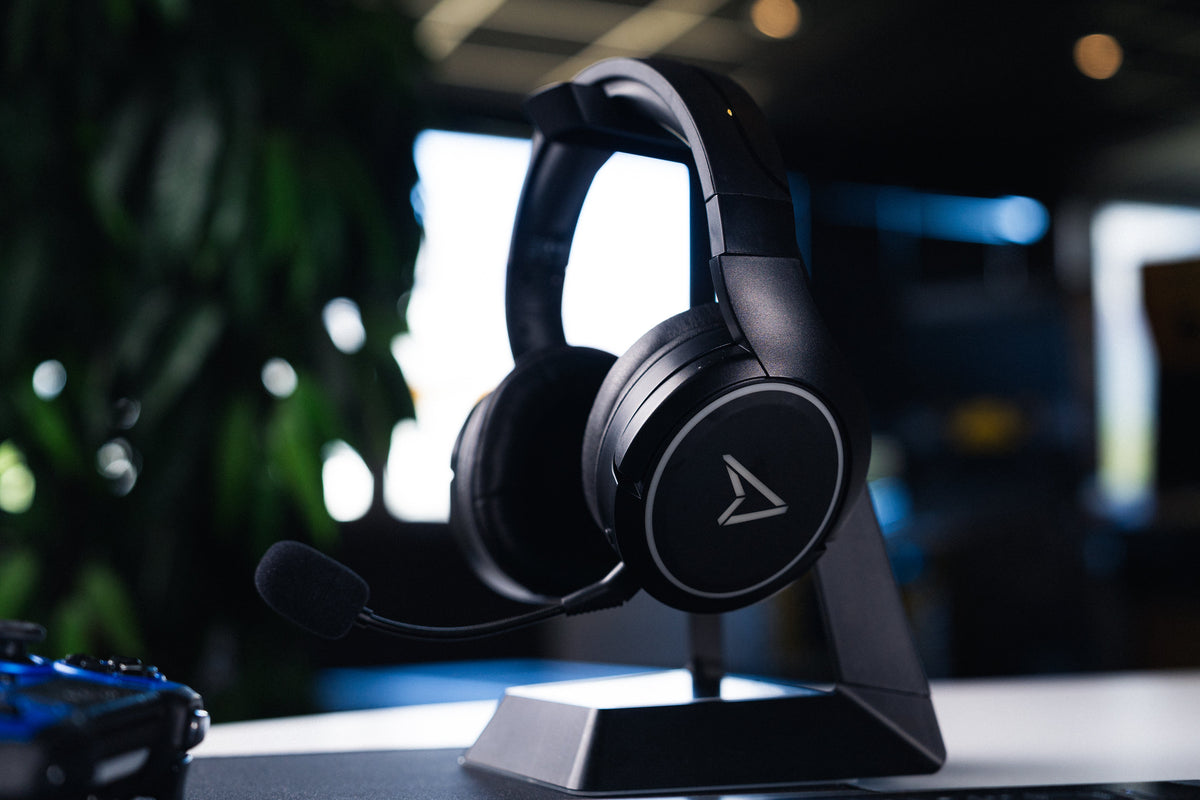
Are you torn between Bluetooth gaming headphones and a 2.4 GHz wireless model? It all depends on how you play. For competitive FPS games, 2.4 GHz generally offers lower latency. Bluetooth prioritizes the freedom to use your headphones with multiple devices, especially smartphones. Some headphones allow you to switch between connections depending on your needs.
Bluetooth or 2.4 GHz: what are the differences?
Both technologies allow you to break free from cables. However, they work differently.
Bluetooth: everyday freedom
Bluetooth connects your headphones directly to a compatible device. No additional USB receiver is required. This means you can use your headphones with a laptop, smartphone, or tablet.
Its main drawback for gaming remains latency. Depending on the headphones, audio codec, and device used, there may be a delay between an action on screen and its sound.
2.4 GHz: a connection designed for responsiveness
2.4 GHz gaming headphones generally use a small USB receiver called a dongle. This establishes a dedicated connection with the headphones, often optimized to reduce audio latency.
Bluetooth also uses the 2.4 GHz frequency band. The difference lies in the transmission protocol.
Comparison: Bluetooth, 2.4 GHz, or wired headphones
| Criterion | Bluetooth | 2.4 GHz | Wired jack |
|---|---|---|---|
| Audio latency | Variable | Generally low | Very low |
| Freedom of movement | High | High | Limited |
| Setup | Pairing | USB dongle | Direct connection |
| Competitive gaming | Less suitable | Recommended | Recommended |
| Mobile use | Very suitable | Depending on compatibility | Depending on connectivity |
| Recharge required | Yes | Yes | Generally no |
| PS5 compatibility | Not native | Compatible dongle | Via the controller |
Which games should you prioritize 2.4 GHz for?
Competitive FPS: hear more to anticipate better
In Counter-Strike 2, Valorant, Fortnite, or Call of Duty: Warzone, audio cues constantly guide your decisions.
Footsteps behind a wall, reloading in the next room, a door opening: all these clues allow you to adjust your next move.
A low-latency connection reduces the delay between these events and their sound. However, the accuracy of their localization depends on the headphones and the game's audio processing.
Rocket League and racing games
In Rocket League, ball impacts, collisions, and acceleration drive the pace of the game.
In Forza Horizon or Assetto Corsa, engine and tire noises also provide useful information for driving. Good synchronization between sound and picture contributes to a smooth experience.
Rhythm games
In osu! or Geometry Dash, audio synchronization is central. Headphones with significant latency can disrupt your timing. A low-latency 2.4 GHz or wired connection is therefore preferable.
Which games is Bluetooth sufficient for?
Not all games require the same level of audio responsiveness.
In The Sims 4, Minecraft, Civilization VII, or Stardew Valley, audio latency will generally have less impact on your performance.
Bluetooth is also useful for mobile games, casual sessions, or when you want to use your headphones to listen to music between games.
If your equipment accompanies you throughout the day, this freedom of connection can make a difference.
LEXIP Targaryen: three connections for a single pair of headphones
Why choose definitively between Bluetooth and 2.4 GHz when your needs change throughout the day?
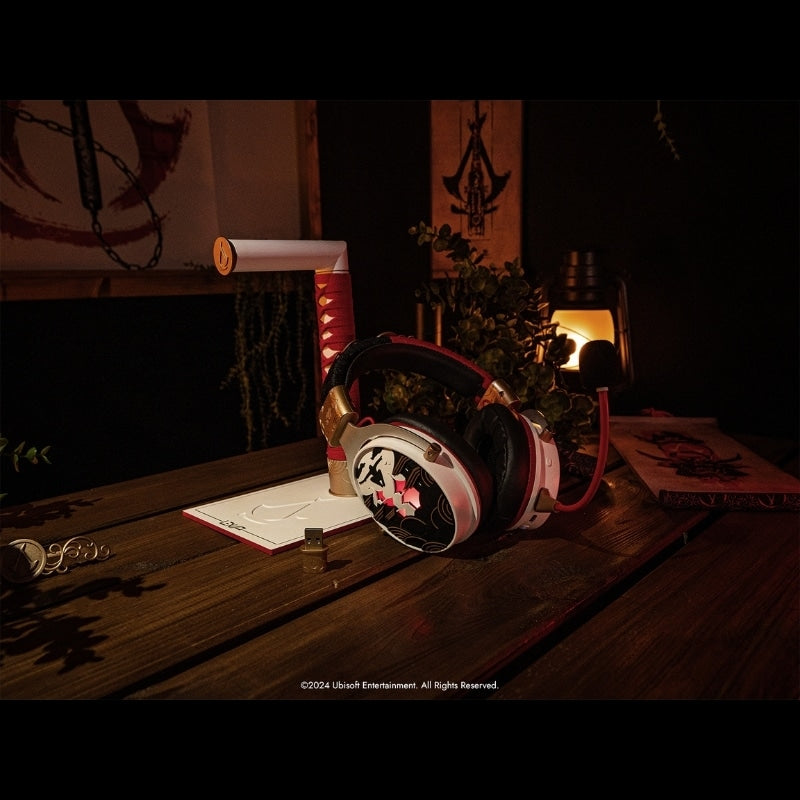
The LEXIP Game of Thrones Targaryen wireless headphones offer three connection modes:
-
2.4 GHz via USB dongle for greater responsiveness while gaming.
-
Bluetooth for use with your compatible devices.
-
3.5 mm jack to enjoy the benefits of a wired connection.
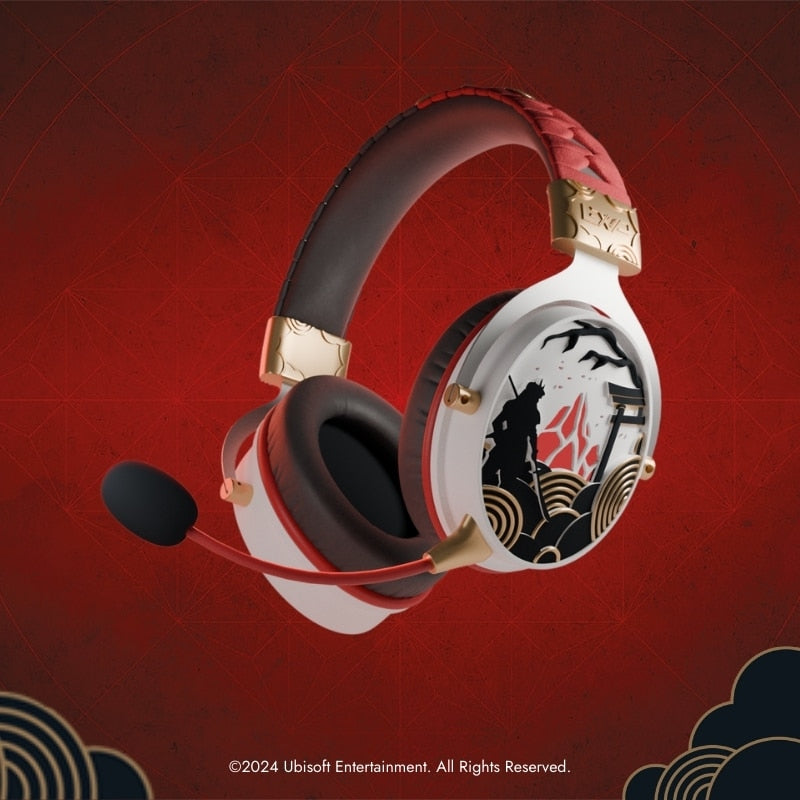
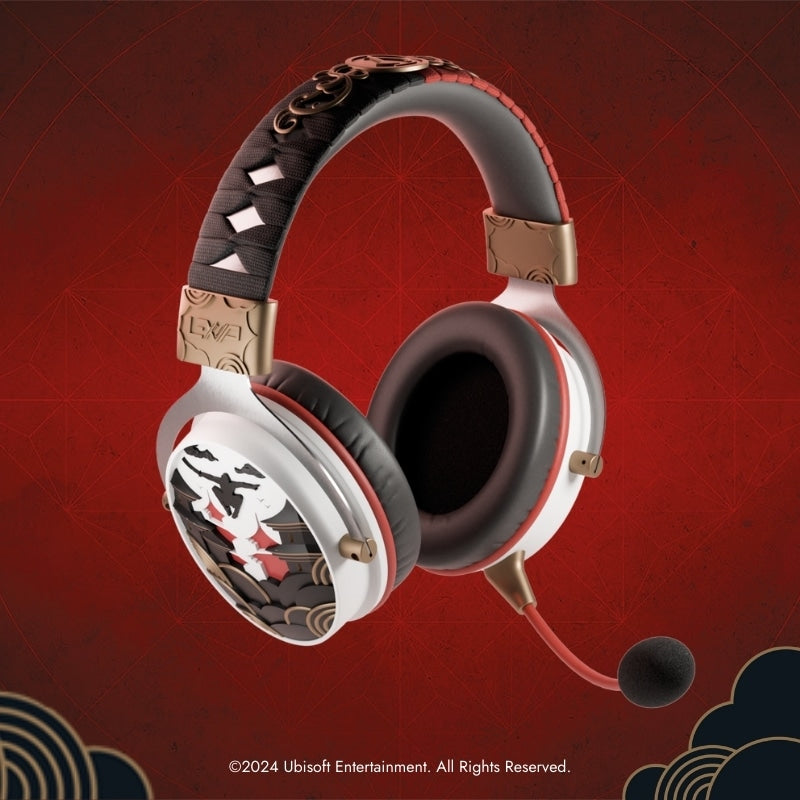
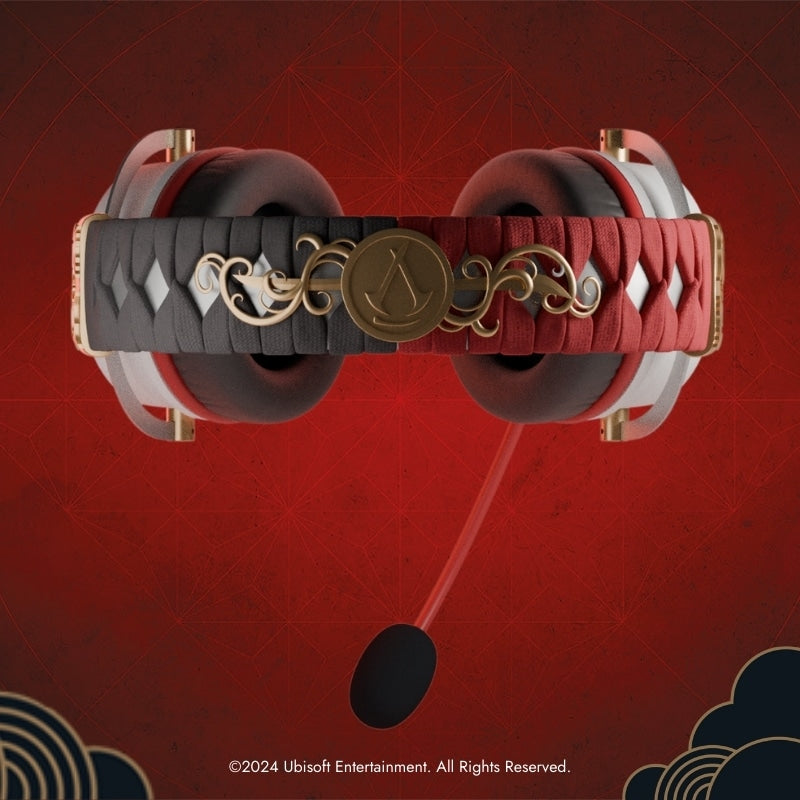
Inspired by House Targaryen, its design was created by Tsume artists. It features 50 mm speakers, a detachable flexible microphone, an adjustable padded headband, and an advertised battery life of around 28 hours.
This means you can start your evening with Fortnite using the USB dongle, continue on your smartphone via Bluetooth, or use the jack connection depending on your platform.
Your headphones adapt to your use.
📸 Image 3: Official photo of the Targaryen headphones, showing their finishing details and connection accessories.
Discover the LEXIP Targaryen wireless headphones
LEXIP Impulse: an alternative for everyday use
If you are looking for greater versatility between entertainment, casual gaming, and everyday use, the LEXIP Impulse headphones offer a different approach.
Its Bluetooth connection, detachable microphone, and wired use option make it easy to switch from one activity to another.
For competitive players who want to enjoy a low-latency wireless connection, the Targaryen retains the advantage of its dedicated 2.4 GHz mode.
📸 Image 4: LEXIP Impulse headphones in an office environment, next to a laptop and a smartphone.
Discover the LEXIP Impulse headphones
Which connection should you choose for PC, PS5, or Nintendo Switch?
-
PC: prioritize the 2.4 GHz dongle for competitive gaming.
-
PS5: use a compatible dongle or a jack connection on the controller. Standard Bluetooth audio is not directly supported.
-
Nintendo Switch: Bluetooth audio is available, but it does not support a Bluetooth microphone.
-
Smartphone: Bluetooth generally remains the most convenient solution.
Always check the compatibility of each connection mode before making a purchase.
FAQ
Does 2.4 GHz offer better sound quality?
Not necessarily. Its main advantage for gaming lies in reduced latency. Sound quality also depends on the speakers and audio processing.
Does Bluetooth reduce FPS?
No. Bluetooth latency affects audio transmission, not the number of frames per second displayed.
Can you use 2.4 GHz headphones without a dongle?
Only if the headphones offer another connection mode, such as Bluetooth or a jack.
Which gaming headphones should you choose in the end?
At LEXIP, we prioritize equipment suited to your actual use. 2.4 GHz meets the demands of fast-paced games. Bluetooth offers greater everyday freedom. Wired remains a reliable choice for limiting latency.
It is up to you to choose the connection that suits your gaming style.









Partager: