


Your controller is connected to your PC, but your game will not recognize it? Are the controls reversed or some triggers unresponsive? The interface your controller uses may explain the problem.
XInput generally makes controllers easier to recognize in recent PC games. DirectInput is older, but it is still useful with some classic games and specialist devices. Here is how to choose the right mode and when to use each one.
How do XInput and DirectInput work?
When you move a stick, your computer must pass that movement to the game. XInput and DirectInput are Microsoft programming interfaces that let software read input from a device.
XInput: familiar Xbox-style controls
XInput follows the standard Xbox controller layout: sticks, buttons, LT and RT triggers, D-pad and vibration. A game designed for this interface generally knows where to find each control, without extensive remapping.
For a recent PC game, XInput is often the best mode to try first. It saves time during setup and keeps controls familiar from one title to the next.
DirectInput: greater flexibility for certain uses
DirectInput is also part of DirectX. This older interface supports many types of device, including traditional controllers, simulation joysticks and certain steering wheels. Depending on the game, buttons may need to be assigned manually.
It remains relevant when you revisit an older PC game or use a device that does not follow the Xbox control layout.
XInput vs DirectInput: comparison
| Criterion | XInput | DirectInput |
|---|---|---|
| Typical use | Recent PC games | Older games and varied devices |
| Detection | Often automatic | Depends on the game |
| Setup | Usually straightforward | Sometimes manual |
| Triggers | Two separate analog inputs | Varies with the device |
| Vibration | Standardized support | Depends on the device and software |
Key point: XInput does not inherently make a controller faster or more accurate. Latency also depends on the hardware, connection and game. Its main benefit is simpler recognition.
Which PC games should use XInput or DirectInput?
GTA V and Forza Horizon 5: start with XInput
In a modern action or driving game, a controller layout recognized immediately saves you from remapping buttons. In GTA V, switching between exploring, driving and action benefits from consistent controls. Forza Horizon 5 also puts progressive trigger input to good use for acceleration and braking.
Try XInput first, then check that all actions respond correctly.
Trackmania: both modes can work
Trackmania officially supports XInput and DirectInput controllers. Choose the mode your setup recognizes, then test steering and acceleration in the game settings.
Older games and simulation: try DirectInput
Some older PC titles and simulation software provide menus to assign each control separately. DirectInput may be a better fit in these cases. Check the game's supported device list first.
Sunset and Gangsta: two LEXIP controllers supporting both modes
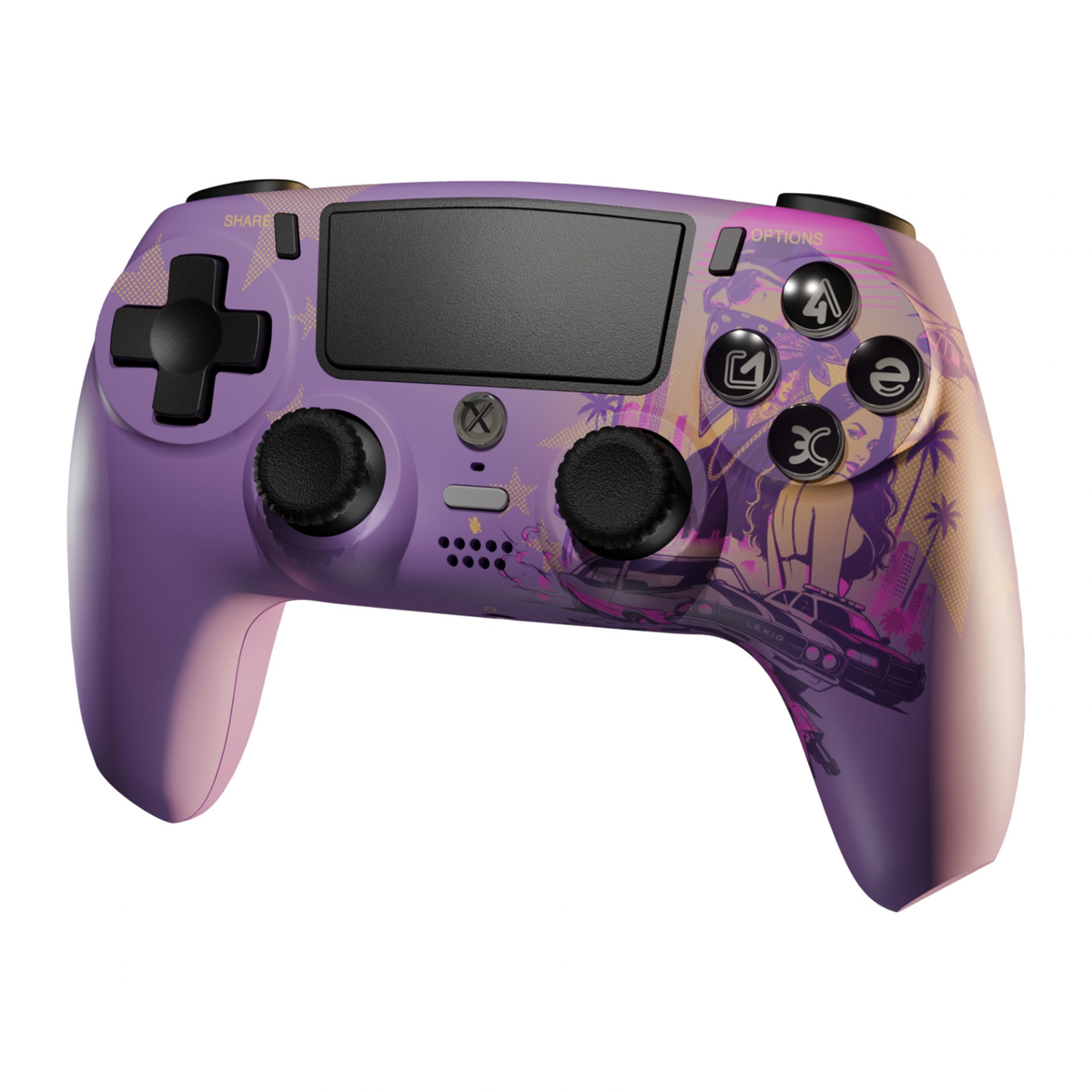
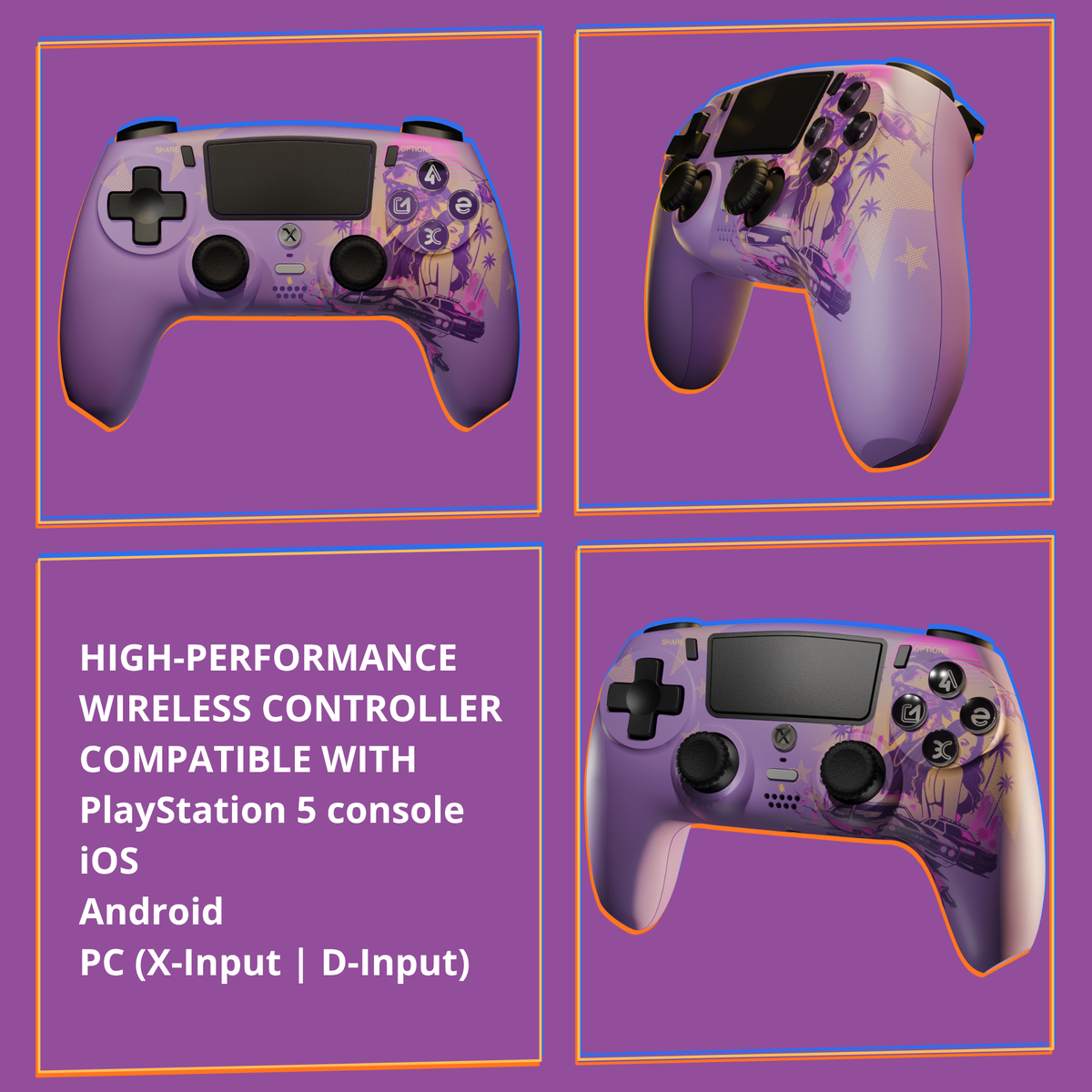
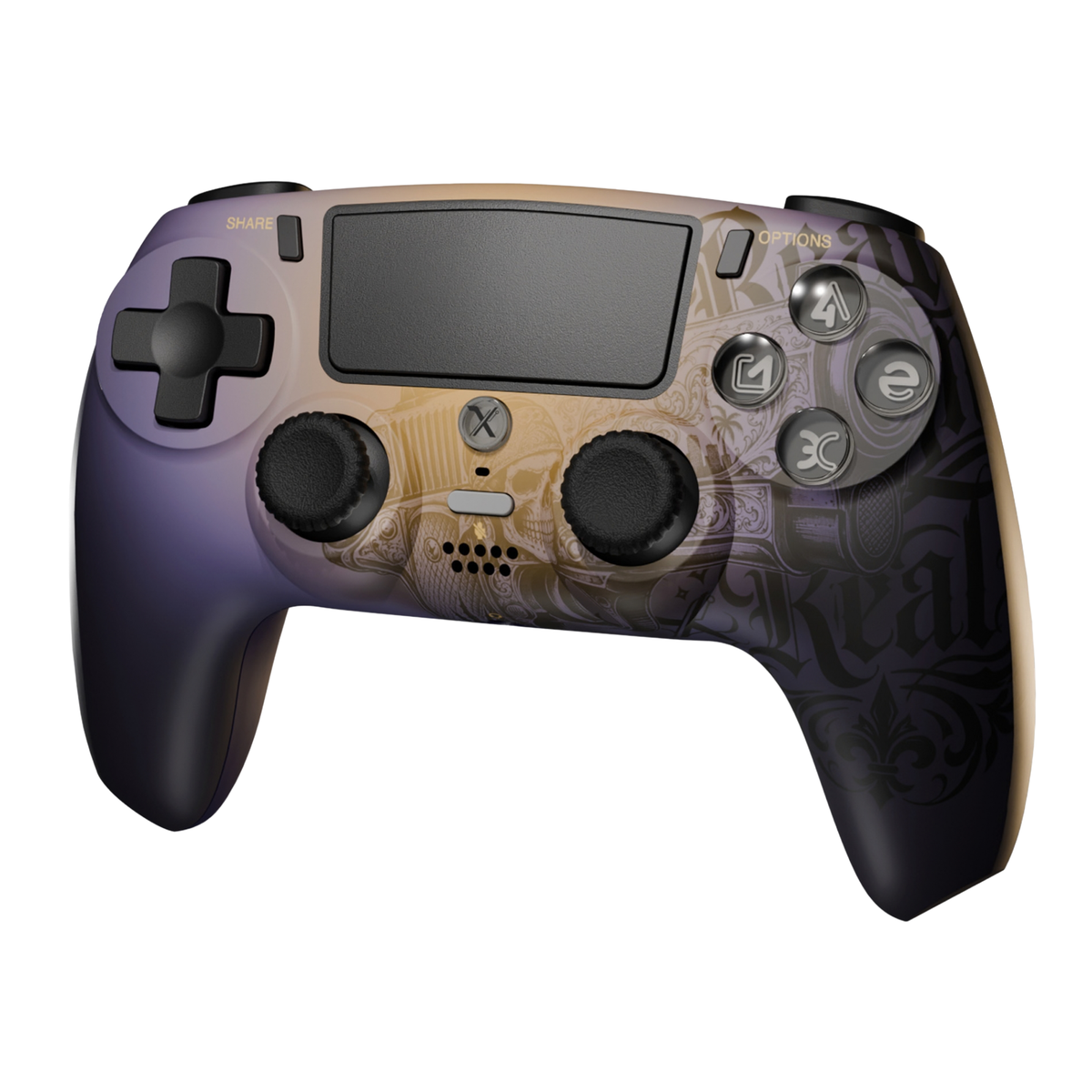
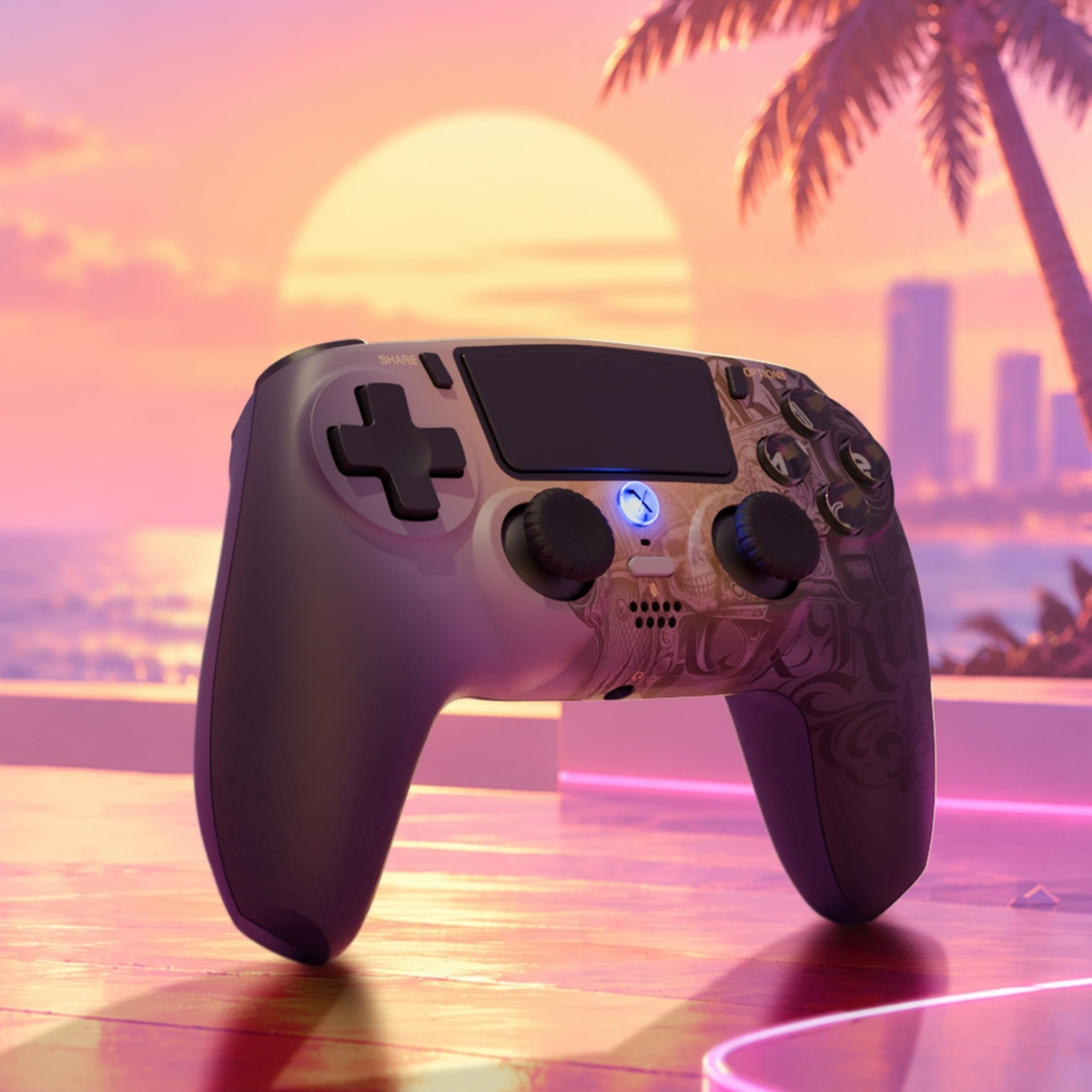
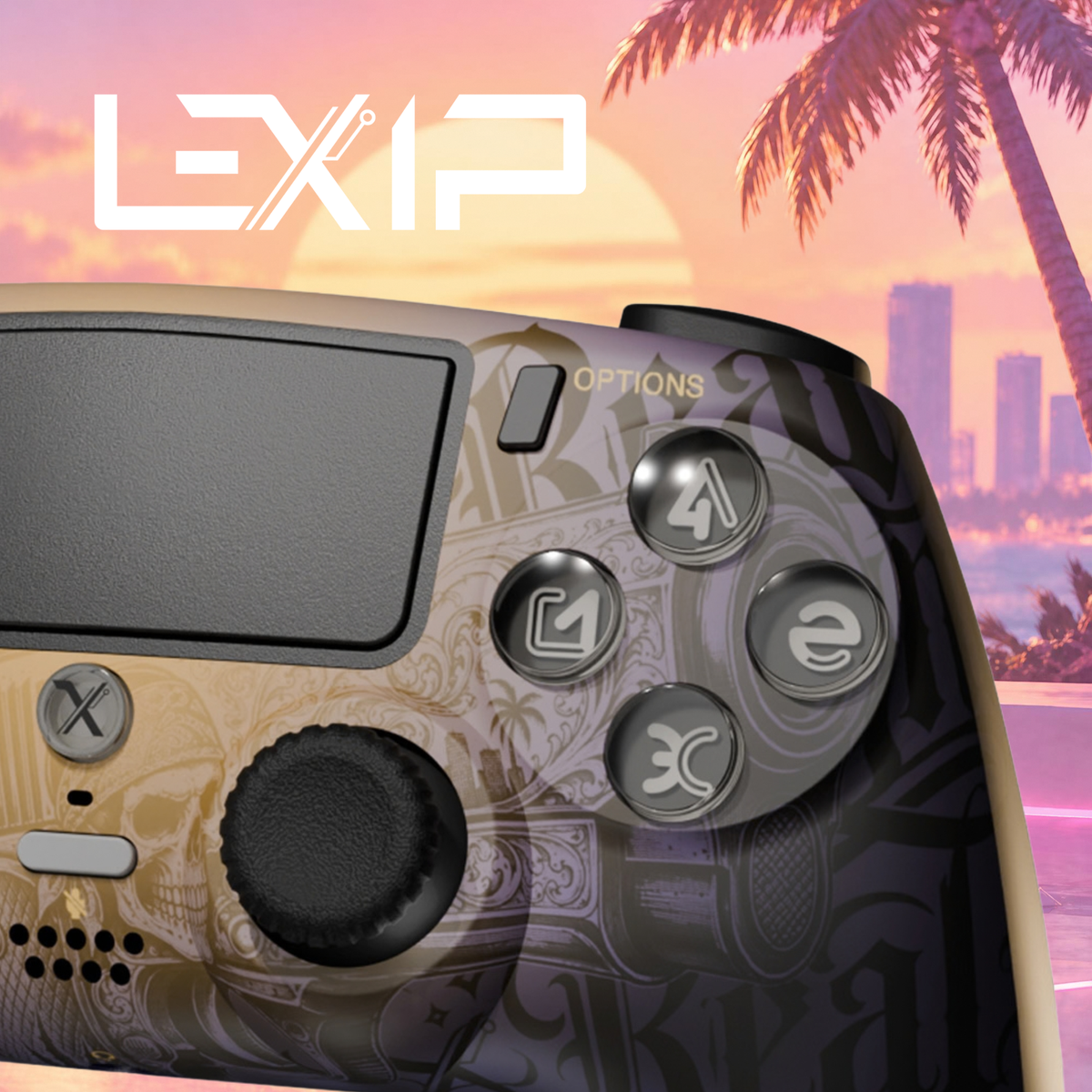
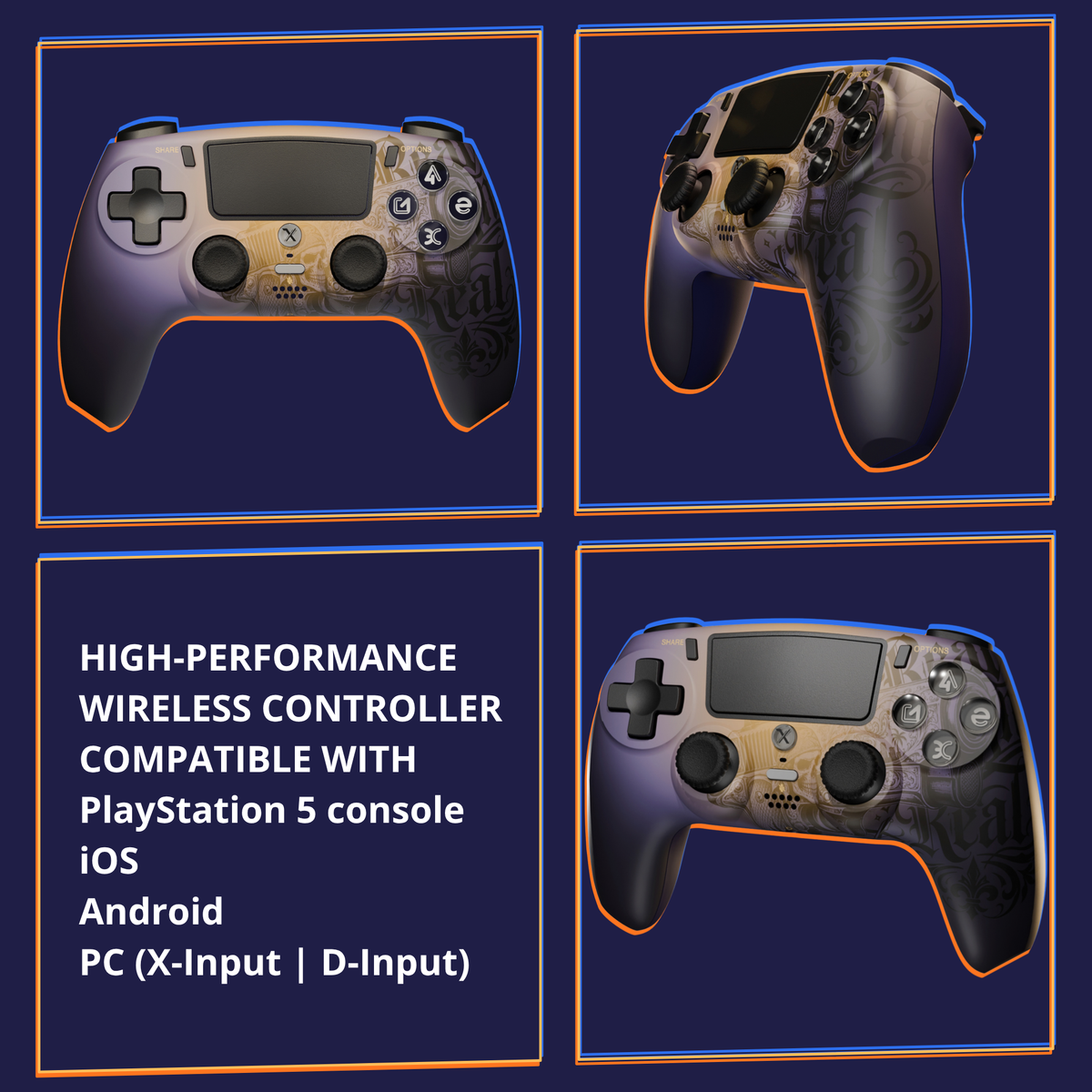
The Sunset and Gangsta wireless controllers from the Criminal collection support XInput and DirectInput on PC. They are also compatible with PS5, Android and iOS.
Both offer Hall Effect magnetic sticks, dual vibration, motion sensing, a clickable touchpad, built-in microphone and speaker, a 3.5 mm audio jack and a 600 mAh rechargeable battery. Some functions depend on the platform and game.
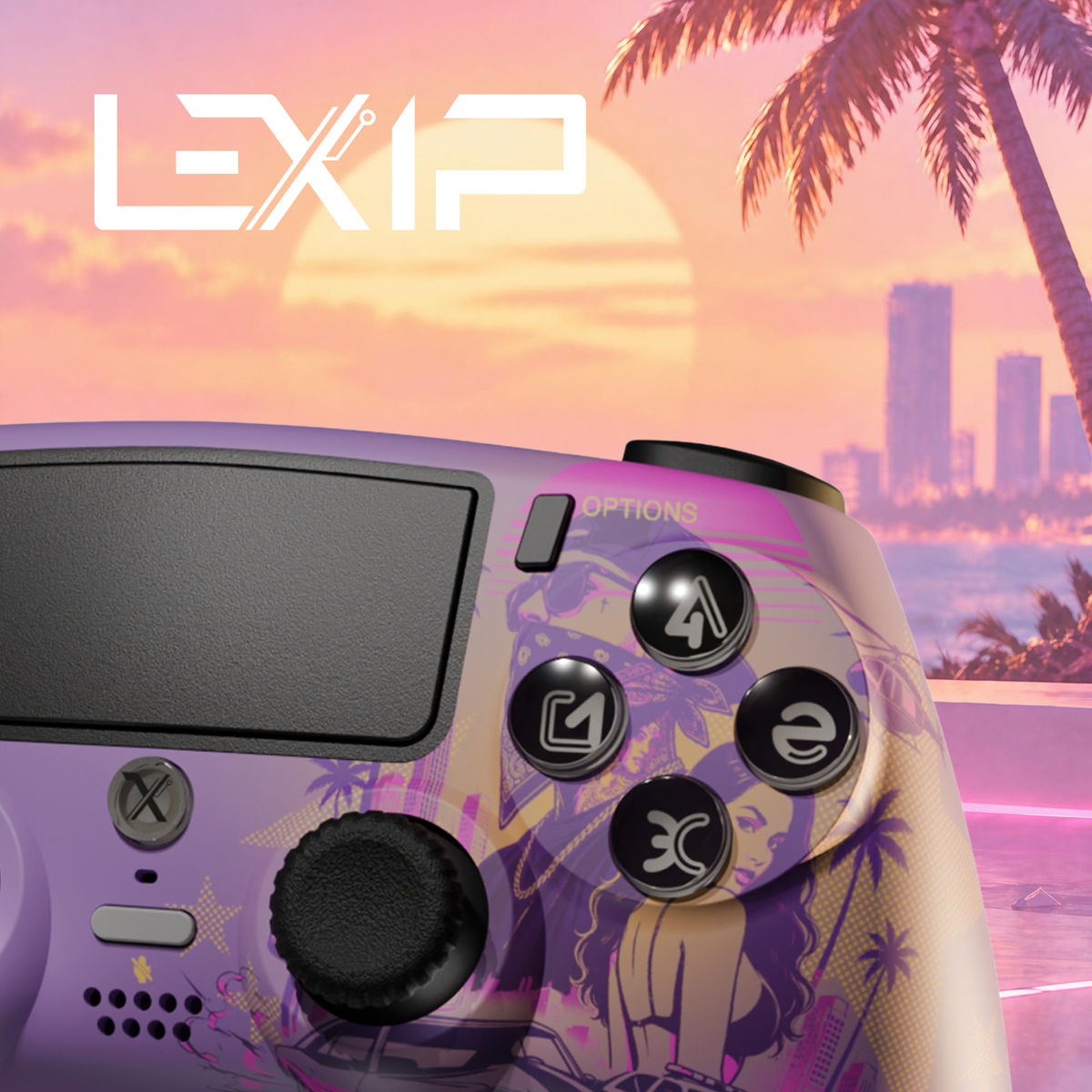
The main difference is their look: Sunset features pink and purple neon-inspired colors, while Gangsta has a dark finish with gold accents.


How do you choose the right mode on PC?
- Start with XInput for a recent PC game compatible with Xbox-style controllers.
- Test your controls: sticks, triggers, buttons and vibration.
- Try DirectInput if the game requires it or does not recognize the controller properly. Follow the controller manual to switch modes.
- Check Steam Input: enabling or disabling it can change how the game detects the controller.
Support for both interfaces does not guarantee compatibility with every game. For more troubleshooting advice, read our guide to a controller that is detected but does not work.
FAQ: XInput and DirectInput
Is XInput better for PC gaming?
It is usually more convenient for recent games designed around the Xbox controller layout. DirectInput remains useful for specific setups.
Can you use a DirectInput controller on Steam?
Yes. Steam Input can adapt the controls of many DirectInput controllers. Results vary by game and settings.
Does XInput work with every game?
No. The game must support the corresponding controller inputs. Some titles are still designed for keyboard and mouse.
Which mode should you choose for your next game?
For a recent PC game, choose XInput first. For certain classic games or specialist devices, DirectInput may be the better option. With Sunset and Gangsta, you can choose either mode on PC without changing controllers.










Partager: