

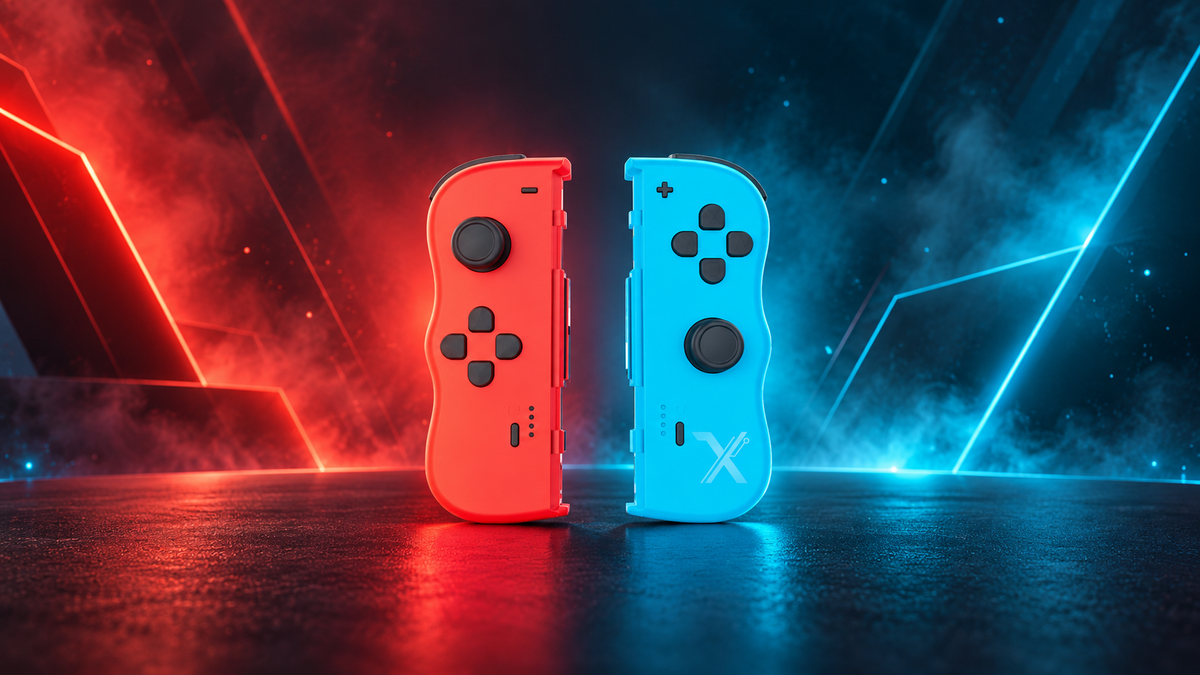
Do you play on Nintendo Switch and have just upgraded to the Switch 2? You don't necessarily need to replace all your accessories.
The Lexip TwinPads, featuring a patented design, were created as an alternative to Joy-Cons for the Nintendo Switch. They can also be used wirelessly with the Nintendo Switch 2, detached from the console.
A practical solution if you already own a pair of TwinPads or if you are looking for additional controllers to play alone or with others.
Controllers that accompany you from the Switch to the Switch 2
Changing consoles often means updating part of your equipment. New controllers, new accessories, and sometimes new cables.
With TwinPads, this transition can be simpler.
They are compatible with the Nintendo Switch and the Nintendo Switch OLED. On the Nintendo Switch 2, they can continue to be used wirelessly at a distance from the console.
If you already own a pair, you can maintain your habits for certain sessions rather than buying new controllers immediately.
It is also a good option if you are looking for an extra pair for gaming with family or friends.
TwinPads thus allow you to extend the use of an accessory already present in your setup when moving to the new generation.
TwinPads: a true alternative to Joy-Cons
TwinPads don't just try to replicate the shape of Joy-Cons.
Lexip has developed its own approach to grip, attachment, and overall ergonomics.
This translates notably into:
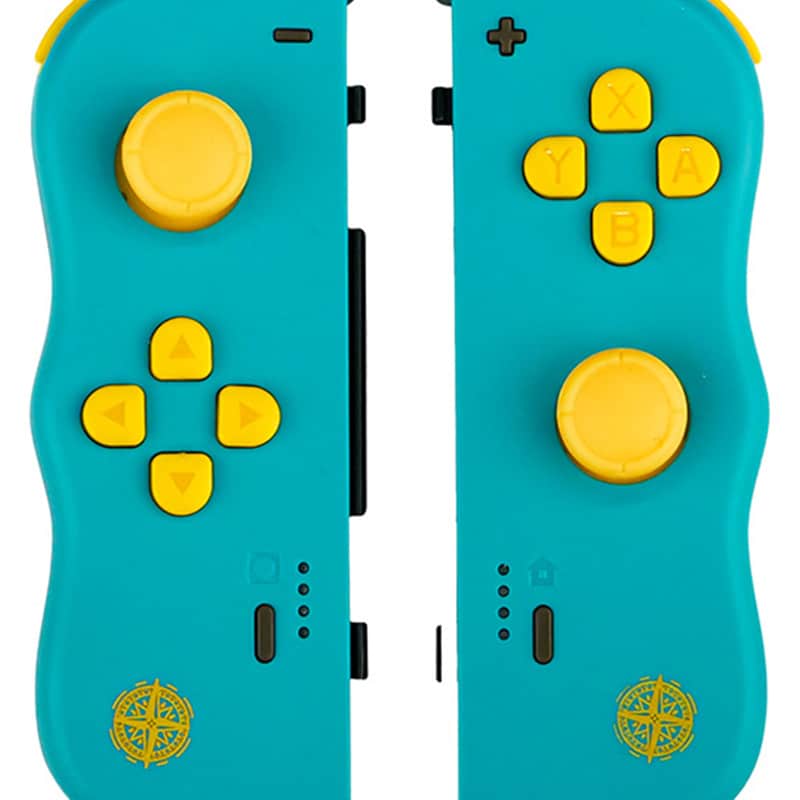
- an ergonomic curved shape;
- a specific clip-on attachment system;
- a locking button;
- a connector unique to the TwinPads design;
- repositioned LEDs;
- differently integrated back buttons.
The goal is to offer another way to hold and use the controllers, rather than a copy of the Nintendo architecture.
This approach aligns with Lexip’s design philosophy: focusing on movement, fluidity, and how a peripheral supports the player's action.
Features designed for solo or multiplayer gaming
A pair of controllers must remain simple to use, especially when used for multiplayer sessions.
TwinPads include several useful daily functions.
6-axis motion sensor
The 6-axis motion sensor allows for the orientation of the controllers to be tracked in compatible games.
This can be useful in titles that directly utilize controller movement for certain actions.
Vibration system
TwinPads also feature a vibration system to accompany events on screen.
More than 10 hours of battery life
The battery life is rated at over 10 hours, allowing you to play through several sessions before needing to charge the controllers.
Simultaneous charging of both controllers
A 0.8m USB cable allows you to charge both TwinPads at the same time.
This way, you avoid using two separate cables when the batteries are low.
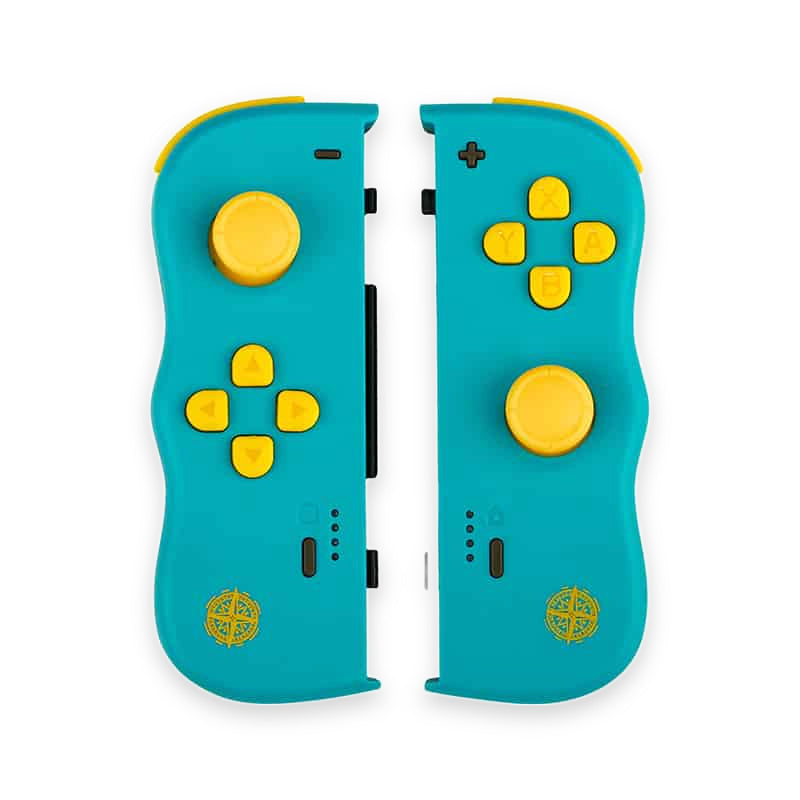
TwinPads Color or TwinPads Black: two styles available
TwinPads are offered in two versions to adapt to different setups.
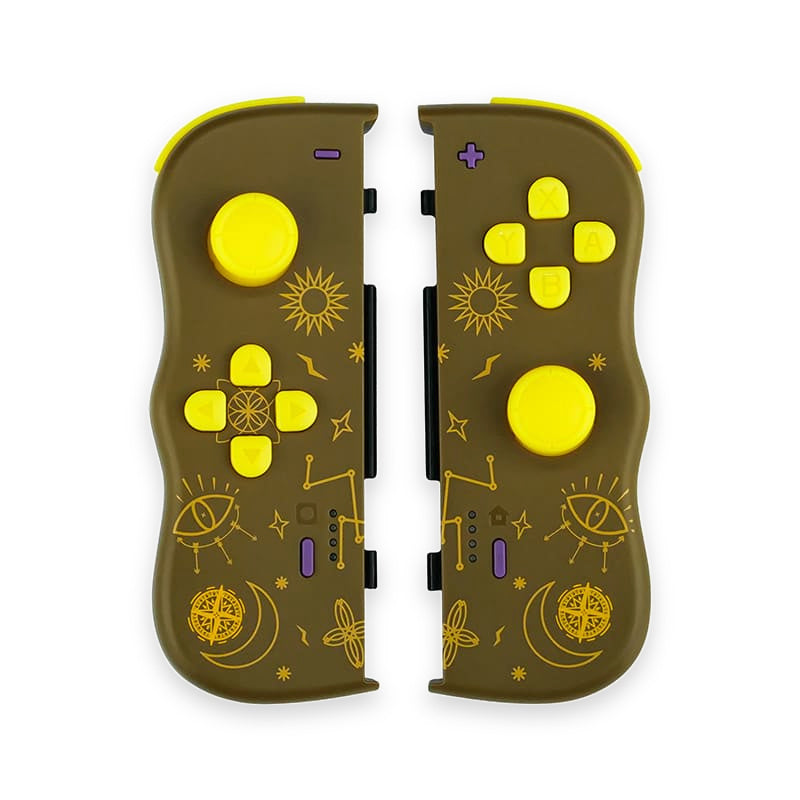
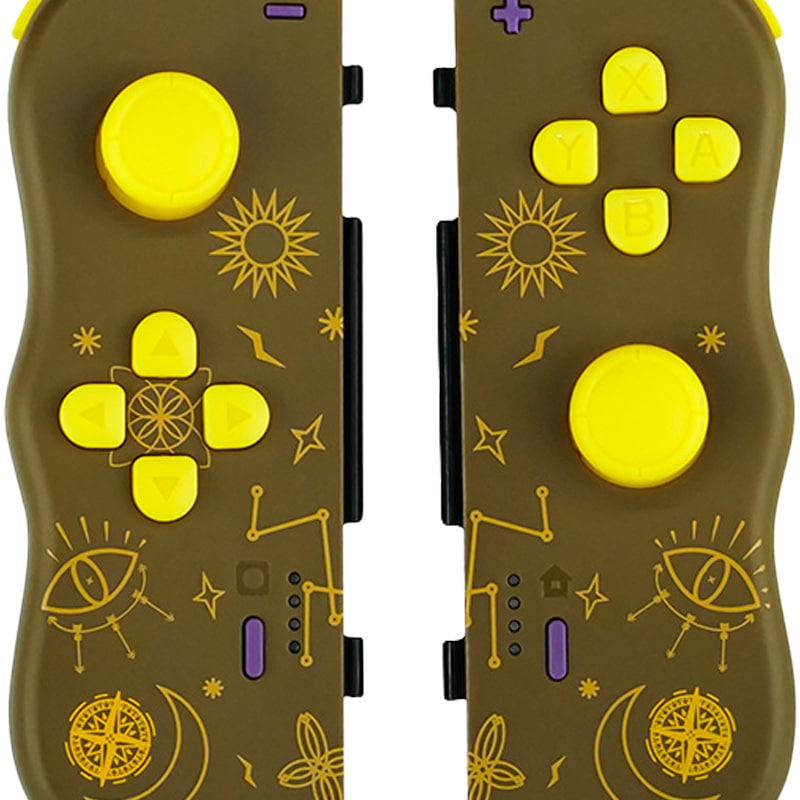
TwinPads Color
The TwinPads Color lean into a more expressive look.

Reference: JVaswi00111
EAN: 3760352733953
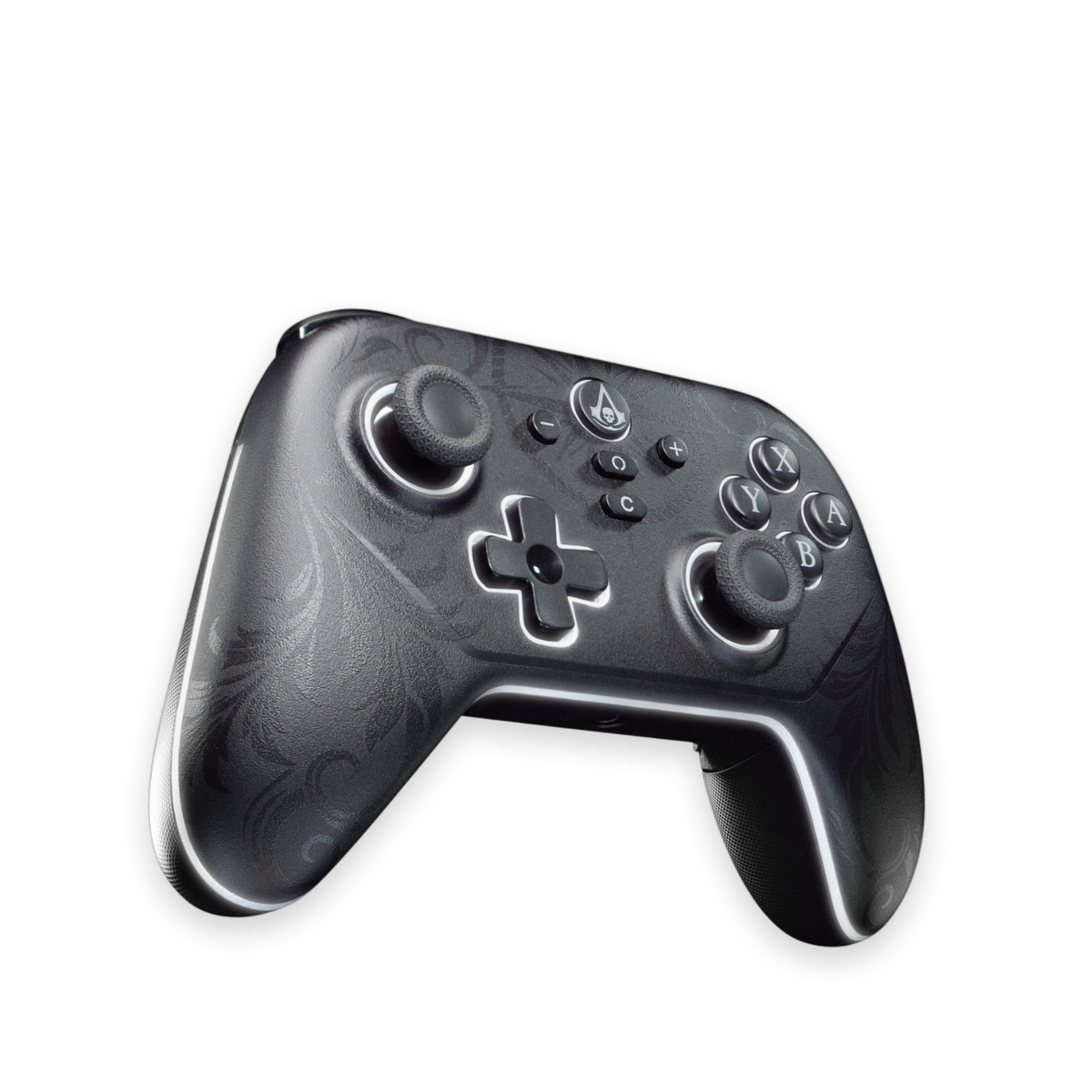
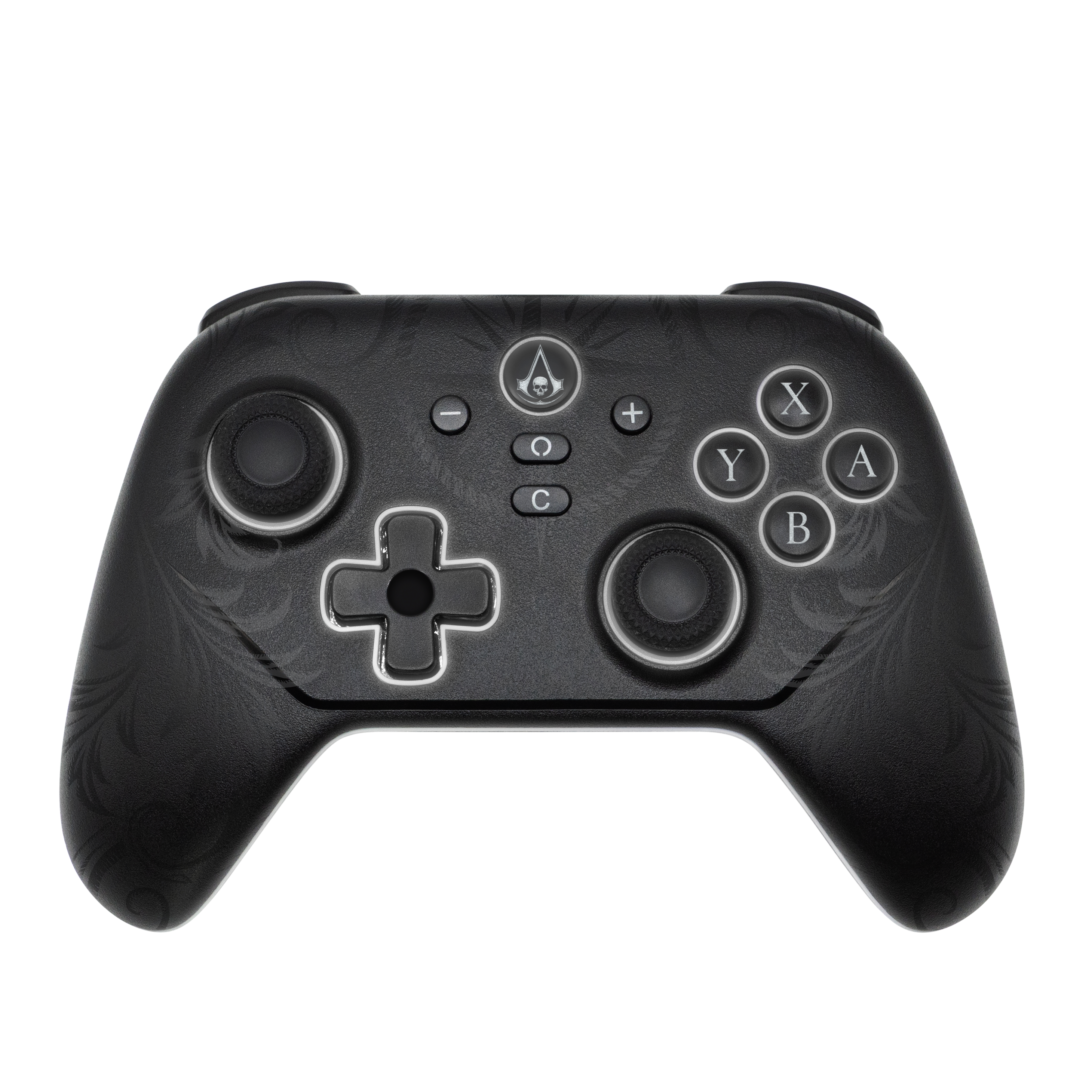
TwinPads Black
The TwinPads Black adopt a more understated finish, easy to integrate into a dark or minimalist setup.

Reference: JVaswi00106
EAN: 3760352730822
An interesting Joy-Con alternative if you are upgrading to the Switch 2
The main advantage of TwinPads becomes clear when you are already using a Nintendo Switch and moving to the Switch 2.
Rather than putting your pair of controllers aside, you can continue to use them wirelessly at a distance from the new console.
This allows you to keep a familiar grip, have an extra pair for multiplayer sessions, or simply avoid replacing all your equipment at once.
This logic also matches the approach recommended in Lexip content: present the tangible benefit and compatibility first before detailing the technical aspects.
Upgrading to the Switch 2? Keep your TwinPads
Were you already playing with TwinPads on Nintendo Switch?
They can continue to accompany you on the Nintendo Switch 2 thanks to their wireless operation at a distance from the console.
You keep a familiar pair of controllers while moving to the new generation.
TwinPads Color or TwinPads Black: choose the version that fits your setup.











Partager: