


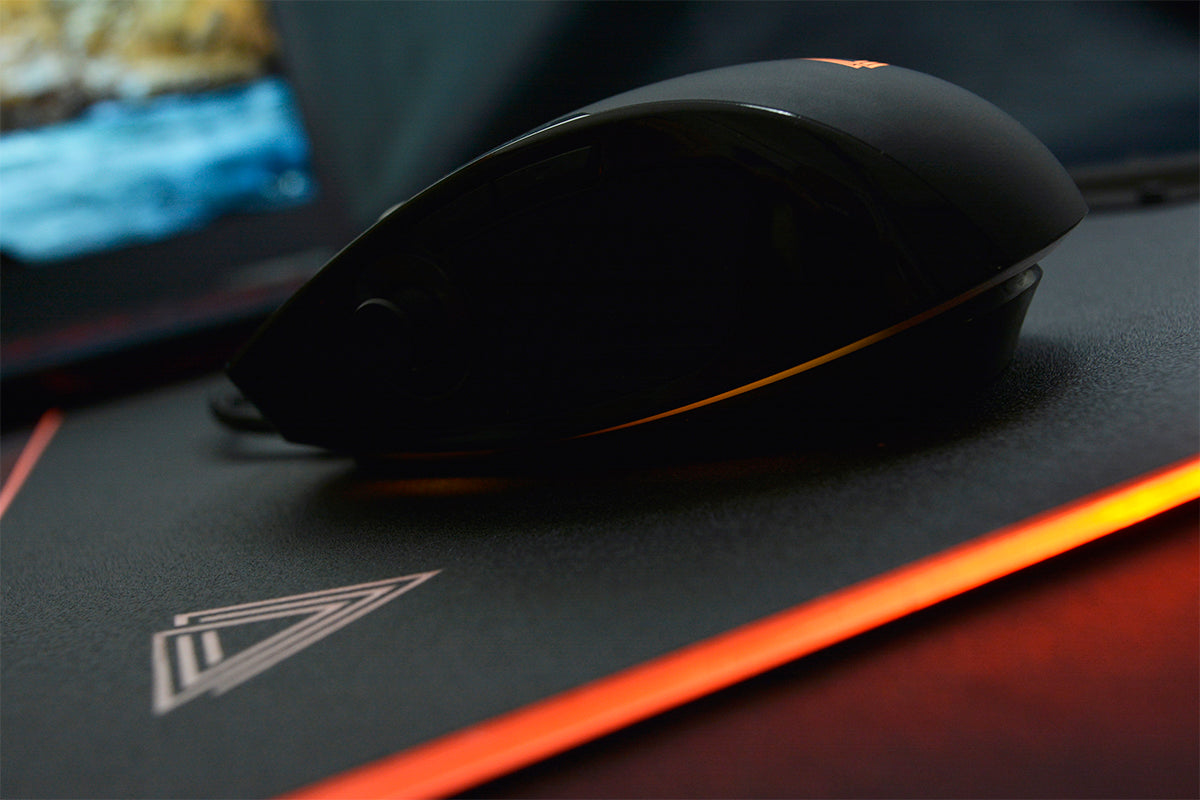
In Minecraft, you build at your leisure when you need to switch items. In Fortnite, you search for a command in the heat of battle. In Rocket League, you wish you could change your controls without giving up your mouse.
A mouse with a joystick allows you to assign additional commands to thumb or hand movements. Its usefulness depends on the game, the available shortcuts, and your playstyle.
Which titles are truly suited for this use? Here are the possibilities to consider before changing your setup.
Standard mouse or mouse with joystick: what's the difference?
A traditional mouse handles the pointer, clicks, and a few additional commands. A mouse equipped with a joystick adds axes of control that its software can utilize.
| Function | Standard mouse | Mouse with joystick |
|---|---|---|
| Move the cursor | Yes | Yes |
| Use shortcuts | Depending on the buttons | Buttons and joystick directions |
| Control multiple axes | Limited | Depending on the model and software |
| Customize commands | Depending on the model | Generally provided |
| Adaptation time | Low | More significant |
However, beware: a physical joystick does not guarantee analog control in every game. It may simply reproduce keyboard keys.
Which games benefit from a mouse with a joystick?
Some games have many customizable commands. Others rely more on analog movements, which are difficult to reproduce with simple shortcuts.
LEXIP offers downloadable profiles for several games, including Minecraft, Fortnite, Rocket League, and World of Warcraft. Their presence provides a configuration foundation, without guaranteeing identical support for all functions.
| Game | Possible commands | Potential usefulness |
|---|---|---|
| Minecraft | Inventory, perspective, items | Building and exploration |
| Fortnite | Building, editing, equipment | Shortcut organization |
| Rocket League | Ball camera, boost, handbrake | Custom controls |
| World of Warcraft | Spells, abilities, action bar | Access to abilities |
| Simulators | Camera, secondary views, axis commands | Management of multiple controls |
The proposed assignments are scenarios to test in the mouse software and in the game, and not individually validated PU94 configurations.
Minecraft: change items without disrupting your habits
Imagine a long building session. You alternate between different blocks, check your inventory, and sometimes change perspective.
Minecraft allows you to customize your keys. In the PC version, the inventory notably uses the E key, while the toolbar slots have numeric shortcuts.
A configurable joystick could take over some of these commands. The thumb would then become an additional way to access the chosen actions.
To start, it is better to try a single assignment. The usual movement commands can remain on the keyboard.
If your priority is rather long sessions, consult our guide on mouse ergonomics in Minecraft.
Fortnite: build, edit, or change equipment
In Fortnite, players often customize their shortcuts to adapt building and equipment changes to their reflexes.
The game has a keyboard-mouse control configuration menu. Some actions can therefore be reassigned.
The usefulness of a joystick here depends on the mode played. In Build mode, editing shortcuts can be a lead. In No Build mode, the needs are different.
The risk? Adding a command that interferes with aiming or causes accidental activations. The settings must be tested before any competitive match.
Rocket League: the special case of keyboard-mouse players
Rocket League can also be played with a keyboard and mouse. Its settings allow you to change several assignments, notably the vehicle and camera commands.
A mouse with a joystick can be used to experiment with a new key layout, for example for the ball camera or boost.
But beware the difference between a key and an analog axis: assigning a joystick direction to a key does not automatically reproduce the progression of a controller.
It is therefore an interesting game to explore the possibilities of a joystick mouse, without assuming an advantage over controller players.
World of Warcraft: access abilities with your thumb
In World of Warcraft, the action bar brings together the character's spells and techniques. Blizzard allows you to assign keyboard shortcuts to these slots.
This is precisely the type of operation that can be of interest for a programmable joystick.
A direction could be associated with a given ability, provided that the software correctly recognizes this assignment.
However, you must avoid concentrating too many sensitive actions on the same control. During a fight, a wrong direction can trigger the wrong ability.
Would you like to explore these possibilities?
Discover the LEXIP PU94 and its two directional control systems.
Thumb joystick or tilting shell: which one to use?
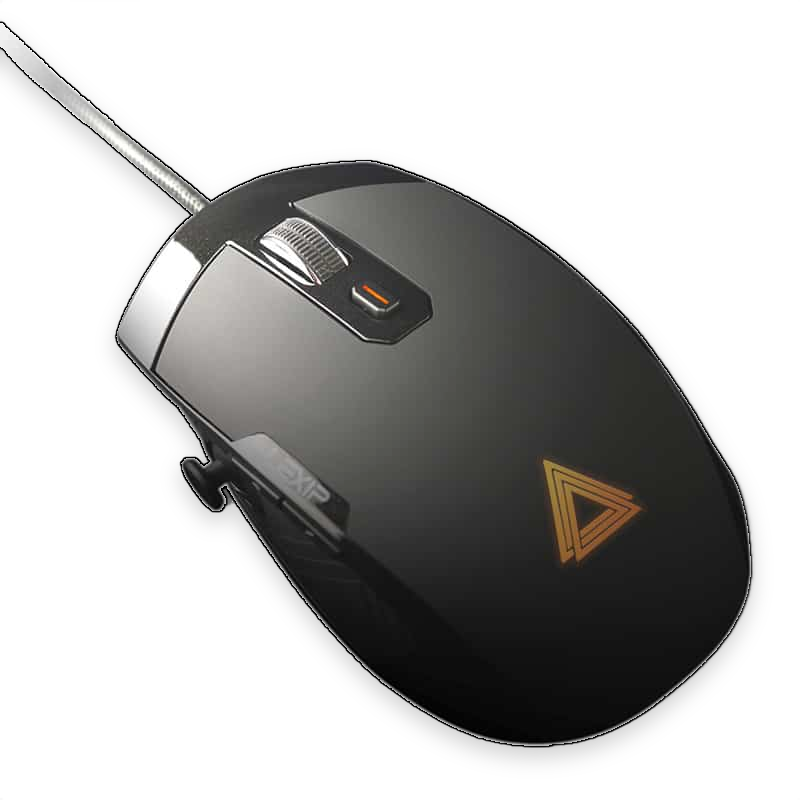
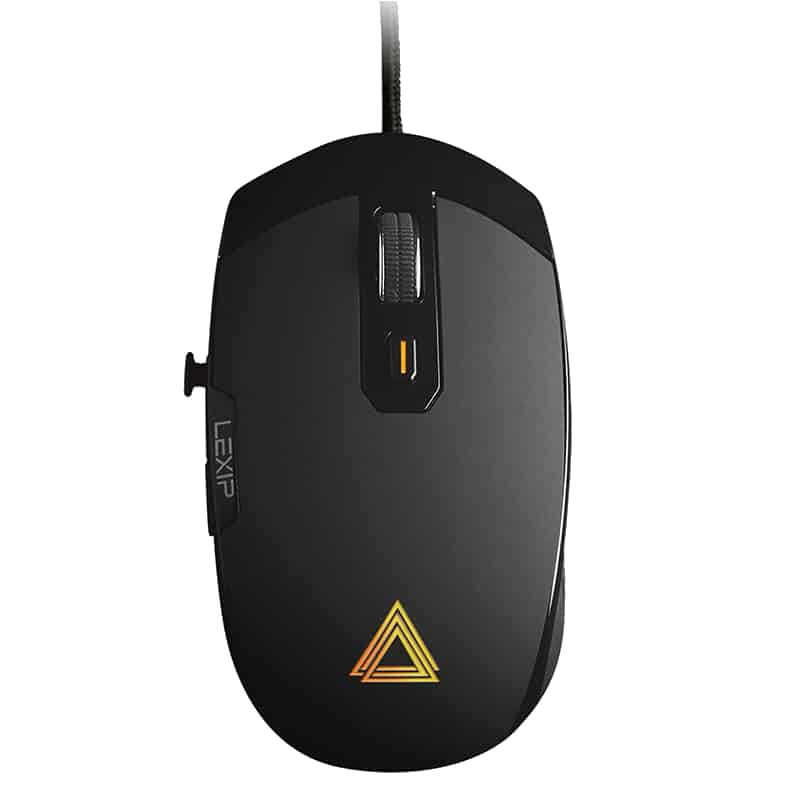
This is where the LEXIP PU94 stands out. It features a thumb-accessible joystick and a tilting top shell thanks to an internal pivot.
These two controls do not involve the same gestures.
The thumb joystick can be interesting for one-off commands. The tilting shell allows you to add directions without moving the mouse on the pad.
In both cases, the available functions depend on the profile created in Lexip Control Software.
You must also learn to separate the click, the cursor movement, and the shell tilt. This coordination may require practice.
What usefulness according to your player profile?
| Profile | Possible advantage | Limit |
|---|---|---|
| Builder player | Additional shortcuts | Risk of confusion |
| FPS enthusiast | Actions accessible with the thumb | Possible interference with aiming |
| MMORPG player | Custom abilities | Learning directions |
| Simulation enthusiast | Additional control axes | Compatibility to check |
| Casual player | More choices | Sometimes superfluous complexity |
For a player satisfied with their usual commands, changing mice is not essential.
The PU94 makes more sense when its additional controls correspond to an identifiable need.
How to try your first configuration?
You can start with the Lexip Control Software, which offers settings for the PU94 as well as downloadable game profiles.
Choose a simple action, check its shortcut in the game, then try to assign it to a joystick direction.
If you are new to command customization, our article on mouse button remapping details the method.
Find the gaming profiles and LEXIP software to prepare your configuration.
FAQ: mouse with joystick
Does a mouse with a joystick replace a controller?
Not automatically. The possibilities depend on the game and software's recognition of the commands.
Can you play Fortnite with the PU94?
The PU94 is a programmable PC mouse and LEXIP offers a Fortnite profile. The precise assignments must be checked in-game.
Does the joystick improve precision?
No precision gain is guaranteed. The sought benefit mainly concerns command customization.
Can you use the PU94 for 3D creation?
Yes, it is also designed for this use. Its joystick and pivot allow you to explore additional controls in compatible software.
Should you adopt a mouse with a joystick?
It all depends on the commands you want to bring closer to your hand. Some games offer more opportunities to exploit a joystick than others.
The LEXIP PU94 offers two directional controls to explore these possibilities. The best way to appreciate its usefulness remains to identify a specific need, then test a suitable configuration.
Discover the LEXIP PU94 mouse and its customization possibilities.




Partager: