


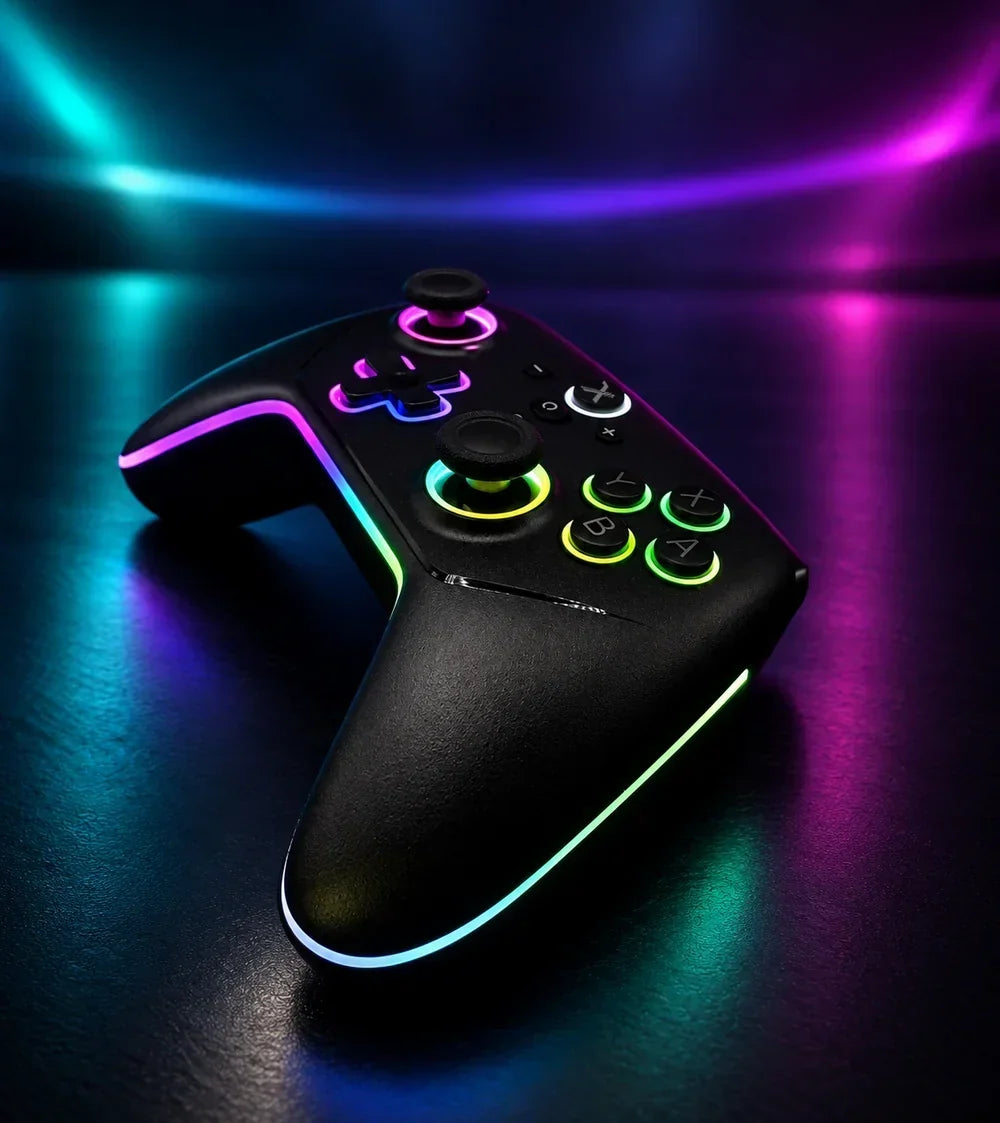
Do you see the terms "macro," "Turbo," or "Auto-fire" on a Switch 2 controller without really knowing what they change in-game? These functions primarily allow you to reduce certain repetitive actions or bring several commands together into a single gesture.
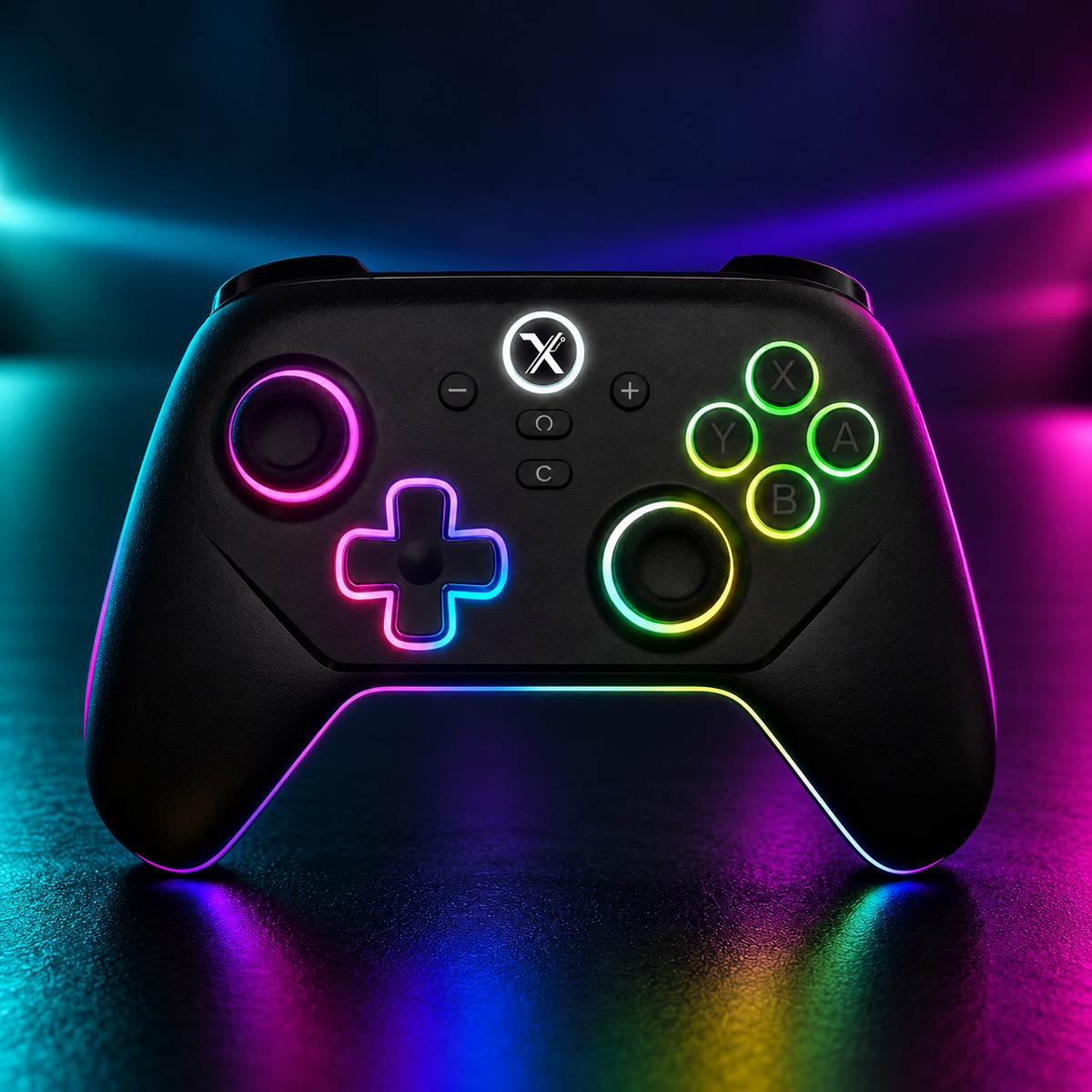
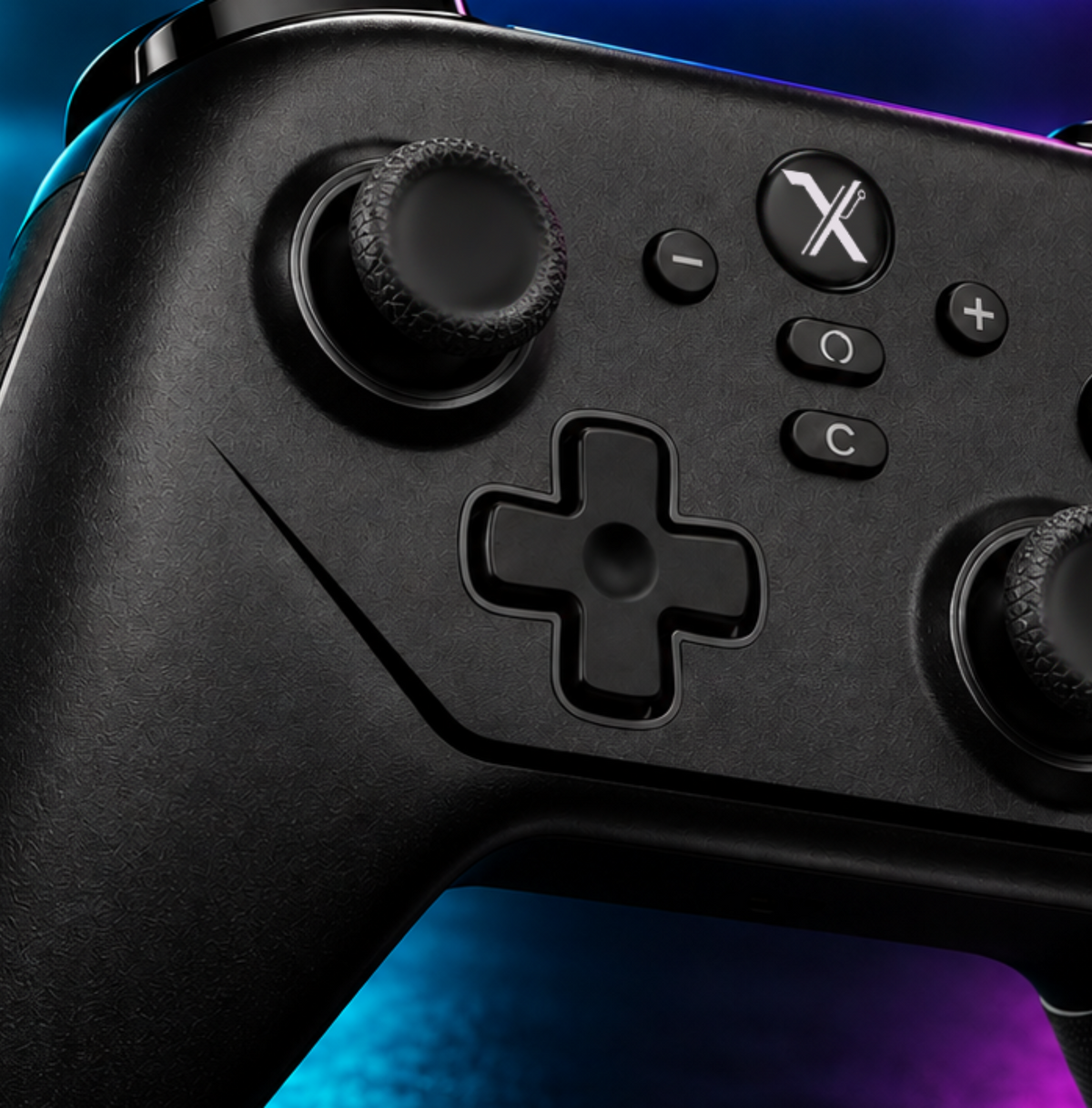
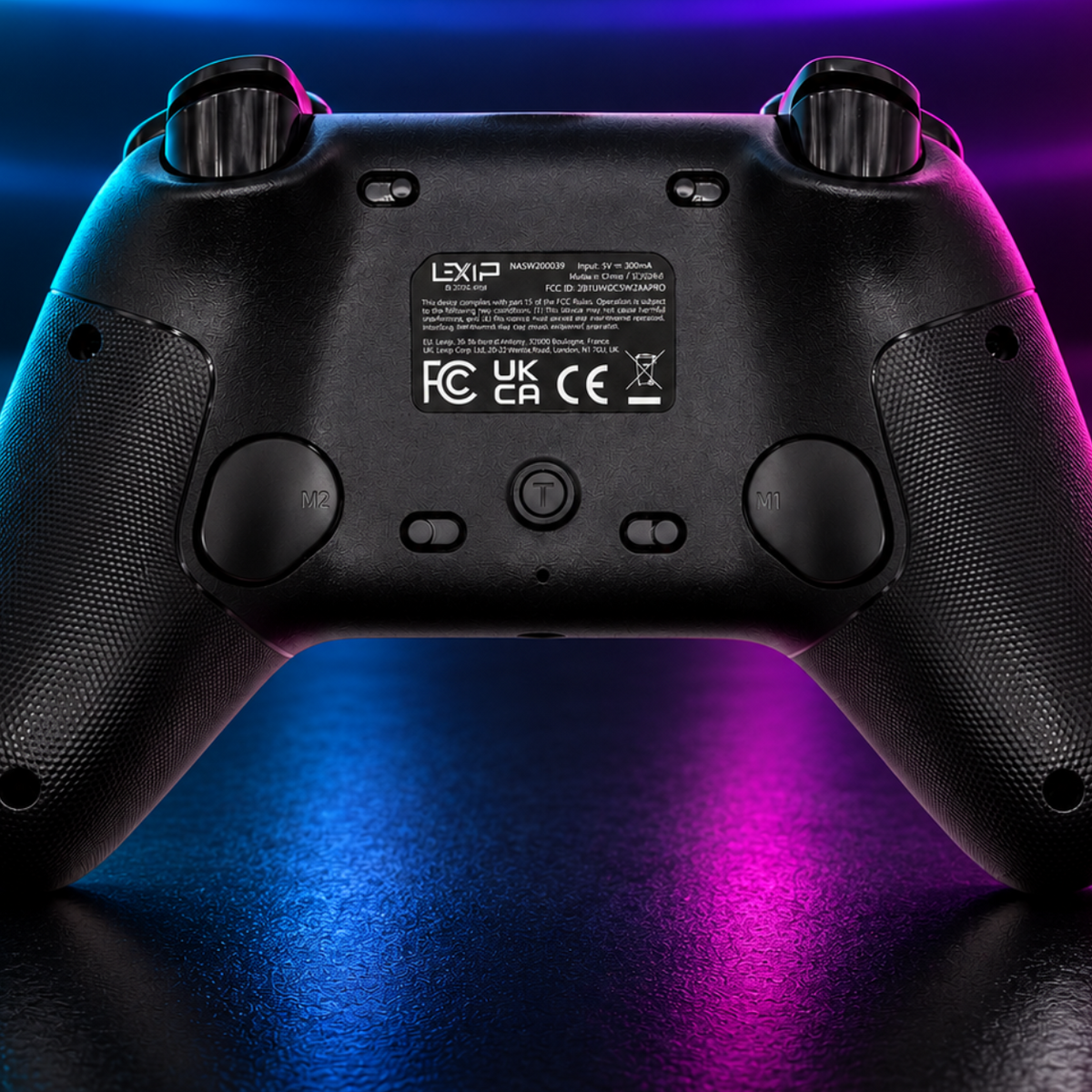
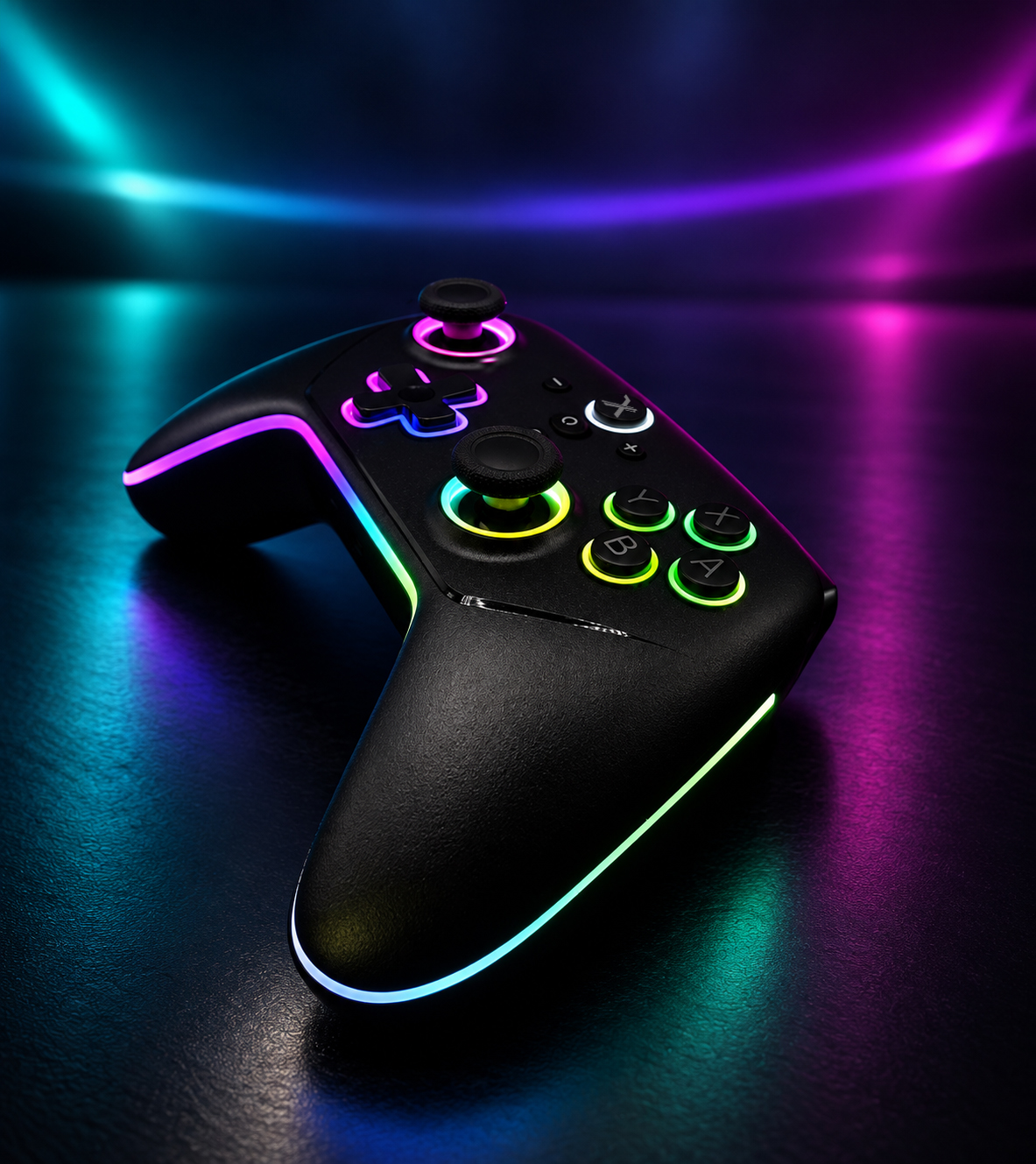
On a controller like the LEXIP Advanced Pro Controller Switch 2 & PC, they complement the programmable M1 and M2 back buttons to further customize your controls.
What is the purpose of the Turbo function on a Switch 2 controller?
The Turbo function allows for the automatic repetition of a button press.
Instead of rapidly pressing the same key multiple times, the controller can reproduce these presses at regular intervals.
This function can be practical when a game requires many repetitive actions:
-
chaining multiple interactions;
-
repeating certain attacks;
-
speeding up a collection phase;
-
avoiding constant button mashing.
On the Advanced Pro Controller, the Turbo speed can be set to 5, 12, or 20 presses per second.
The idea is simple: maintain control while reducing unnecessarily repetitive movement.
Discover the Advanced Pro Controller Switch 2 & PC
What is the difference between Turbo and Auto-fire?
Both Turbo and Auto-fire rely on the repetition of a command.
With Turbo, the repetition usually occurs while you hold down the relevant button.
The Auto-fire function goes further by automating this repetition according to the mode offered by the controller.
In both cases, the goal remains to decrease the number of presses required when gameplay becomes very repetitive.
What is a macro on a Switch 2 controller?
A macro is not limited to repeating a single key.
It allows you to record multiple commands in a single sequence and then trigger them more easily using a programmable button.
Imagine, for example, a sequence:
A → B → X → trigger
If the controller allows it, this sequence can be recorded and then reproduced with a single command.
On the Advanced Pro Controller, the M1 and M2 back buttons can hold macros comprising up to 25 entries.
The difference can therefore be summarized easily:
Turbo: repeat the same action.
Macro: group several actions together.
Where can you configure macros and Turbo?
On the Advanced Pro Controller, these functions are configured directly using the controls provided on the controller itself.
The M1 and M2 back buttons are specifically used to customize access to certain functions and macros.
For the exact configuration, it is best to follow the combinations indicated in the controller manual. This prevents confusing the different programming modes or accidentally activating a function.
This system primarily allows you to modify your settings without having to consistently use external software.
In which games can Turbo be useful?
Turbo makes the most sense when a game requires you to frequently repeat the same command.
In an action or adventure title like Donkey Kong Bananza, where the gameplay puts a special emphasis on destruction and exploration actions, it can be tempting to reduce certain repetitive presses depending on the controls used.
In a game focused on exploration or management like Pokémon Pokopia, a repetition function can also be useful for certain recurring actions, depending on the game context.
In Mario Kart World, the benefit will be different. The game relies more on driving, positioning, and timing than on the automatic repetition of a command. Turbo will not necessarily be the function you use first.
That is precisely why a configurable Turbo is interesting: you can use it only when the type of game lends itself to it.
In which games can a macro be interesting?
A macro becomes relevant when the same sequence of commands appears regularly.
In certain action games or RPGs, it can simplify a frequently used combination.
In a title like Hyrule Warriors: Age of Calamity, for example, the very principle of an action game based on numerous combos can make command customization interesting for certain players.
The same logic applies to certain fighting games, hack and slash, or action games: a macro can map a sequence of commands to a back button.
Conversely, in a game where every action depends heavily on timing, automation will not necessarily provide any benefit.
What are the M1 and M2 back buttons for?
The back buttons allow you to trigger certain commands without taking your thumbs off the joysticks.
On the Advanced Pro Controller, M1 and M2 are programmable. They can therefore be assigned customized commands or used to trigger macros.
A locking system also helps to limit unintentional presses.
The benefit is not just adding two extra buttons. It mainly consists of moving certain actions closer to your fingers already in position.
This logic corresponds directly to the LEXIP philosophy, focused on reducing friction between intention and action.
Customize your controls with the M1/M2 buttons on the Advanced Pro Controller.
Macro or Turbo: what to choose?
If you need to continually repeat the same command, start with Turbo.
If you want to group several successive commands, a macro will be more suitable.
The Advanced Pro Controller combines both possibilities. You can therefore adapt your configuration to the game rather than making a permanent choice between one or the other.
Keep in mind, however, that certain games, online modes, or competitions may impose their own rules regarding the use of macros or automatic functions.
The right setting is the one that shortens the gesture without complicating your way of playing.
Discover the Advanced Pro Controller Switch 2 & PC and adapt your controls to your way of playing.
Share: