


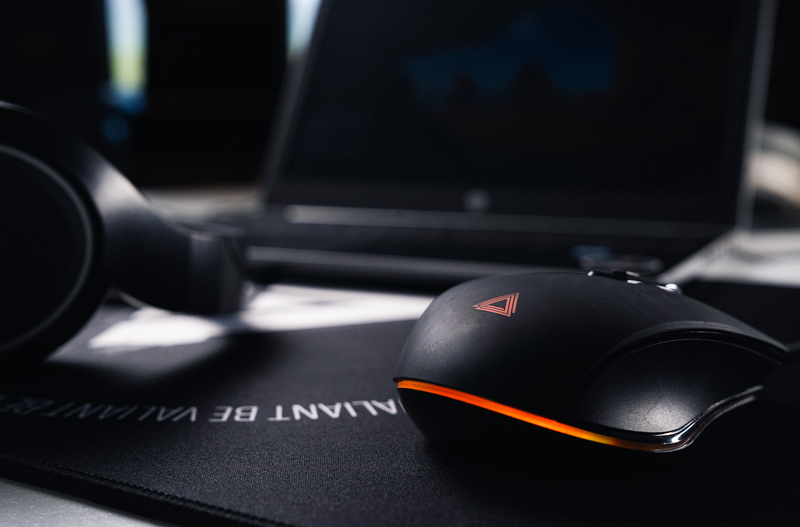
Building for an hour, exploring a mine, cycling through inventory items… Minecraft doesn’t necessarily require spectacular movements, but it uses the mouse almost constantly. Good ergonomics isn't just about choosing a comfortable mouse. You also need to adjust your grip, sensitivity, controls, and setup.
Why can Minecraft tire out your hand?
Minecraft is based on a series of short movements that quickly become repetitive: moving the camera, breaking a block, placing an item, changing objects, or opening the inventory.
In Creative mode, the frequency of manipulations can increase even further when building rapidly. In Survival, exploration phases alternate with combat, mining, or resource management.
The problem rarely stems from a single isolated movement. It is rather the repetition of the same gesture, sometimes for several hours, that can make a poor position uncomfortable.
The goal is therefore not to seek a theoretically perfect position, but to limit unnecessary tension while maintaining a precise mouse.
First instinct: observe your hand
If you have to constantly squeeze your mouse, strain your wrist, or move your whole arm to reach certain controls, your configuration probably deserves a few adjustments.
Do you spend a lot of time on Minecraft?
Discover LEXIP mice designed for movement, precision, and control.
Positioning your mouse correctly for playing Minecraft
Start with a very simple element: the mouse must be close enough to avoid extending your arm.
The forearm can rest naturally on the desk or the armrest of your chair. The wrist should remain in as neutral a position as possible rather than being sharply angled to the side.
Desk height also matters. A mouse that is perfectly adapted to your hand loses much of its value if your shoulder remains raised throughout the game.
Also remember to leave enough surface area around the mouse. Relatively low sensitivity requires more range of motion. High sensitivity reduces physical movement but requires finer gestures.
There is no universal setting. You have to find the one that matches your way of playing.
Which mouse sensitivity should you choose in Minecraft?
In Minecraft, excessive sensitivity can lead to multiplying small corrections to aim at a block or precisely orient the camera.
Conversely, very low sensitivity forces you to make wider movements.
The right compromise allows you to:
-
turn easily without constantly lifting the mouse;
-
aim at a block with precision;
-
navigate menus comfortably;
-
maintain a natural trajectory for your wrist.
Above all, avoid modifying the mouse DPI, game sensitivity, and all your Windows settings simultaneously. Change one parameter at a time, play a few sessions, then adjust.
Reducing unnecessary movement between mouse and keyboard
Ergonomics also involves the organization of controls.
In Minecraft, certain actions recur constantly. The inventory key is the most obvious example, but your way of playing may make other controls a priority.
A mouse with additional controls allows you to move certain actions closer to your right hand. The goal is not to assign a function to every available button. Too many controls can, on the contrary, become difficult to memorize.
Start with two or three truly frequent actions.
For example:
-
quickly switching slots in the action bar;
-
accessing a regularly used command;
-
facilitating a recurring action in your personal configuration.
The benefit becomes particularly visible when the command replaces a repetitive movement toward a distant key on the keyboard.
What about the LEXIP PU94 mouse for Minecraft?
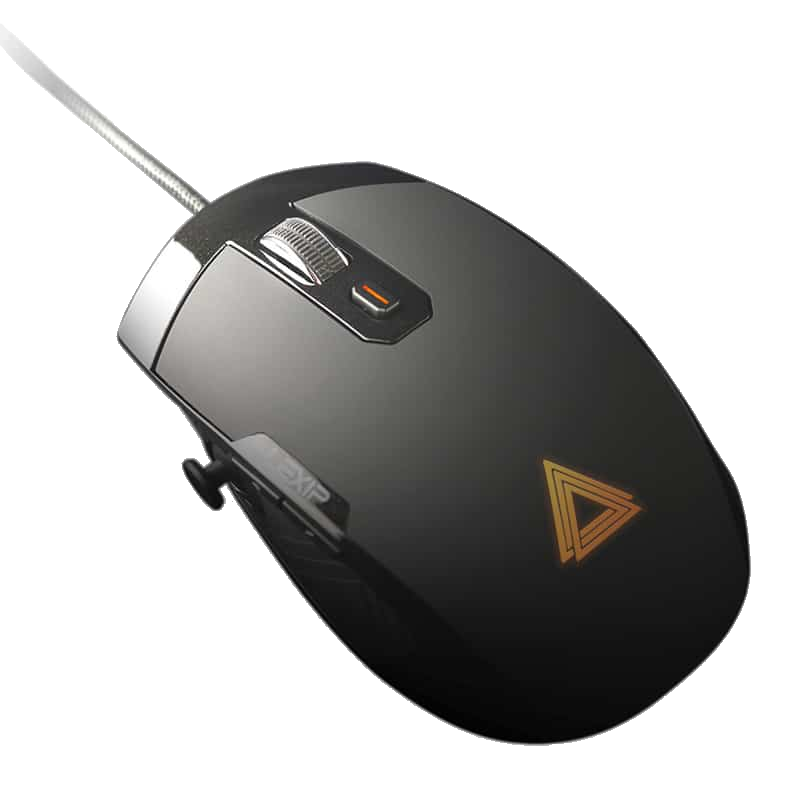
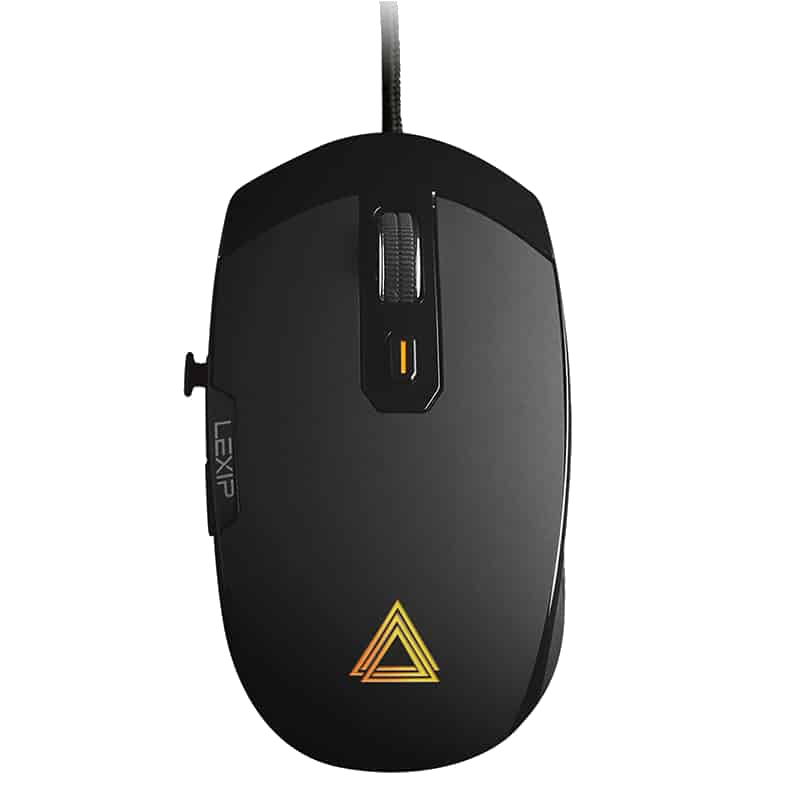
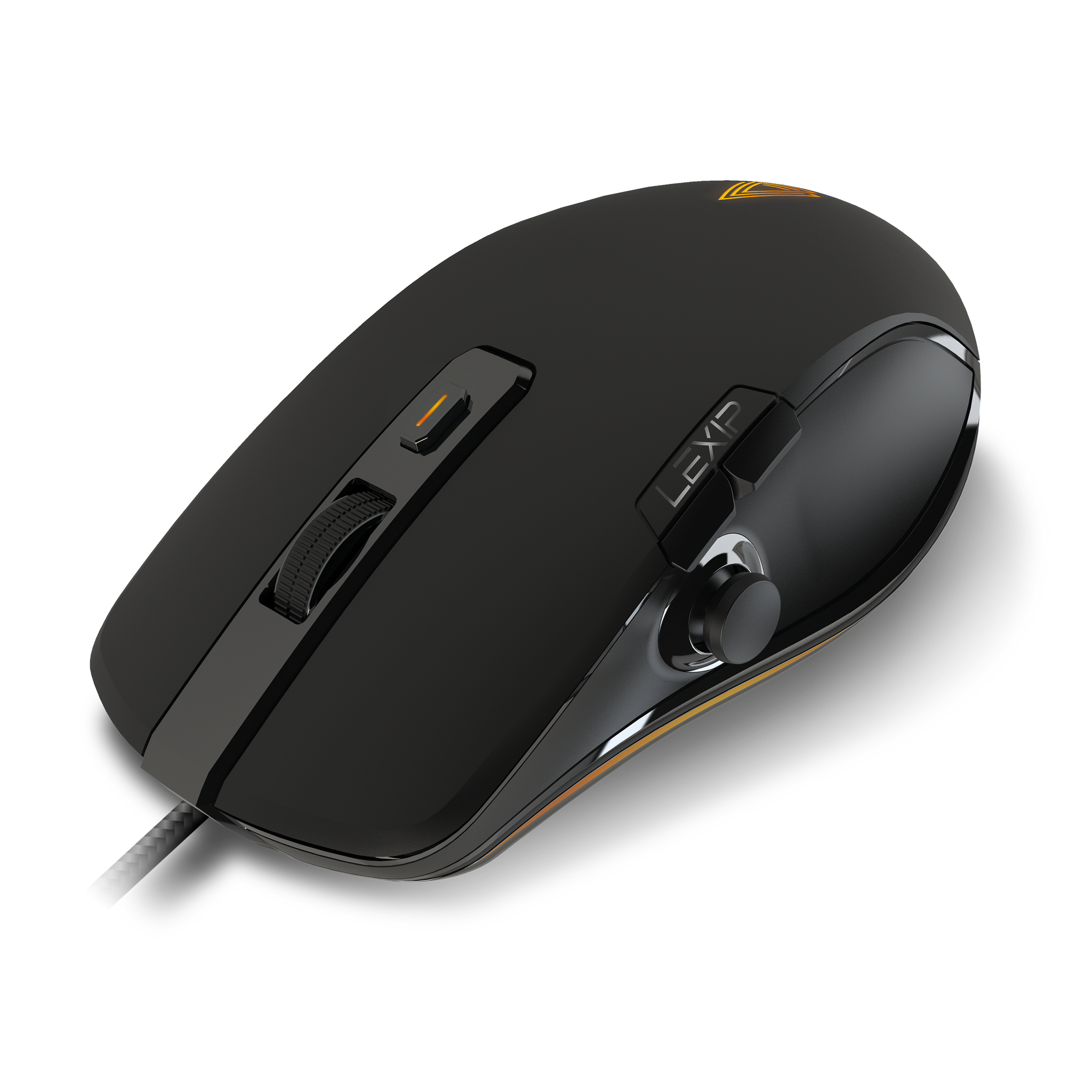
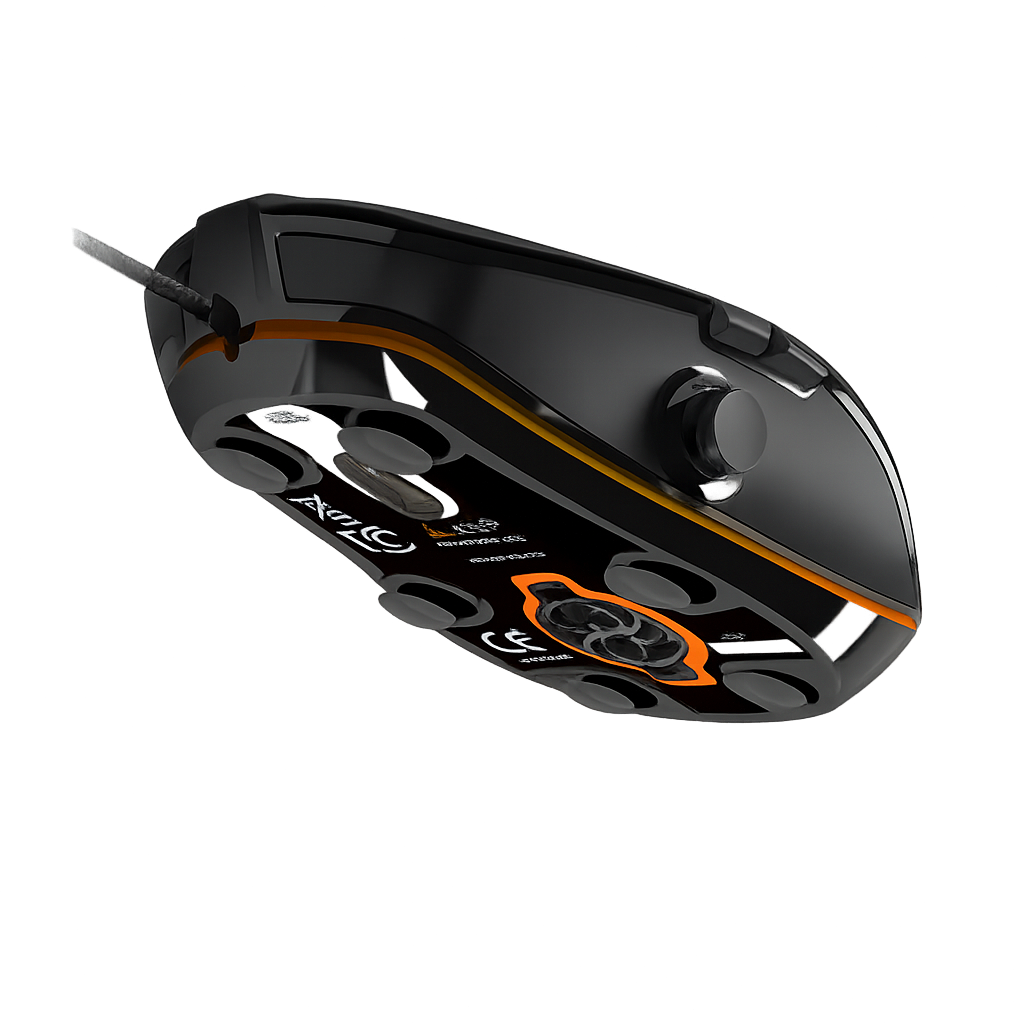
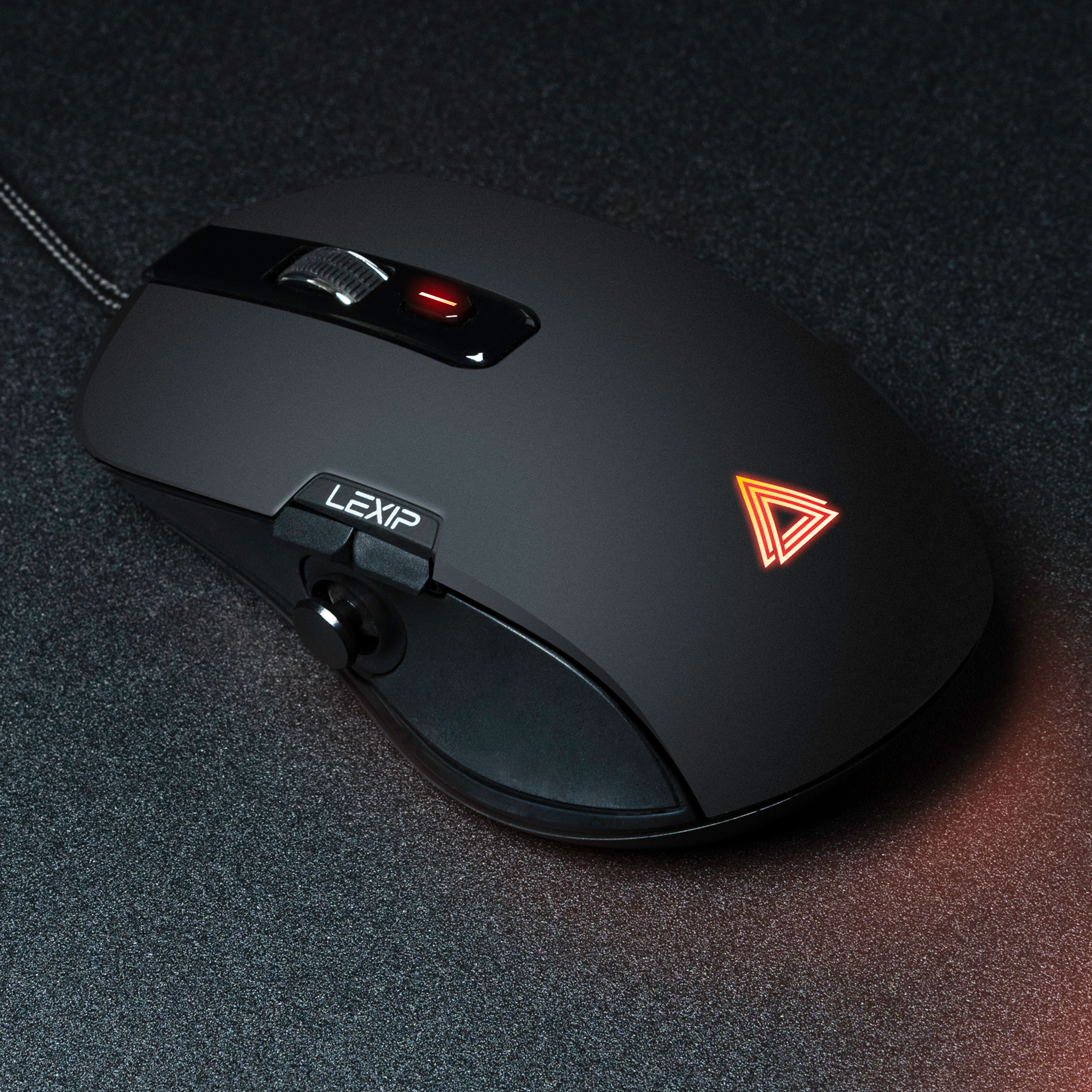
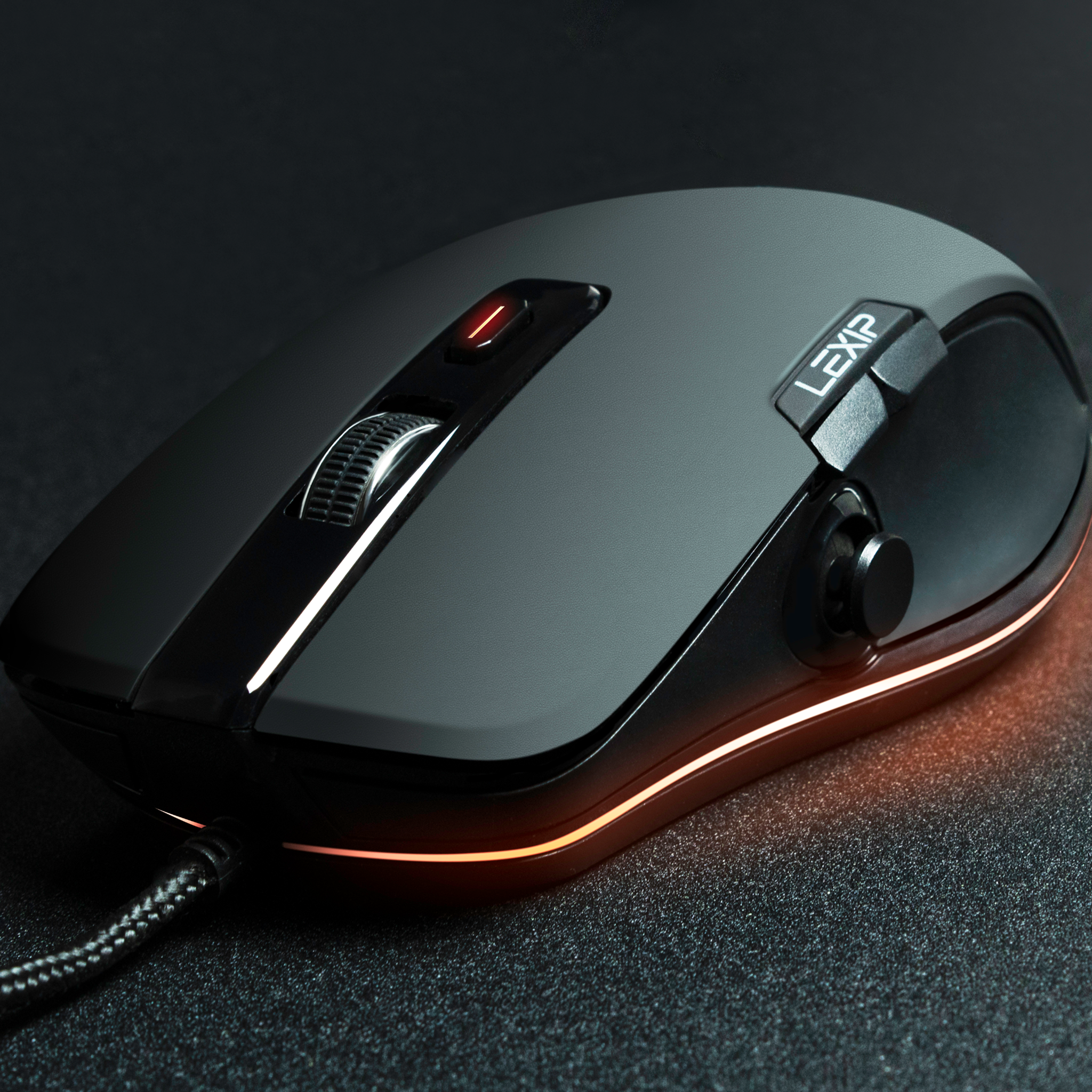
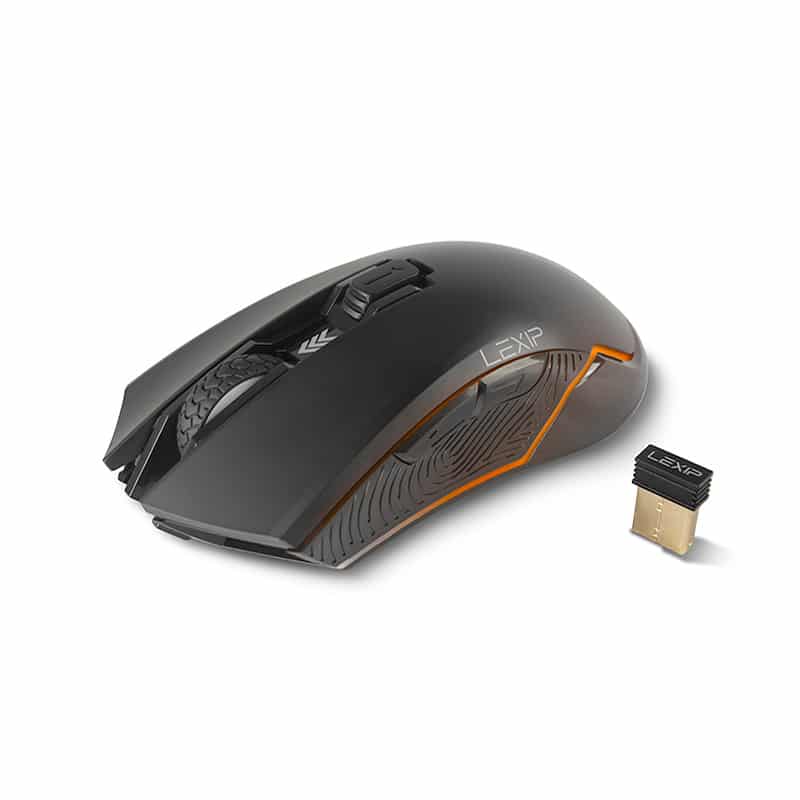
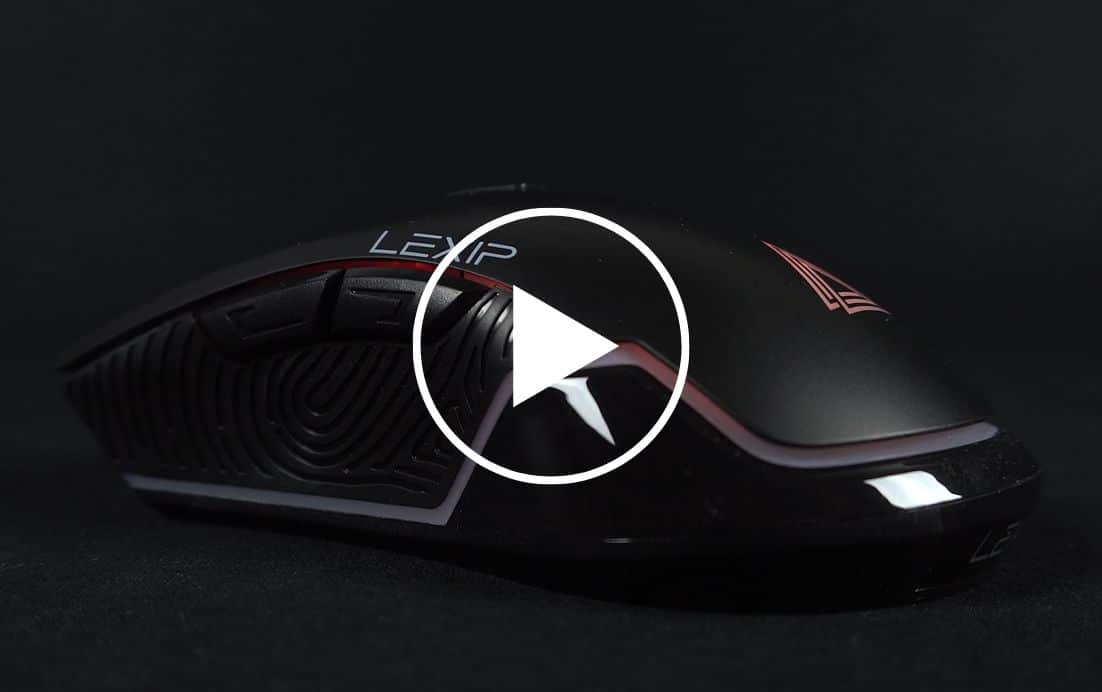
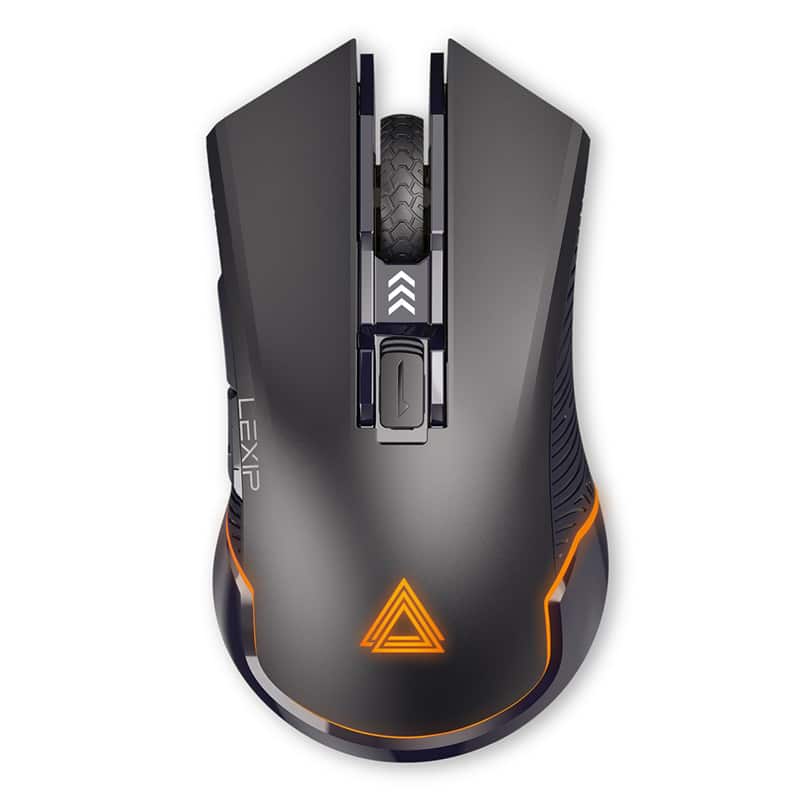
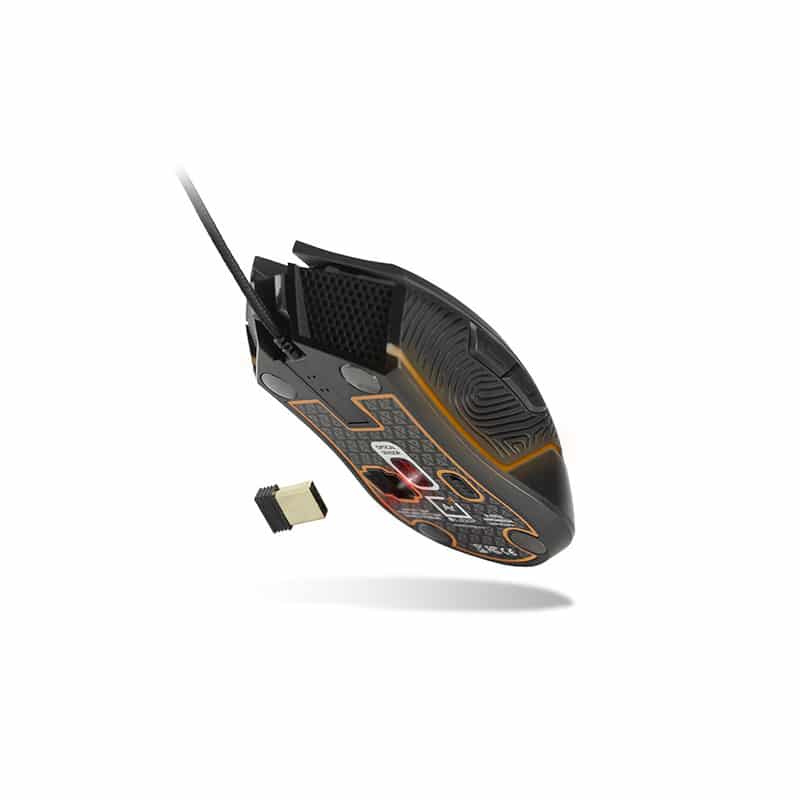
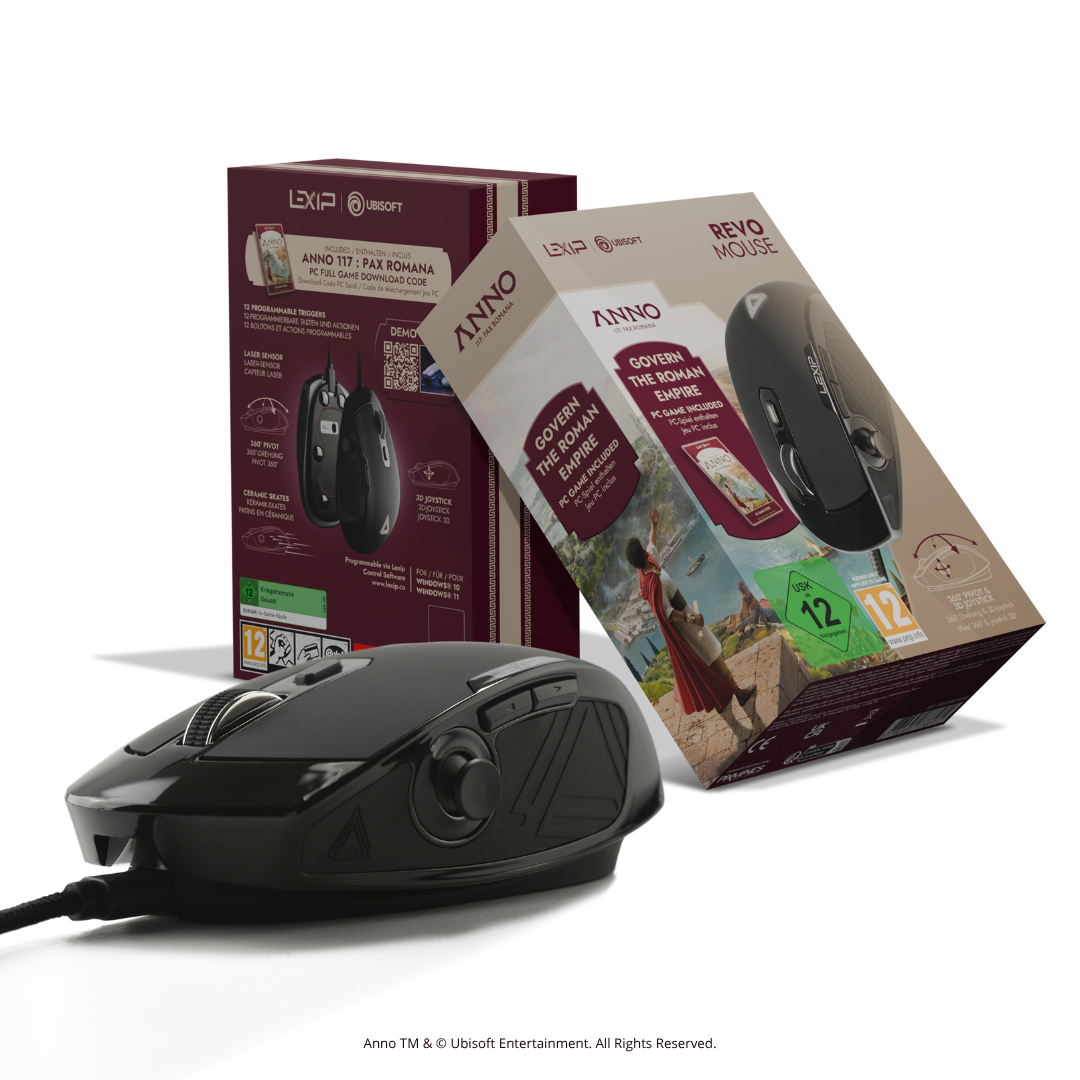
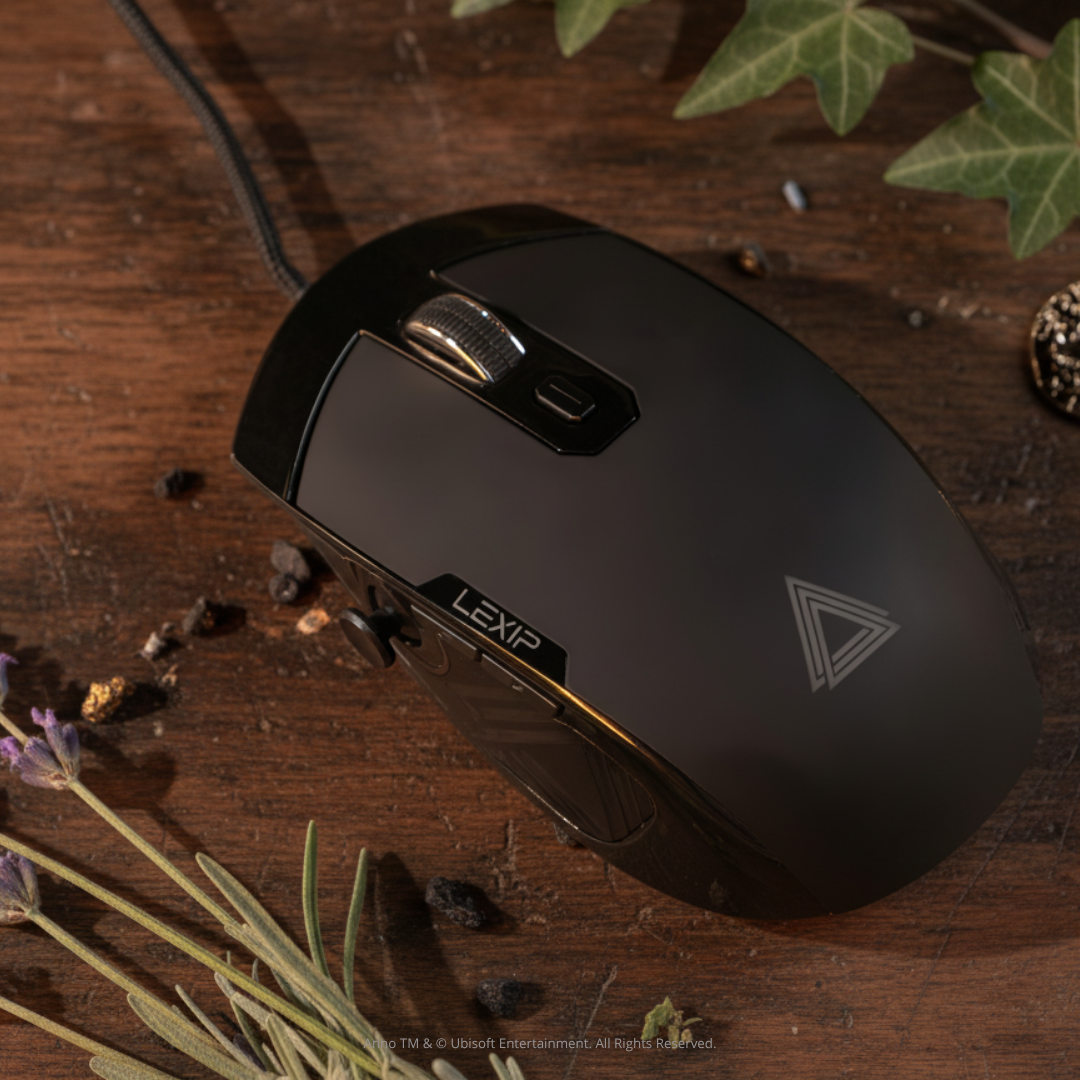
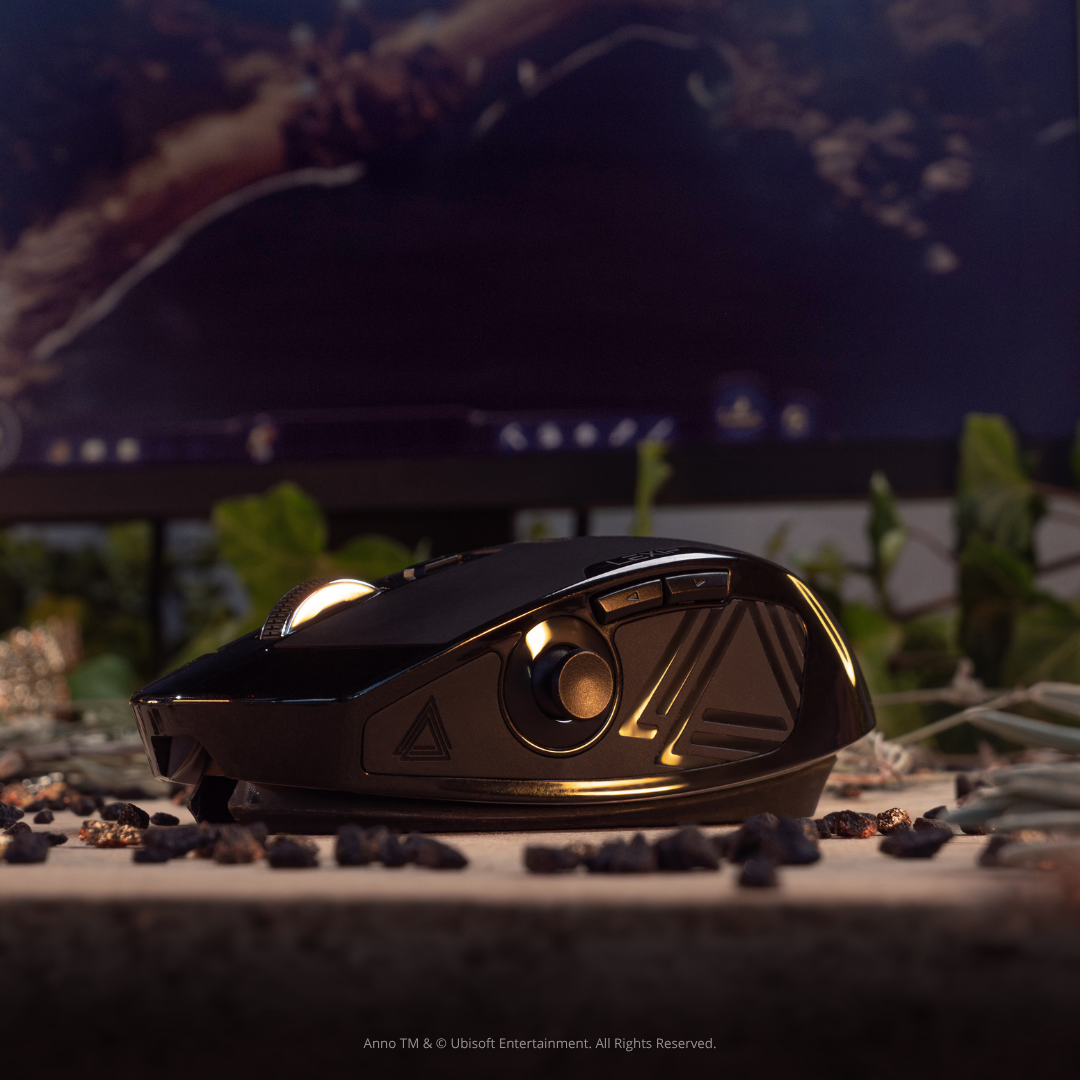
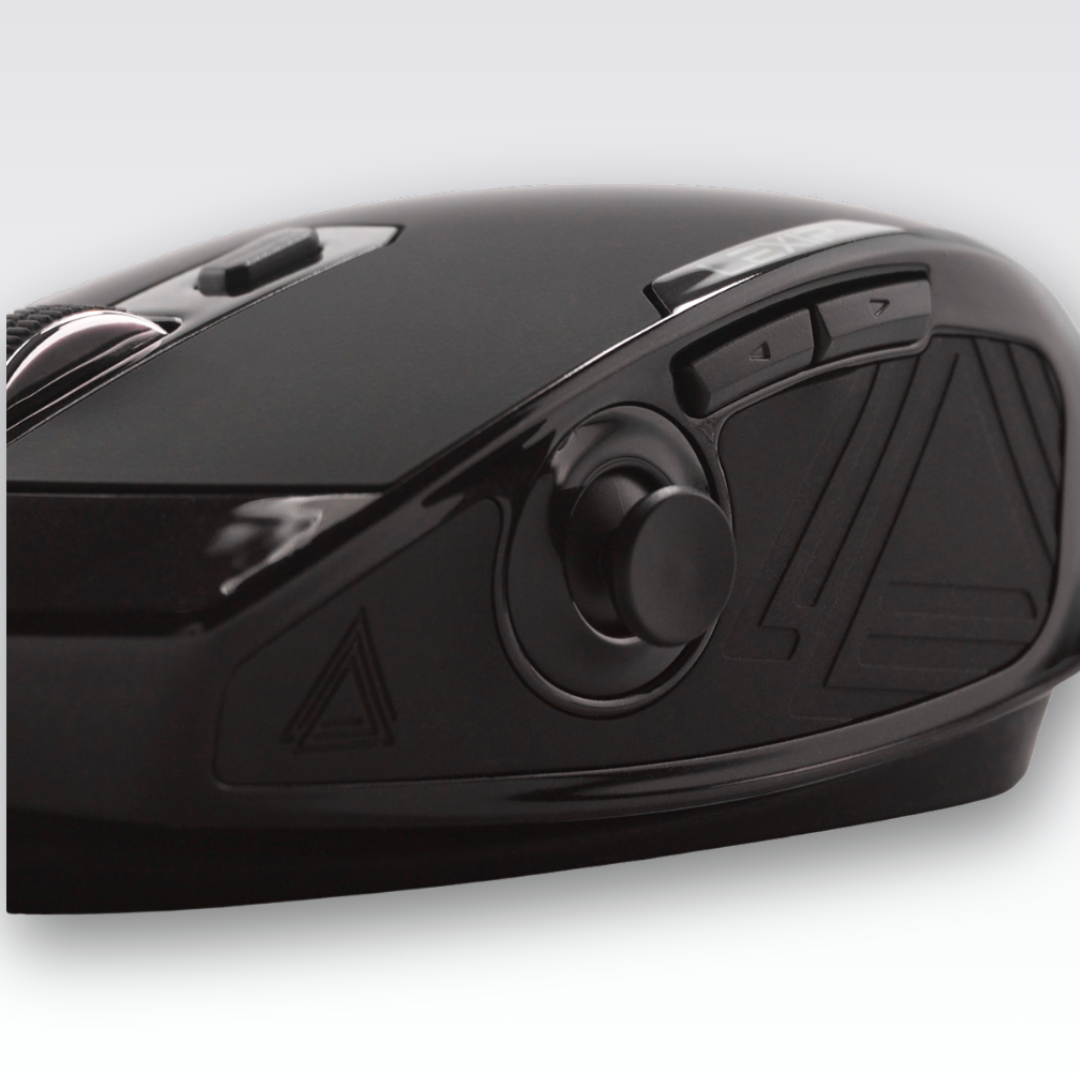
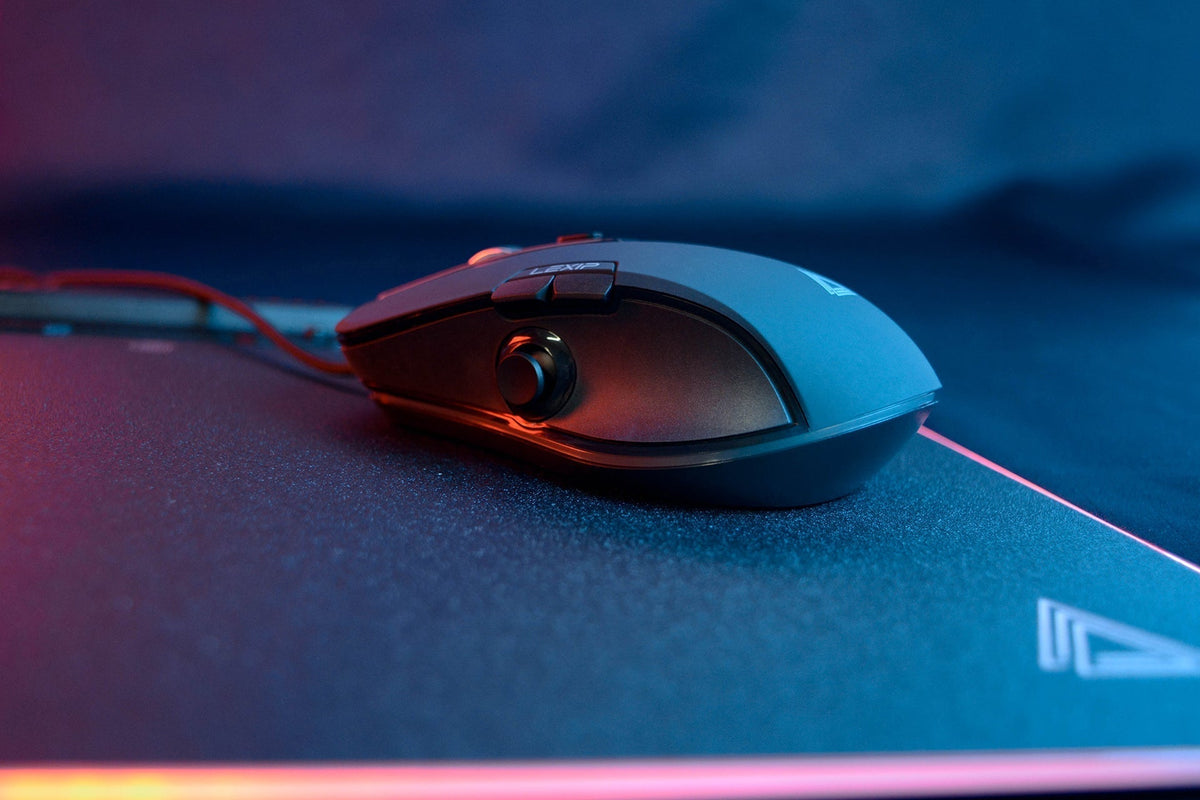
The PU94 can be interesting in this logic because it notably adds a command accessible to the thumb thanks to its joystick.
In Minecraft, the point is to think about the distribution of controls between the left and right hands.
The joystick can, for example, be integrated into a personalized configuration according to the actions you want to keep under your thumb. The right assignment will depend heavily on your way of playing: building, survival, exploration, or intensive use of certain shortcuts.
Do you want to further adapt your controls to your playstyle?
Discover the LEXIP PU94 and its customization possibilities.
An ergonomic mouse is not enough on its own
Changing your mouse can improve your comfort, but it won't fix an entirely poorly adapted setup.
For long Minecraft sessions, also check:
Screen position
Your screen should be high enough to avoid keeping your head tilted constantly. Place it directly in front of you if you play mainly on a single monitor.
Available space
Keep a large enough movement area around the mouse. Avoid objects that force you to change your natural trajectory.
Breaks
Even with a good setup, staying in the exact same position for several hours is not ideal. Take advantage of a loading screen, a break between builds, or simply a change in activity to move your hand, shoulders, and arms.
Your grip
Do not try to force a "palm," "claw," or "fingertip" grip just because it is presented as better for Minecraft.
The right grip remains the one that allows you to control the mouse without needing to squeeze it unnecessarily.
Which mouse to choose for playing Minecraft for a long time?
First, look at your usage.
An occasional player will not have the same needs as someone spending several hours building or playing regularly on competitive servers.
Before choosing a mouse, ask yourself four questions:
-
Is it adapted to the size of my hand?
-
Can I easily reach the controls I use?
-
Does my sensitivity allow me to play without multiplying corrections?
-
Does my mouse really reduce certain unnecessary movements?
Playing Minecraft better sometimes starts with a few adjustments
It is not necessary to entirely transform your setup.
Moving the mouse closer, slightly reducing sensitivity, reviewing two shortcuts, or freeing up more space on the mousepad can already make movements more natural.
Only then comes the choice of the peripheral.
A mouse like the LEXIP PU94 makes the most sense when you use its controls to adapt movement to your own way of playing. The best setting is not another player's; it is the one that allows you to build, explore, or fight with fewer unnecessary gestures.
Discover the LEXIP PU94 mouse.



Share: