


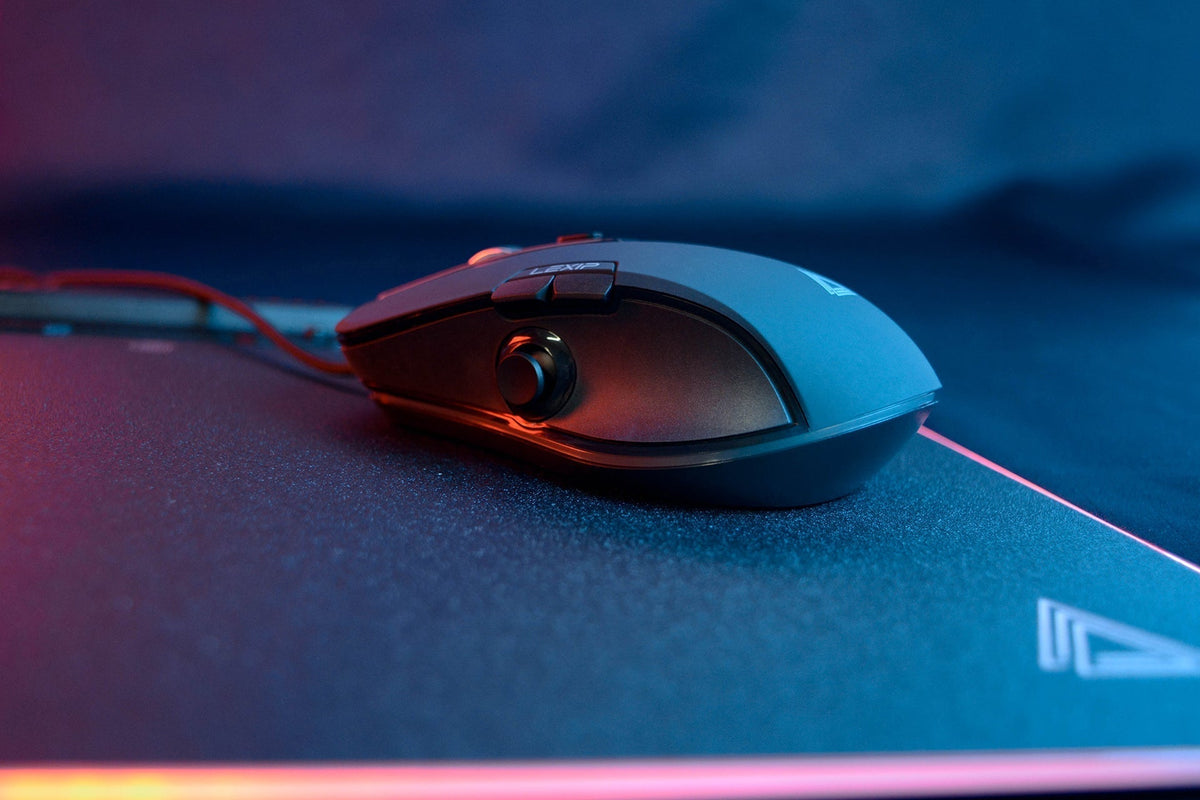
Does your mouse drag more than it used to, require more effort to move, or feel less smooth on the mousepad? The problem isn't necessarily the sensor or the mouse itself.
In many cases, the glide sensation depends directly on the feet located under the mouse, but also on the condition of the mousepad or the presence of dust.
Before replacing your device, a few simple checks can help you determine if your feet are actually worn out.
What are mouse feet for?
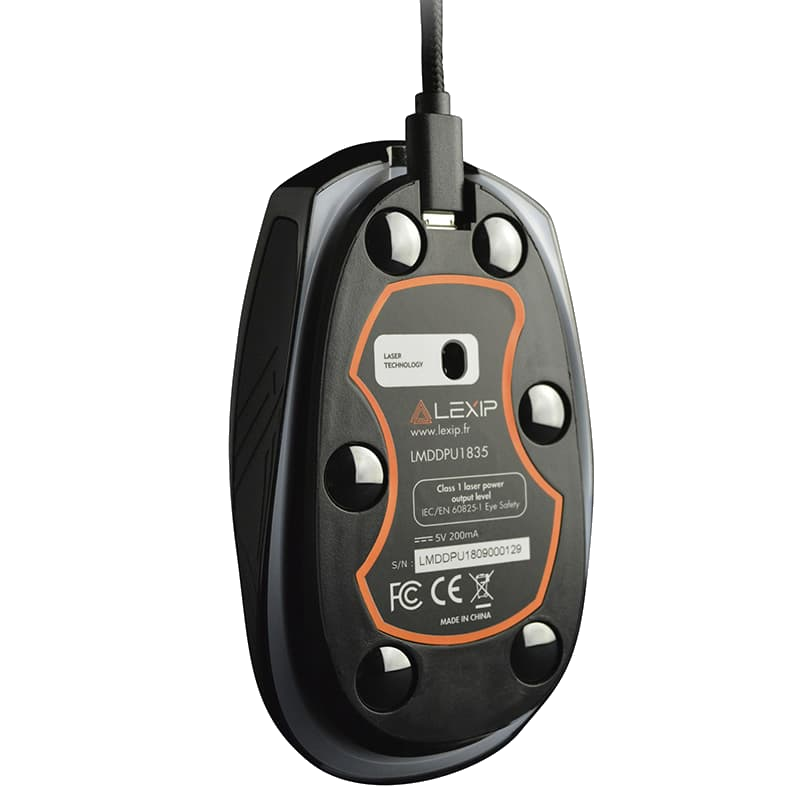
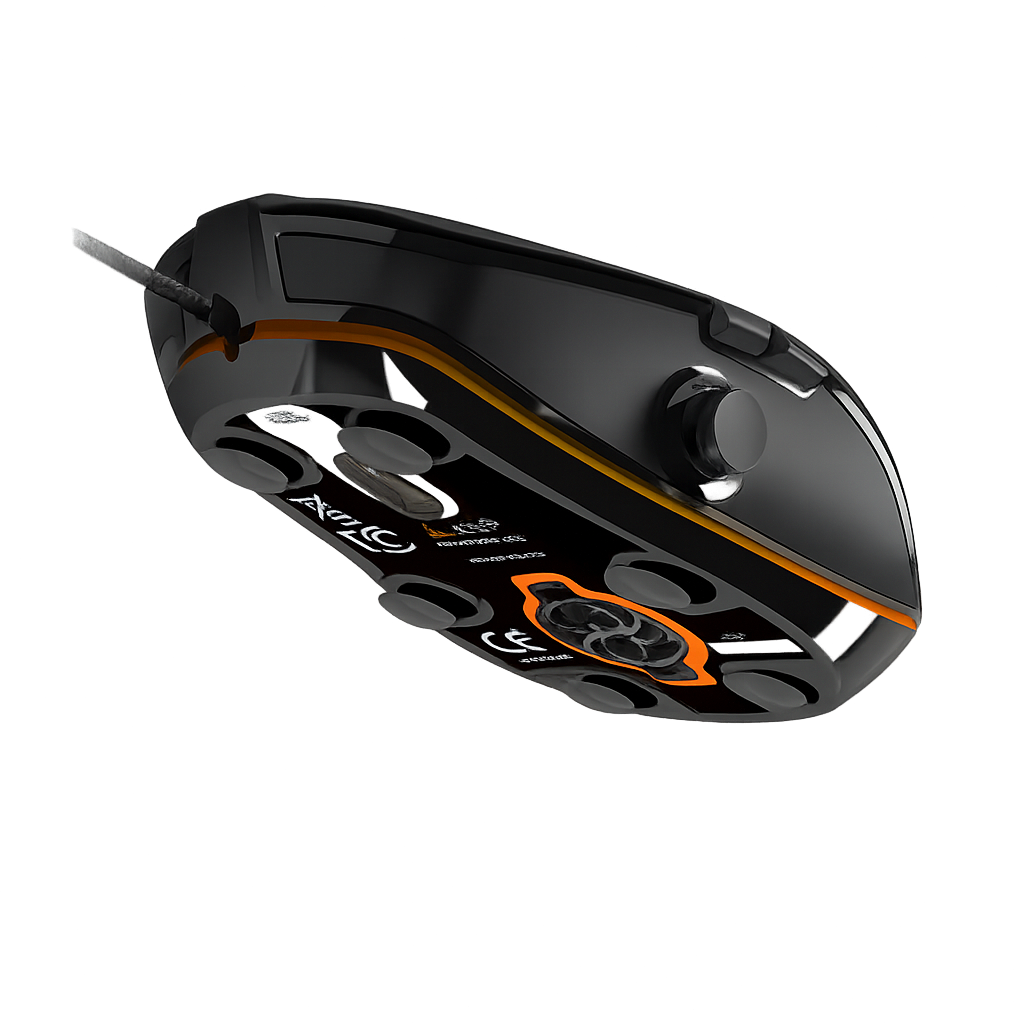
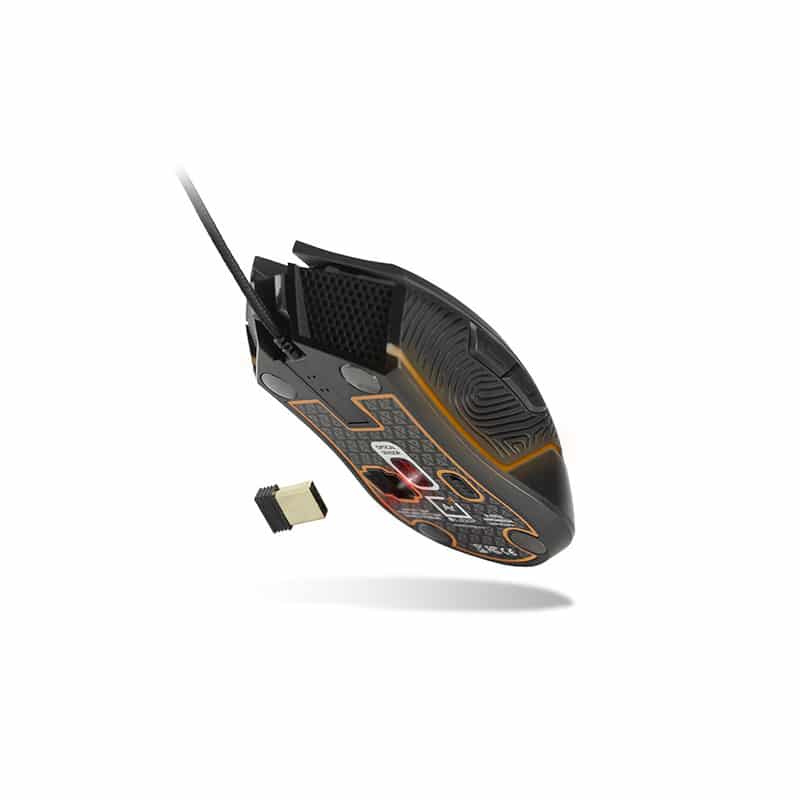
The feet are the small surfaces placed under the mouse. They are the main points of contact with the mousepad.
Their role is to limit friction so that the mouse can naturally follow the hand's movements. Feet in good condition help to maintain:
-
a consistent glide;
-
predictable resistance;
-
smoother changes in direction;
-
a uniform feel across the entire surface of the mousepad.
This detail can become particularly important when gaming with low sensitivity. Movements are then more expansive. Additional resistance repeated with every movement can quickly change how the game feels.
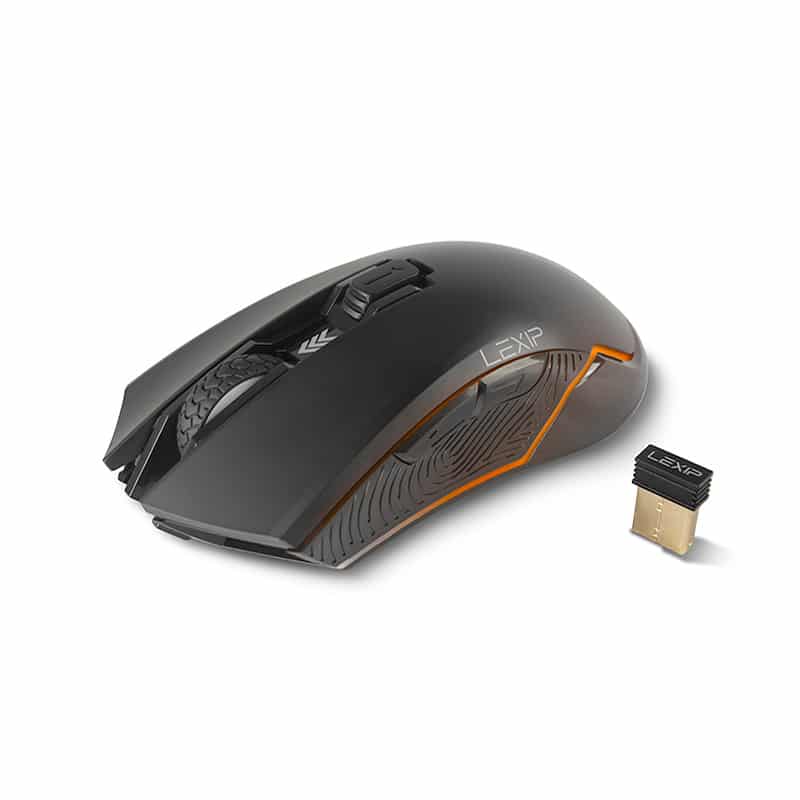
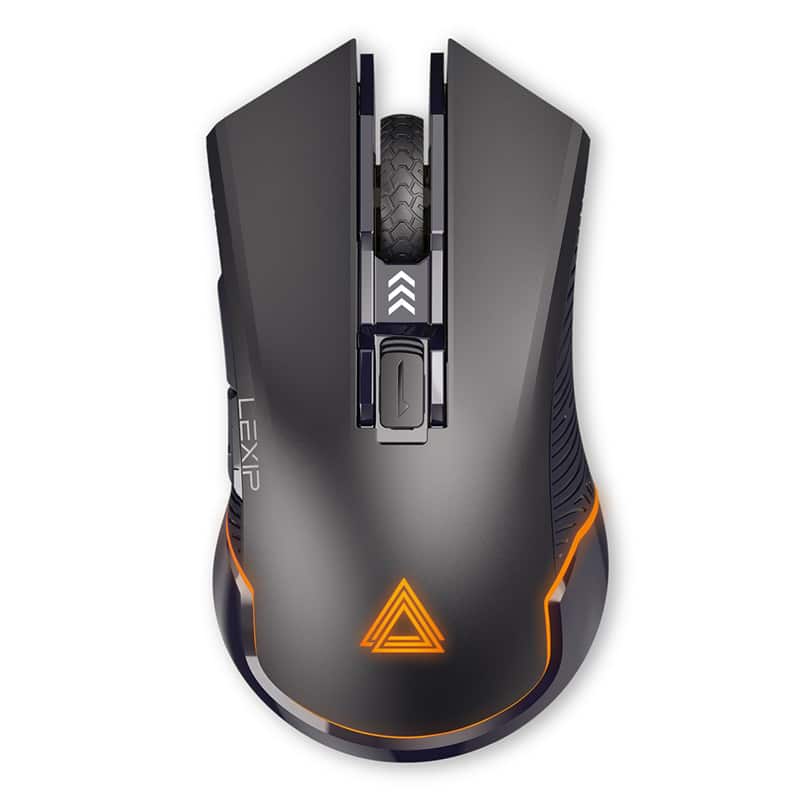
At LEXIP, this quest for fluidity is built into the brand's approach to peripherals: reducing friction between intention and action to make the movement more natural.
How do you know if your mouse feet are worn out?
The feet wear down gradually. It is therefore possible to get used to a degradation in glide without really noticing it.
However, certain signs make it easier to identify the problem.
The mouse drags more than before
This is often the first symptom.
You have to exert a little more force to start a movement or to change direction quickly. The mouse seems less free on the mousepad.
If this sensation has appeared gradually, inspecting the feet can be a good first reflex.
The glide becomes irregular
Slowly slide your mouse over a clean area of the mousepad.
If you feel variations in resistance or small snagging points, check the condition of the various feet.
More significant wear on one part of the mouse can create an unbalanced sensation between the front and the back.
The shell starts to rub
When the feet are very worn, certain areas under the mouse can get dangerously close to the mousepad.
You may then hear a slight rubbing sound or feel a much rougher surface during movements.
In this case, replacing the feet becomes particularly relevant.
Before changing the feet, check your mousepad
Poor glide is not always caused by the mouse.
Fabric mousepads can accumulate dust, fibers, or residue from daily use. Some areas then become slower than others.
Try moving your mouse over a part of the mousepad you use rarely.
If the glide returns to normal, the problem likely stems from the surface.
You can also temporarily test your mouse on another suitable mousepad. This is often the fastest way to find out if the feet are truly at fault.
Is your surface also starting to lose its consistency?
Discover the mousepads and surfaces available at LEXIP to find a movement space adapted to your use.
Can cleaning the feet improve the glide?
Yes. A simple residue can sometimes create more resistance than a slightly worn foot.
Unplug or turn off your mouse, then examine its base under good lighting. Gently remove any dust or fibers present around the feet.
Also remember to clean your mousepad in accordance with the manufacturer's recommendations.
The goal is not to sand or scrape the feet. An overly aggressive intervention could conversely make their surface less uniform.
If cleaning does not change the sensation, wear is a more likely cause.
When should you change a mouse's feet?
There is no precise lifespan that applies to all mice.
Wear depends on the material of the feet, the type of mousepad, the frequency of use, and even the pressure exerted during movements.
It is therefore better to observe the behavior of your mouse rather than counting the number of months that have passed.
You might consider changing the feet when:
-
the mouse drags despite cleaning;
-
the feet show significant signs of wear;
-
certain areas seem significantly thinner;
-
the shell starts to touch the mousepad;
-
the glide remains poor on several surfaces.
If your mouse is working correctly but you are simply looking for a different feel, changing the feet can also alter its behavior. This is then a matter of personal comfort rather than a repair.
How to change the feet without damaging the mouse?
The exact method varies depending on the model.
New feet must above all match the shape and thickness intended for your mouse.
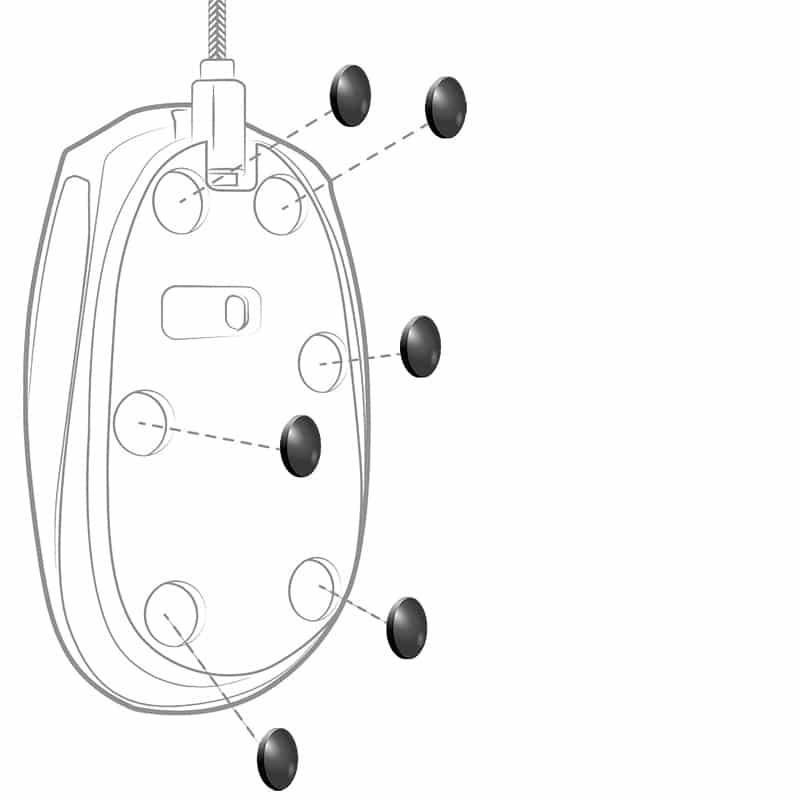
Remove the old ones carefully. Clean off any adhesive residue, then place the new feet into their slots.
Avoid poorly sized models. Incorrect thickness can slightly alter the mouse's height relative to the mousepad.
After installation, check that each foot rests perfectly flat.
Do ceramic feet change the glide sensation?
Not all mice use the same materials.
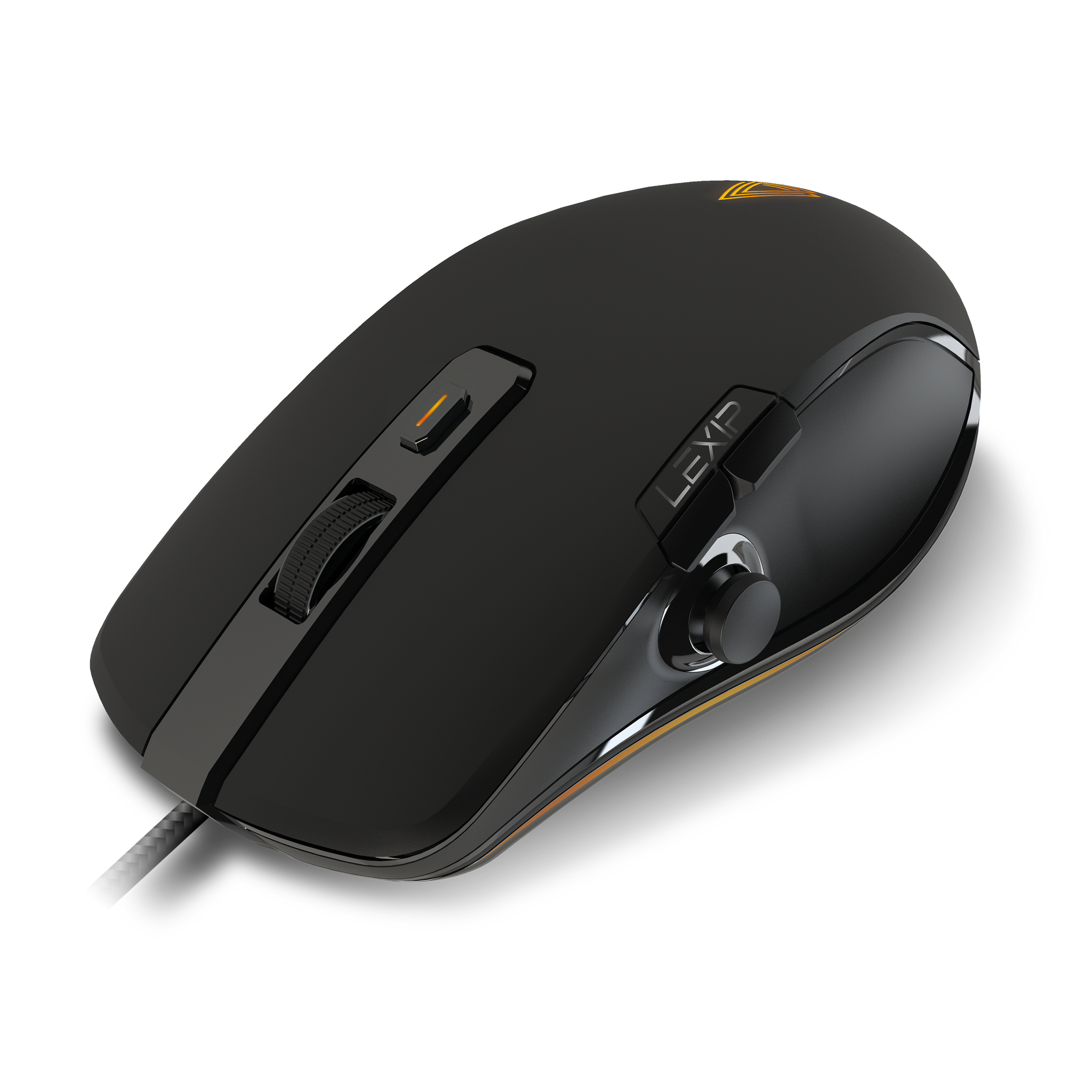
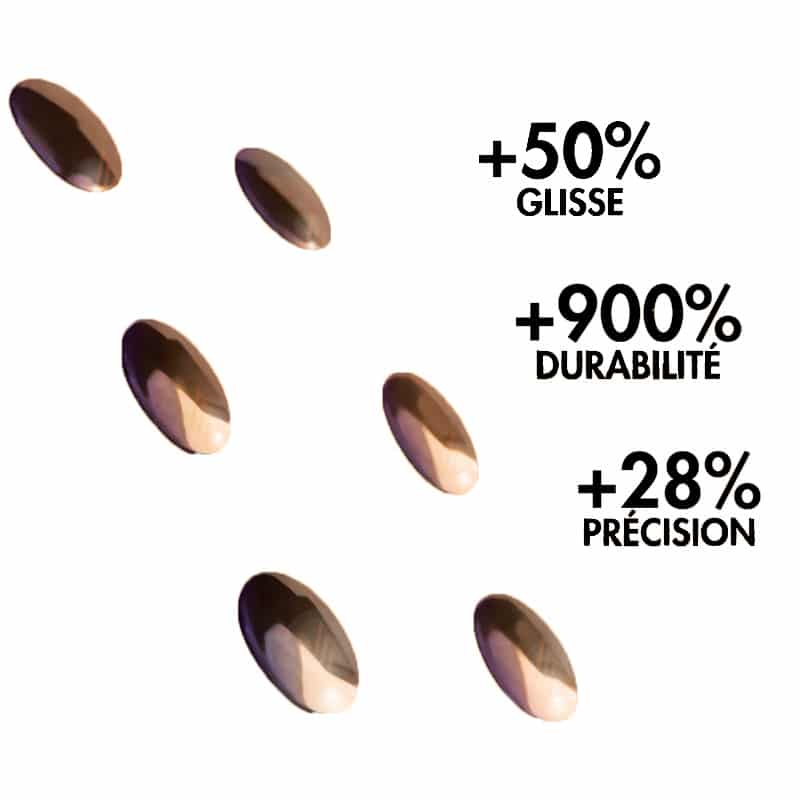
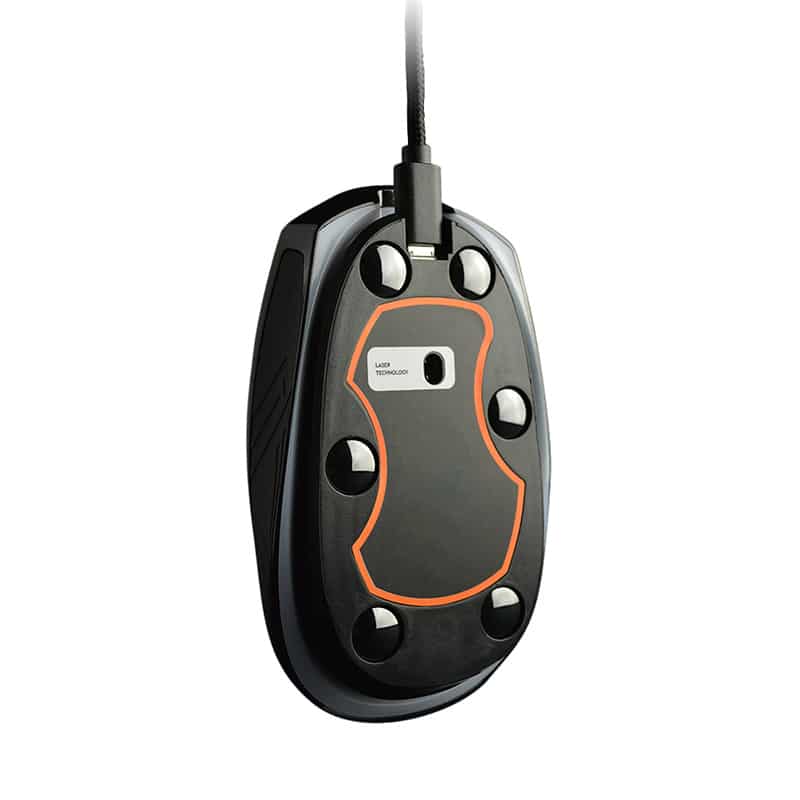
LEXIP has integrated ceramic feet on certain models.
On the NP93, for example, the associated benefit is framed around a very simple idea: gliding with less effort.
Ceramic is a particularly hard material. It can therefore offer a different feel from that of classic feet while resisting material wear well.
This does not mean that one type of foot will necessarily suit everyone.
A player who is looking for a lot of speed will not necessarily have the same preferences as a user who wants more control.
The surface used also remains a determining factor.
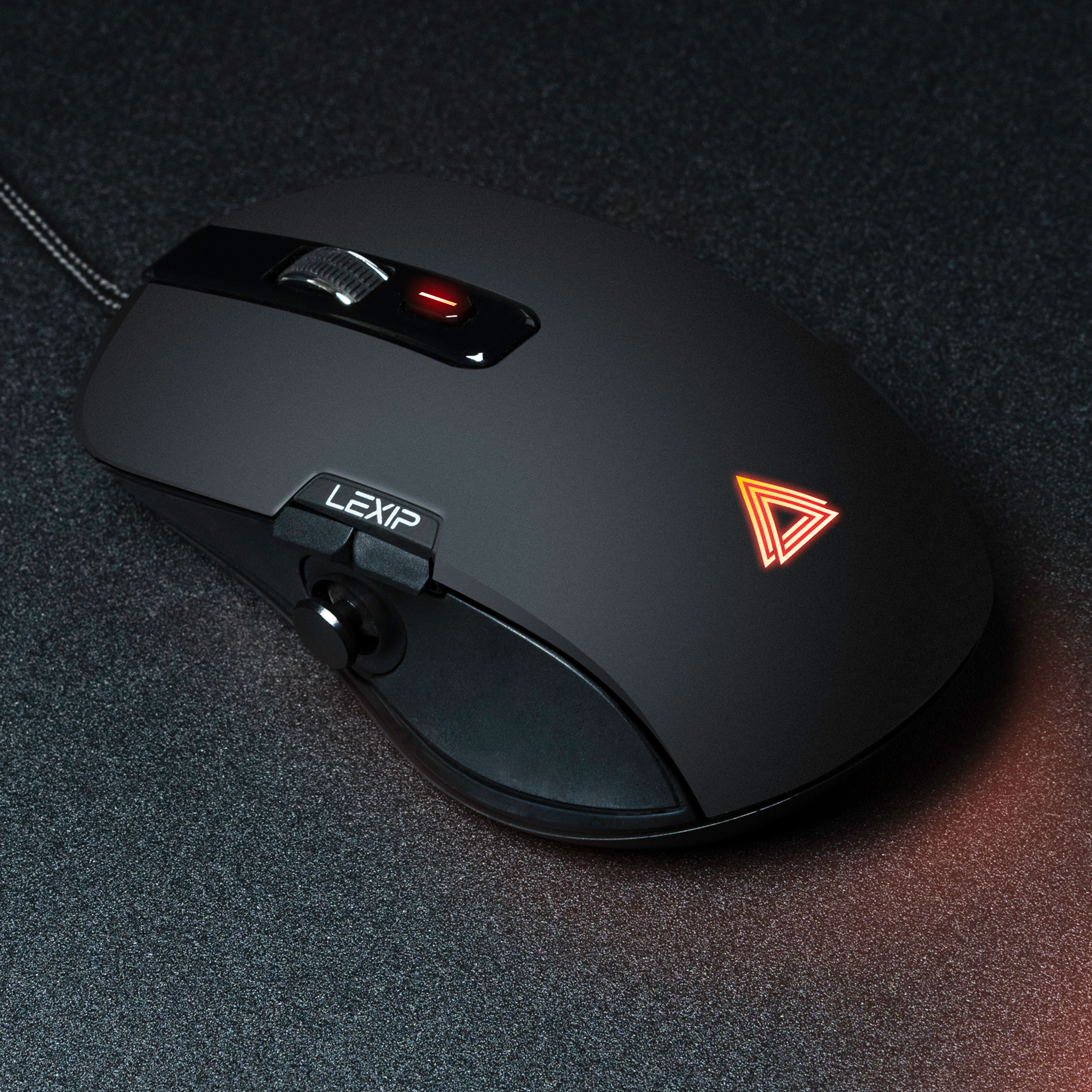
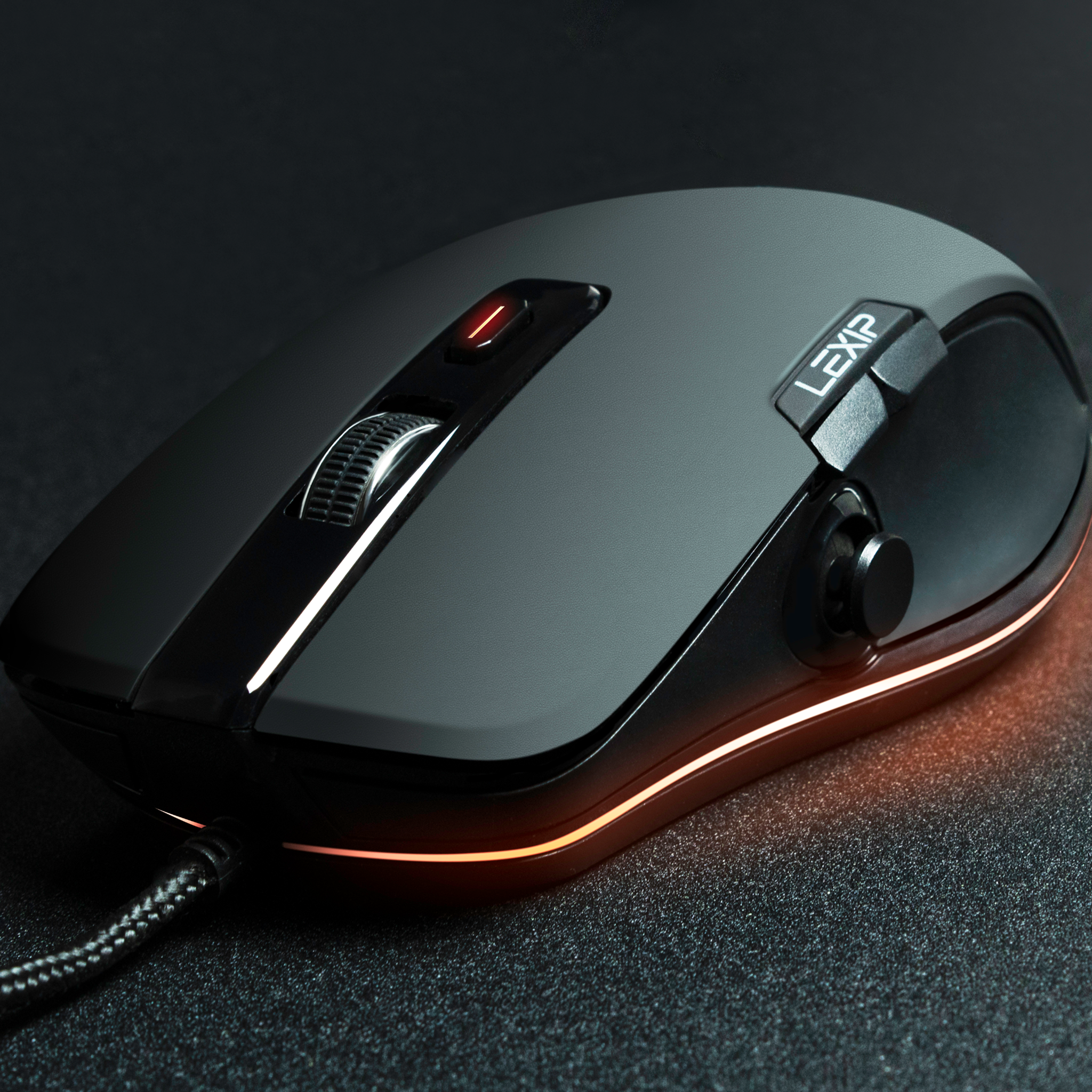
Looking for a mouse designed around the fluidity of movement?
Discover LEXIP mice equipped with technologies designed to reduce friction during your movements.
Should you replace the mouse if it glides poorly?
Not necessarily.
A mouse that drags can sometimes regain a good feel after a simple cleaning of the mousepad or the feet.
If the problem persists, replacing the feet may be enough to extend its use.
Before completely changing your device, proceed in this order: clean the mouse, check the mousepad, test another surface, then inspect the wear on the feet.
Is your mouse no longer following your gestures as naturally as before? A few minutes of checking can sometimes be enough to regain a much more consistent glide.
Discover LEXIP mice and choose a model adapted to the way you play, work, or create.






Share: