



Sometimes, we spend hours comparing mice, their sensors, or their DPI. Yet the mouse pad they glide across deserves just as much attention.
A pad that’s too small can restrict your movements. A very fast surface can make it harder to stop your mouse, while a grippier coating may take more effort to move across.
So, how do you choose a mouse pad that suits your setup and the way you play? From size and texture to comfort and design, here are the criteria that really deserve your attention.
What size mouse pad should you choose?
Before comparing materials, take a look at your desk. The available space is the first thing to consider when choosing a pad you can use comfortably.
An XXL pad for greater freedom of movement
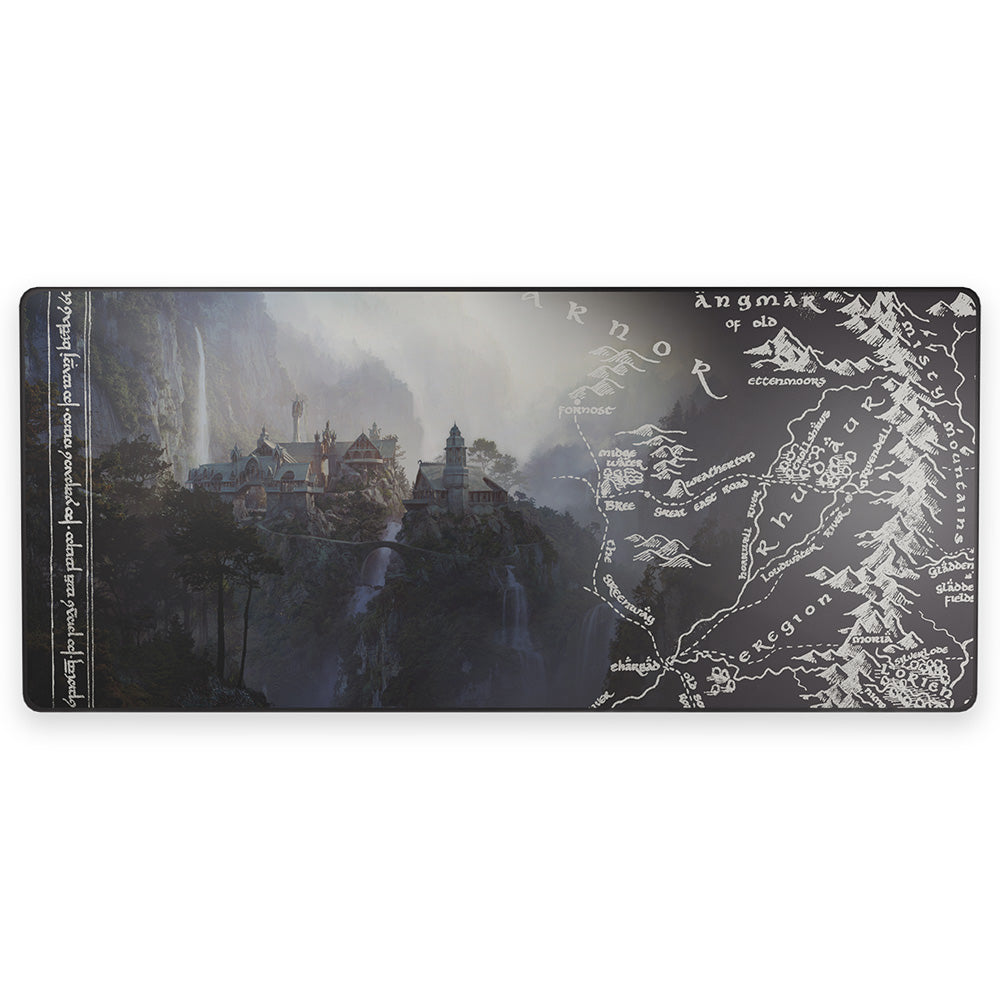
At 90 × 40 cm, an XXL mouse pad gives you enough room for your keyboard and mouse on the same surface.
This is especially useful if you play FPS games like Valorant or Counter-Strike 2 at a low sensitivity. Arm movements require more space, so a large pad helps you stay within the gliding area.
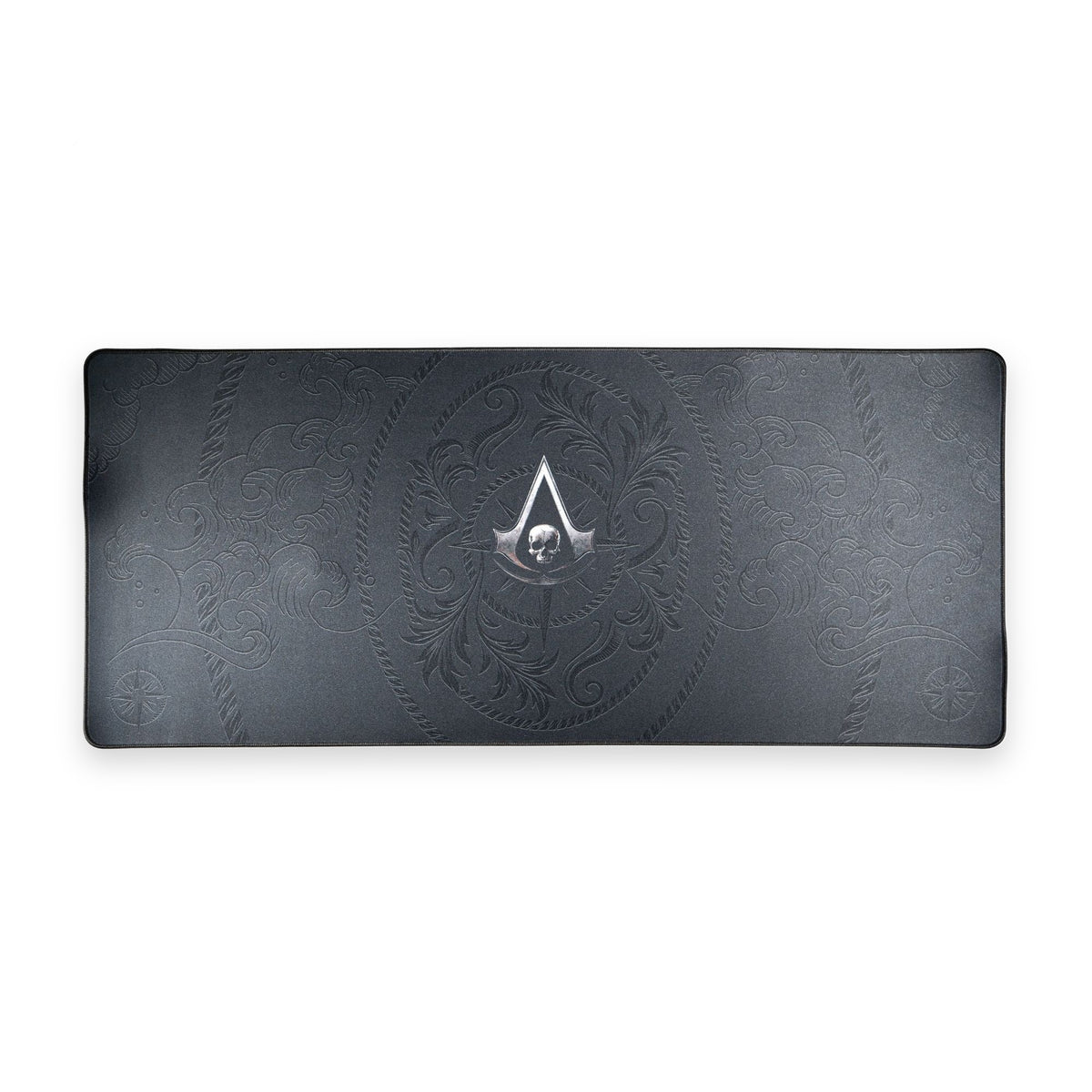
At LEXIP, several XXL models feature a micro-textured surface and a non-slip base. The Assassin's Creed Shadows mouse pads come in this size and feature artwork inspired by the Ubisoft universe.
A classic size for more compact desks
A classic-size mouse pad is generally suited to players who prefer to set aside a specific area for their mouse.
If you use a high sensitivity, your keyboard already takes up much of your desk, or you regularly travel with your gear, this size may be more practical.
However, make sure you leave enough room for side-to-side movements. A compact pad shouldn’t force you to keep lifting your mouse to recenter it.
Speed or Control surface: what’s the difference?
The pad’s texture directly affects how it feels to glide your mouse across it.
A Speed surface for a smoother glide
Speed-focused surfaces are designed to reduce resistance as your mouse moves.
The mouse feels lighter under your hand, which can be great for chaining together fast movements in Apex Legends, Fortnite, or Overwatch 2.
The trade-off is that an extremely free glide can make sudden stops harder to control.
A Control surface for better movement control
Control-focused mouse pads generally offer more friction.
This additional resistance can help steady your movements and stop the cursor exactly where you want it.
Some players like this feel for fine-tuning their aim in tactical FPS games such as Valorant or Rainbow Six Siege.
But keep in mind: a Control surface won’t automatically make you more accurate. The result also depends on your DPI, your habits, and, above all, your mouse feet.
Hard or soft mouse pad: which should you choose?
A soft, usually fabric mouse pad is a versatile choice for both gaming and work.
It gives slightly under the pressure of your hand, often feels comfortable against your forearm, and is available in a wide range of XXL sizes.
A hard mouse pad feels different. Its firm surface generally allows for more direct movements, with often lower resistance depending on the materials used.
LEXIP offers a hard Assassin's Creed Shadows mouse pad with switchable lighting, as well as the B5 RGB model.
If you prefer broad movements and a comfortable surface, start by looking at soft mouse pads. If you want a more direct glide across a compact area, hard models are worth considering.
For more information, read our article on the differences between hard and soft mouse pads.
What should you check before buying?
Two mouse pads of the same size can offer very different experiences.
A non-slip base to keep the pad in place
A pad that moves around during a game can quickly become annoying.
The base should grip your desk well, especially during fast movements.
Reinforced edges to reduce wear
On fabric pads, stitching around the edges can help prevent fraying.
A thickness that suits your comfort
At 4 mm thick, the LEXIP soft XXL mouse pads provide a slightly cushioned surface under your hand.
However, a thicker pad isn’t necessarily more comfortable. If you press down hard on your mouse, a pad that’s too soft may change how the glide feels.
The key is to find a stable surface that naturally supports your movements.

A mouse pad that fits your setup
Design also deserves a place in your decision.
An XXL pad takes up a large part of your desk. You might as well choose a design you’ll enjoy seeing every day.
At LEXIP, several collections let you customize the look of your setup.
The Assassin's Creed Shadows mouse pads bring the world of feudal Japan to life with designs inspired by the Ubisoft franchise.
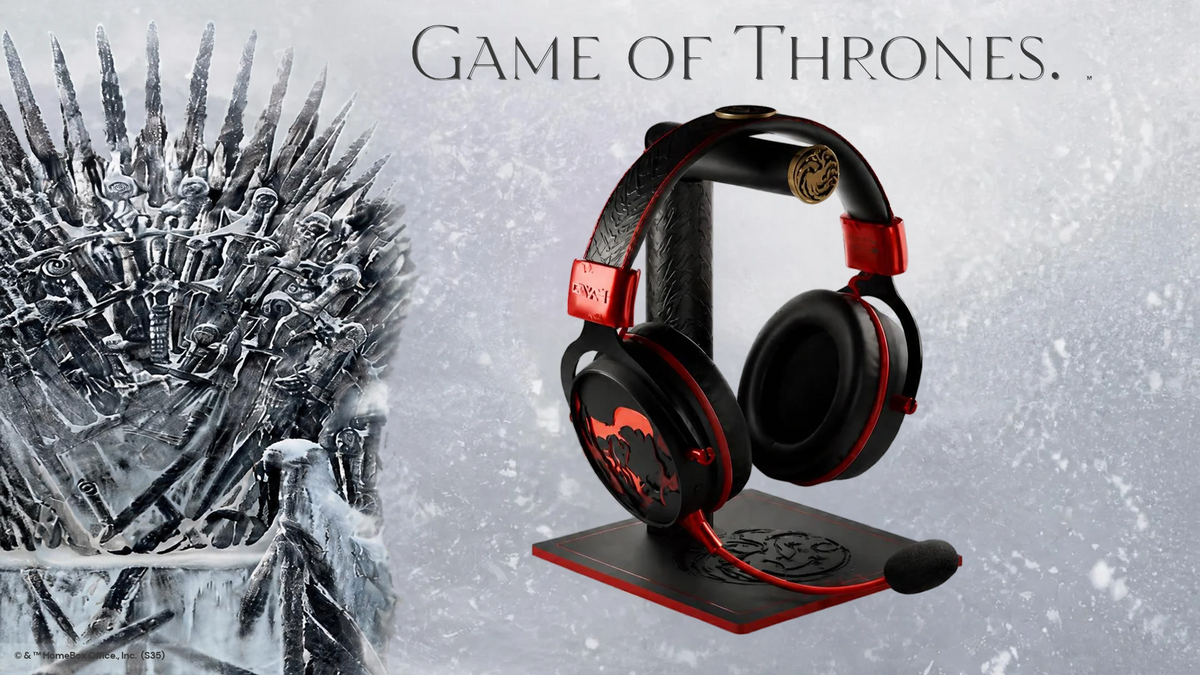
The Game of Thrones collection, meanwhile, immerses your setup in the world of Westeros, with designs in the colors of the great houses, such as Stark, Lannister, and Targaryen, as well as the fearsome Night King.
You can also opt for a more understated pad that’s easier to pair with different peripherals.

Discover the Assassin's Creed Shadows XXL mouse pad
Which mouse pad should you choose for the way you use it?
For competitive FPS games, start by assessing your sensitivity. A large pad will often be more comfortable if you play using broad movements.
For games like Minecraft, The Sims, or strategy games, comfort and a consistent glide may matter more than pure speed.
If you also use your desk for work, photo editing, or video editing, a fabric XXL pad lets you maintain a consistent surface across all your activities.
Finally, take a look at your mouse feet. PTFE or ceramic feet don’t feel exactly the same on a given surface.
It may therefore be worth finding the right balance between your mouse and pad rather than simply choosing the fastest surface.
The right mouse pad starts with your habits
Before changing your mouse pad, ask yourself three simple questions:
-
How much space do you have on your desk?
-
How wide are your movements?
-
What kind of glide do you prefer?
You can then look at the finishing, thickness, and design.
A good mouse pad should let you play comfortably without having to monitor your movements every second.
At LEXIP, our range includes different sizes and designs to suit both gaming sessions and days spent in front of a screen.










Partager: