


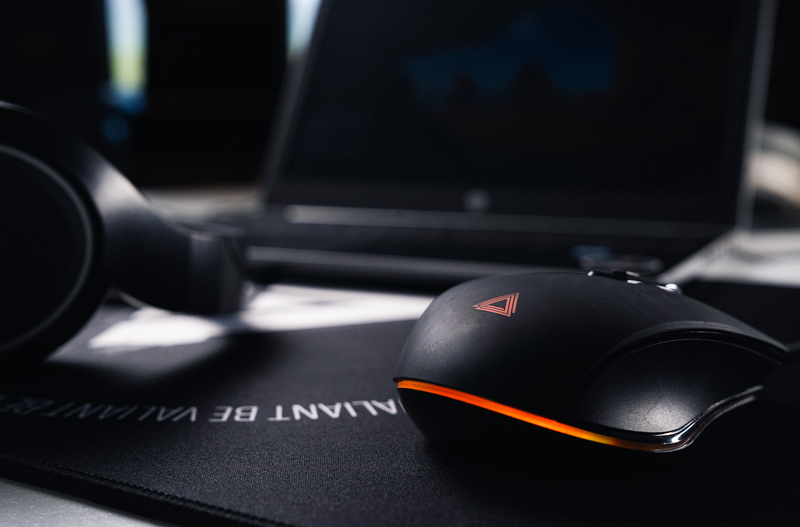
Playing Minecraft with a mouse: how to improve your ergonomics?
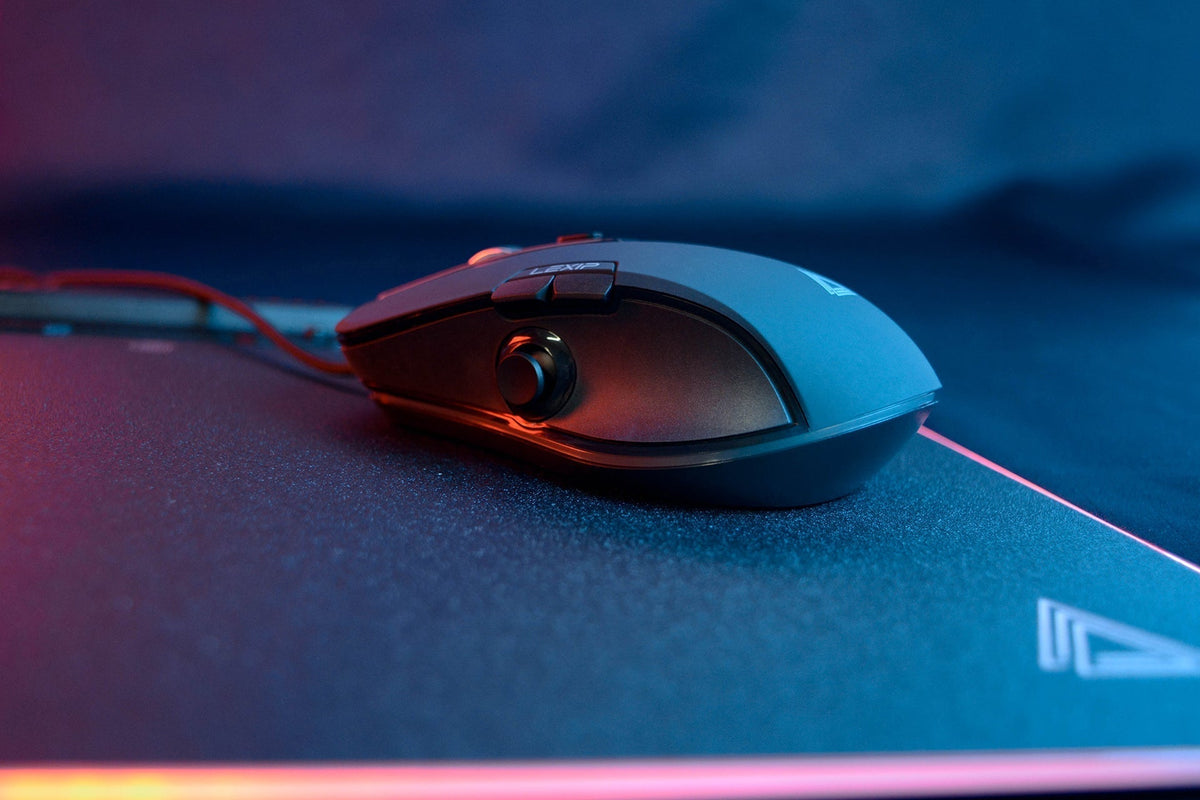
Mouse not gliding well: should the feet be replaced?

Comfortable gaming headset for long sessions: how to choose without getting sore ears?
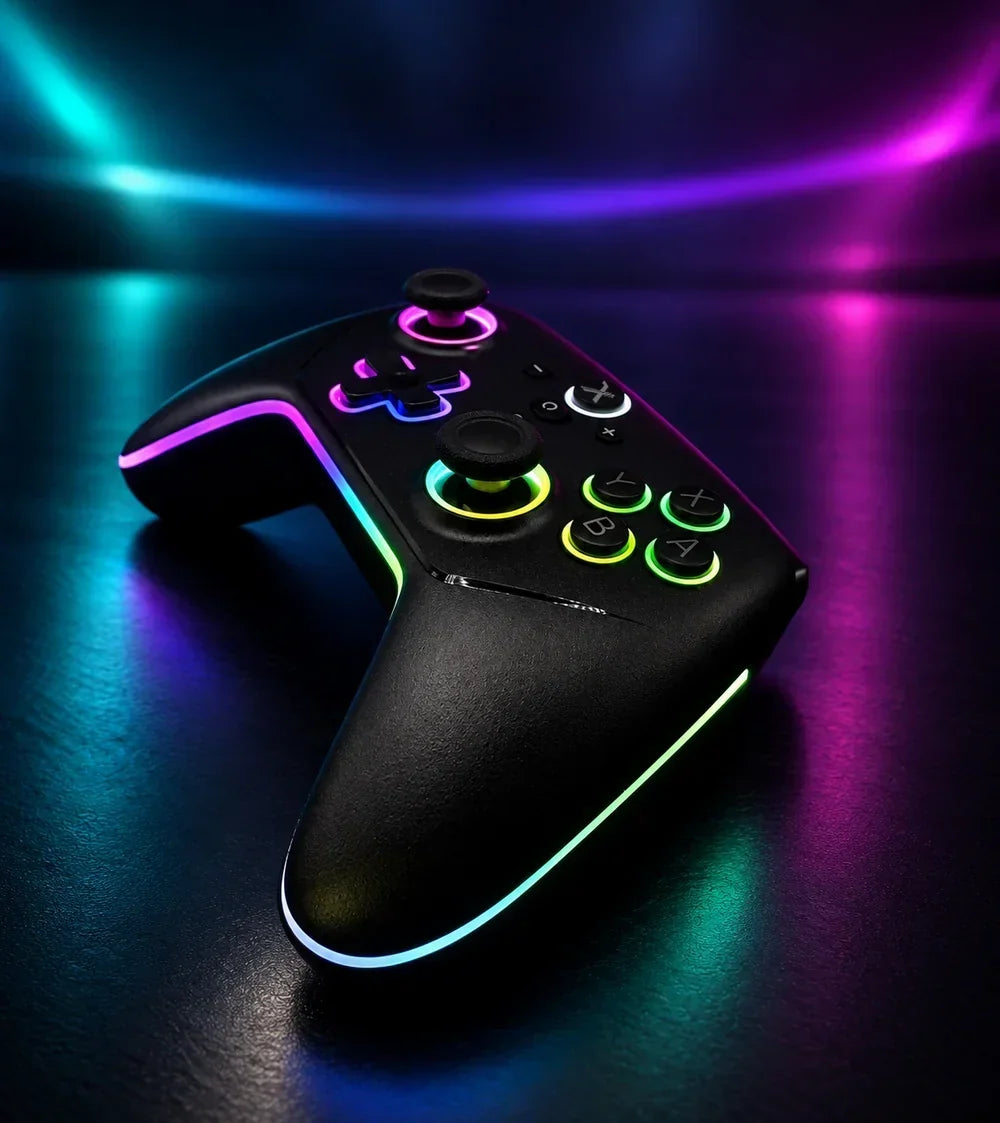
Macro and turbo functions on a Switch 2 controller: what are they for?

Mouse for SOLIDWORKS: how to adjust DPI for 3D design?
In SOLIDWORKS, selecting a small edge shouldn't take three tries. If your cursor often overshoots its target, a few minutes spent adjusting the DPI can make all the difference. A higher setting generally moves the pointer further for the same physical gesture, while a lower setting requires a larger movement. The right setting is the one that allows you to work without constantly correcting your trajectory.
But 3D design is also about rotating a part, zooming in on a detail, and panning the view. With its thumb joystick and internal pivot, the LEXIP Pu94 offers additional controls for navigating these movements.
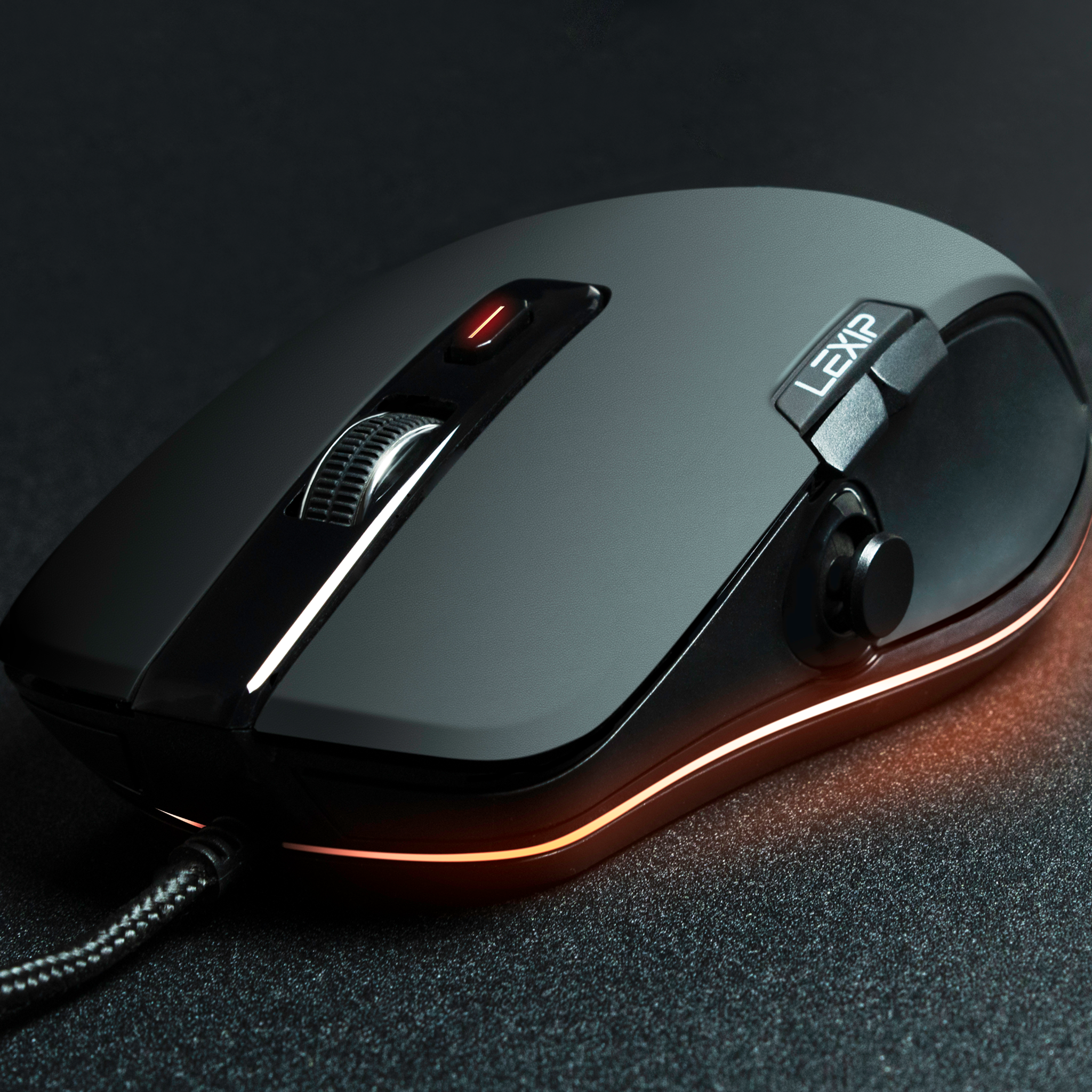
Optimize your gaming experience: Customizing keys and sensitivity