Discover Lexip

The Lexip Magazine

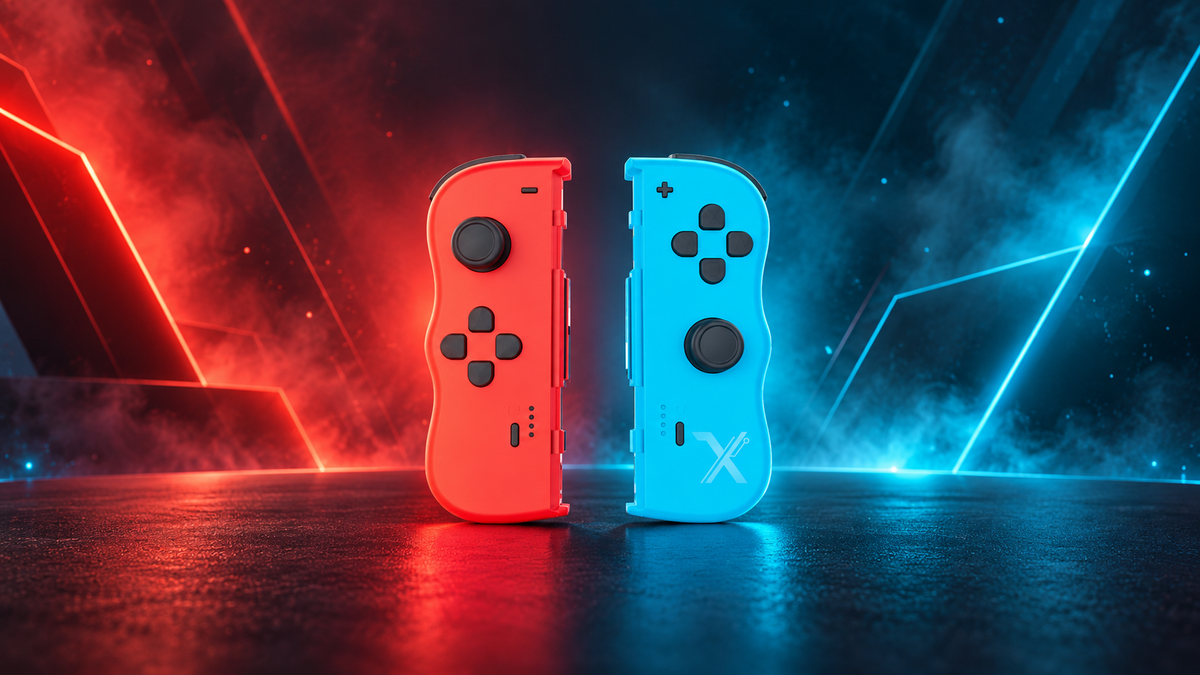
TwinPads Lexip : l’alternative aux Joy-Con compatible Switch et Switch 2

Lexip TwinPads: the Switch and Switch 2 compatible alternative to Joy-Cons

Do you play on Nintendo Switch and have just upgraded to the Switch 2? You don't necessarily need to replace all your accessories. The Lexip TwinPads, featuring a patented design, were created as an alternative to Joy-Cons for the Nintendo...

Read more

Casque gaming confortable pour longues sessions : comment choisir sans avoir mal aux oreilles ?

Comfortable gaming headset for long sessions: how to choose without getting sore ears?
After two or three hours of gaming, a headset can start to make itself felt. Pressure around the ears, a headband pressing on the top of the skull, heat in the cushions: a model that feels pleasant for twenty minutes...

Read more

Fonction macro et turbo sur une manette Switch 2 : à quoi ça sert ?

Macro and turbo functions on a Switch 2 controller: what are they for?

Do you see the terms "macro," "Turbo," or "Auto-fire" on a Switch 2 controller without really knowing what they change in-game? These functions are mainly designed to reduce repetitive actions or to combine several commands into a single gesture. On...

Read more

Tapis de souris XXL : à quoi sert-il et comment le choisir ?

XXL mouse pad: what is it used for and how to choose one?

An XXL mouse pad can truly improve gaming comfort when you lack space for your movements, especially at low sensitivity. It allows you to keep the mouse on a continuous gliding surface, set up your keyboard and mouse on the same base, and gain daily comfort. Size isn't everything, however: you also have to look at the texture, stability, thickness, finishes, and the available space on your desk. 

The right choice depends above all on your playstyle, your setup, and your gliding preferences. A well-suited pad should first and foremost allow you to move naturally without having to constantly recenter your mouse.

Read more

Souris pour SOLIDWORKS : comment régler les DPI pour concevoir en 3D ?

Mouse for SOLIDWORKS: how to adjust DPI for 3D design?

In SOLIDWORKS, selecting a small edge shouldn't take three tries. If your cursor often overshoots its target, a few minutes spent adjusting the DPI can make all the difference. A higher setting generally moves the pointer further for the same physical gesture, while a lower setting requires a larger movement. The right setting is the one that allows you to work without constantly correcting your trajectory.

But 3D design is also about rotating a part, zooming in on a detail, and panning the view. With its thumb joystick and internal pivot, the LEXIP Pu94 offers additional controls for navigating these movements.

Read more

Pixminds change de nom pour Lexip et annonce une levée de fonds de 19,4 M€

Pixminds changes its name to Lexip and announces a €19.4 million fundraising round.

Barberaz, France, November 25th, 2025 Pixminds, a leader in technology, patented accessories and experiences, announced it has rebranded as Lexip and raised 19.4M€ in strategic funding. The investment will accelerate the company's growth trajectory and ability to create unique experiences...

Read more

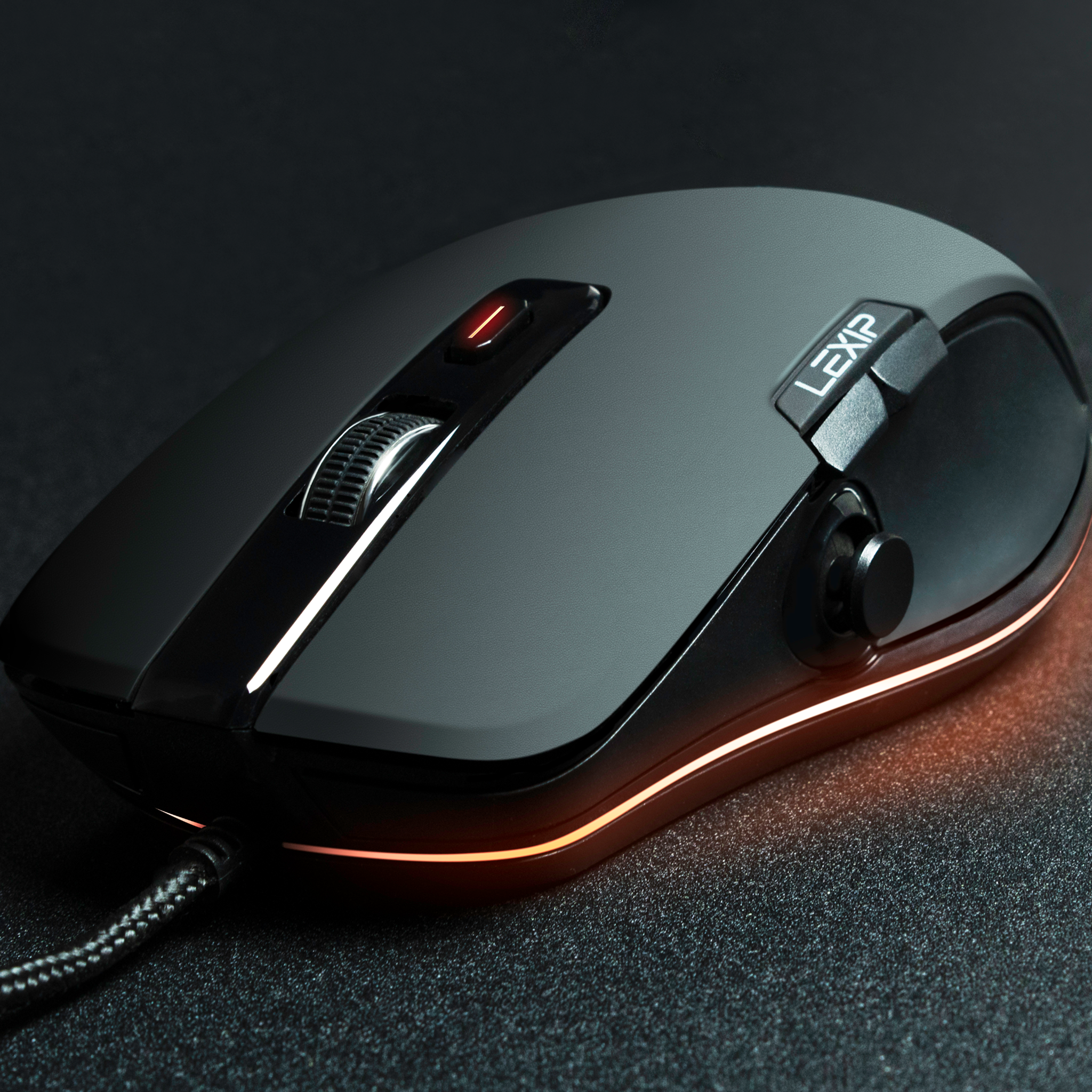
Démarquez-vous avec le meilleur setup gaming pour débutant

Stand out with the best gaming setup for beginners

Stand out with the best gaming setup for beginners
Read more

Optimisez votre expérience de jeu : La personnalisation des touches et de la sensibilité

Optimize your gaming experience: Customizing keys and sensitivity

Sometimes overlooked by users eager to get their gaming session underway, your mouse key configuration is one of the most important aspects of the gaming experience. Whether you're a casual gamer or an eSports professional, key customization can make a...

Read more

Lexip Manufactured by Steelplay : L’innovation au service des gamers

Lexip Manufactured by Steelplay: Innovation at the service of gamers

Lexip Manufactured by Steelplay: Innovation at the service of gamers

Read more